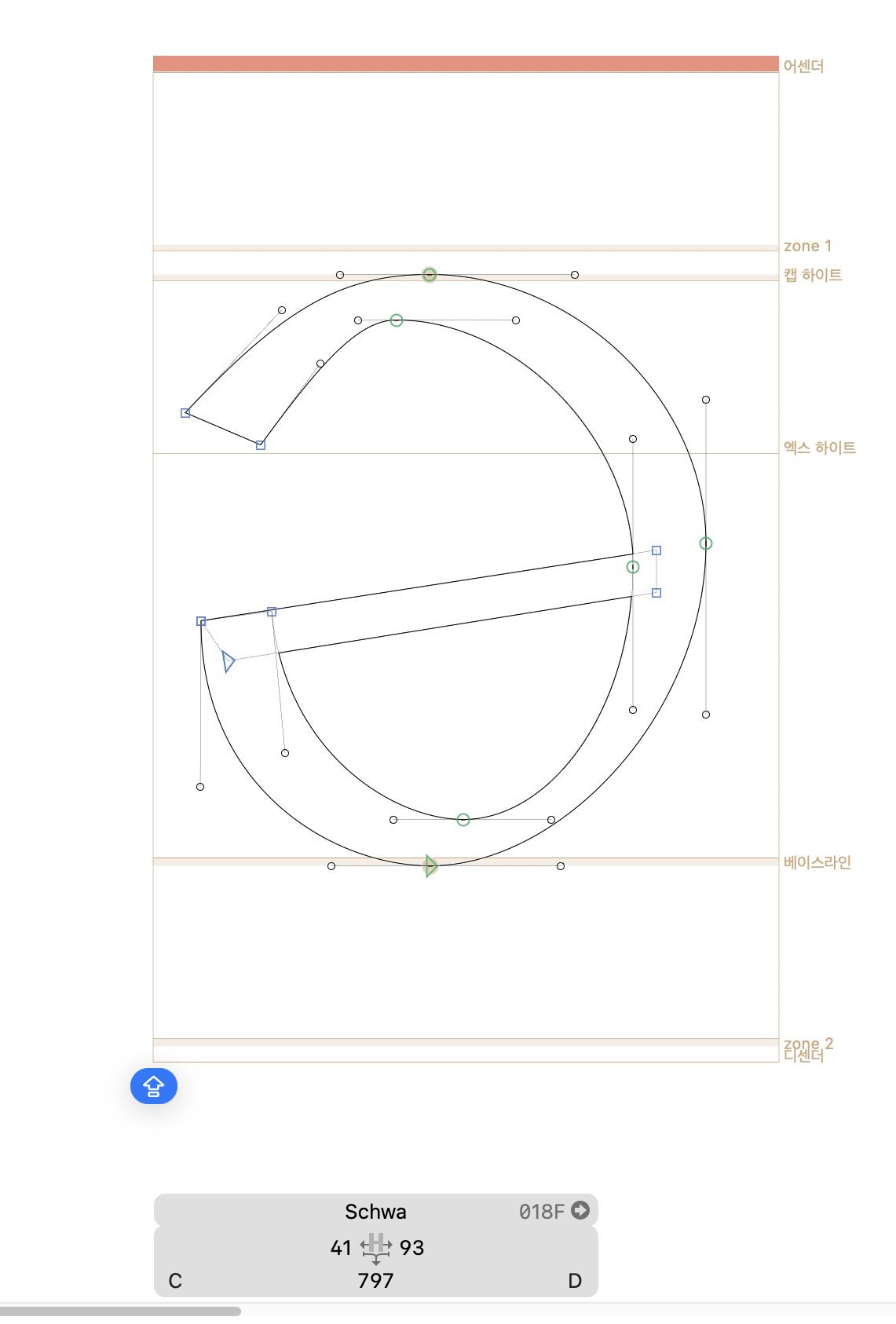
I’m having an issue in the Edit View where my glyphs are only displaying as outlines.
Previously, the glyphs were filled with the green color as usual. However, they suddenly started appearing as empty outlines only.
Are there any troubleshooting steps I can try to restore this to the previous state?
I have already confirmed that it is not an issue with path direction.