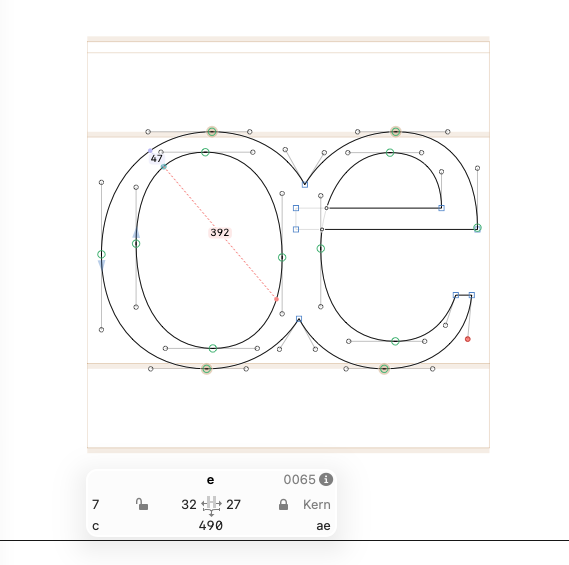
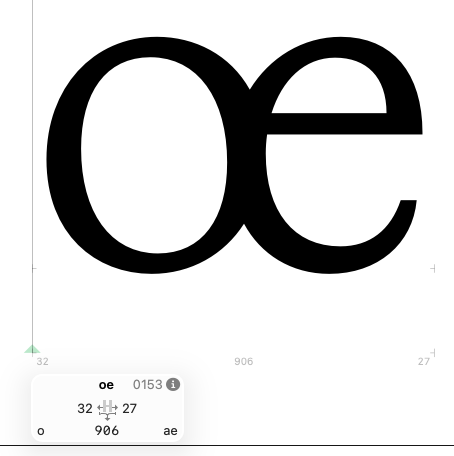
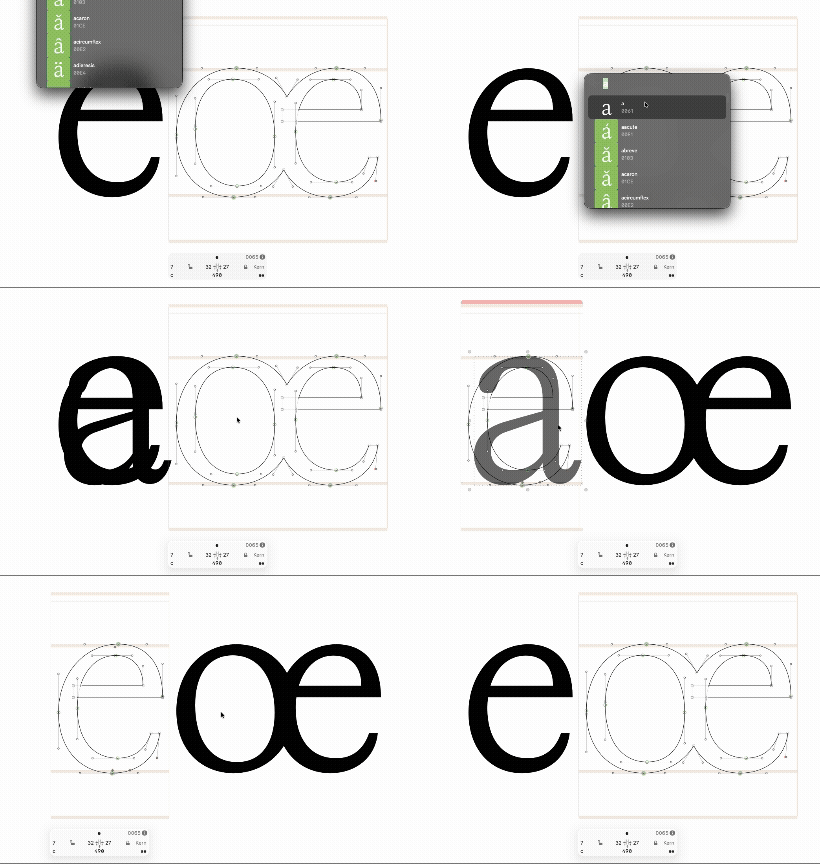
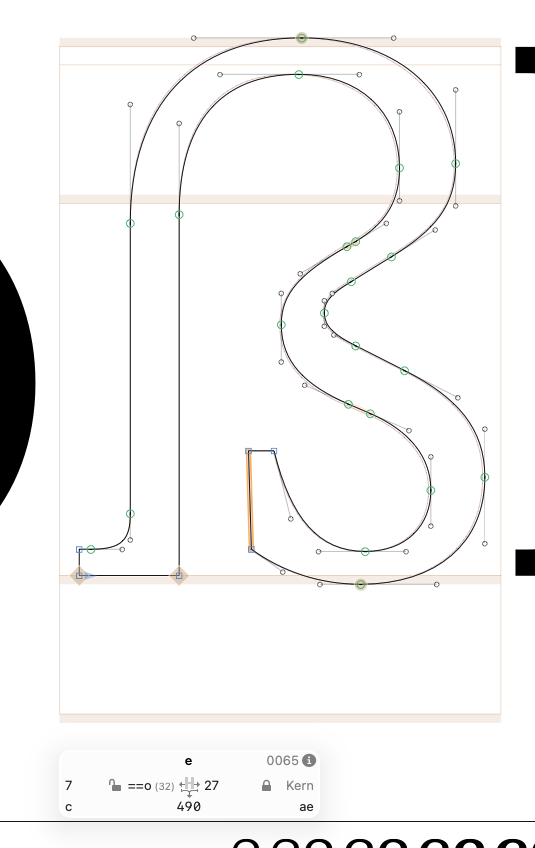
I’m on Glyphs 4.1.1 (4108) and I’m having an extremely annoying bug. Sometimes in Edit View (Select Mode) it shows the info for the wrong glyph. That by itself is an inconvenience, but wouldn’t be a dealbreaker. However, inserting components then inserts the component into the glyph that is shown in the info, not the currently selected on. In Text Mode, it shows the correct glyph info.