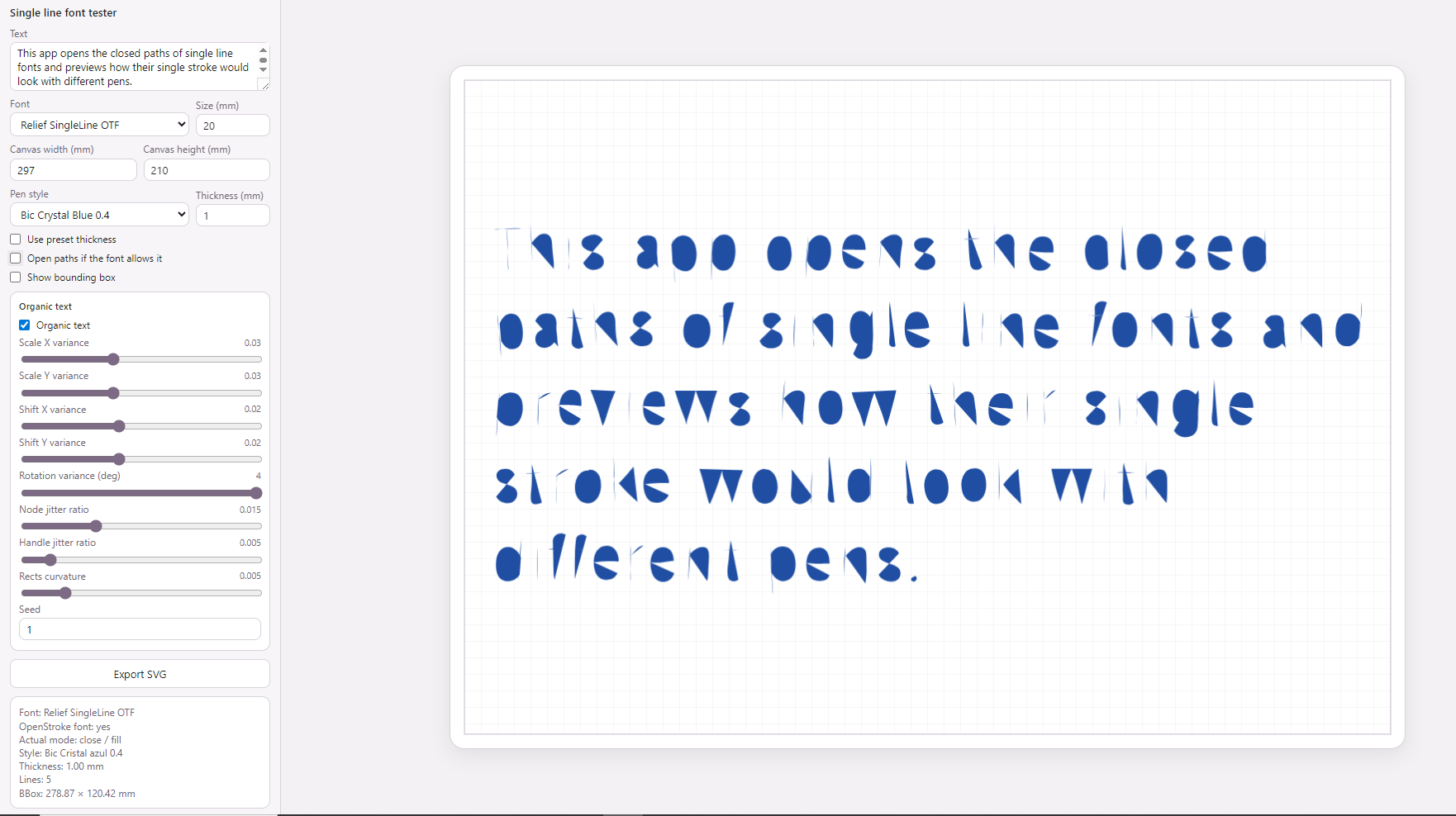
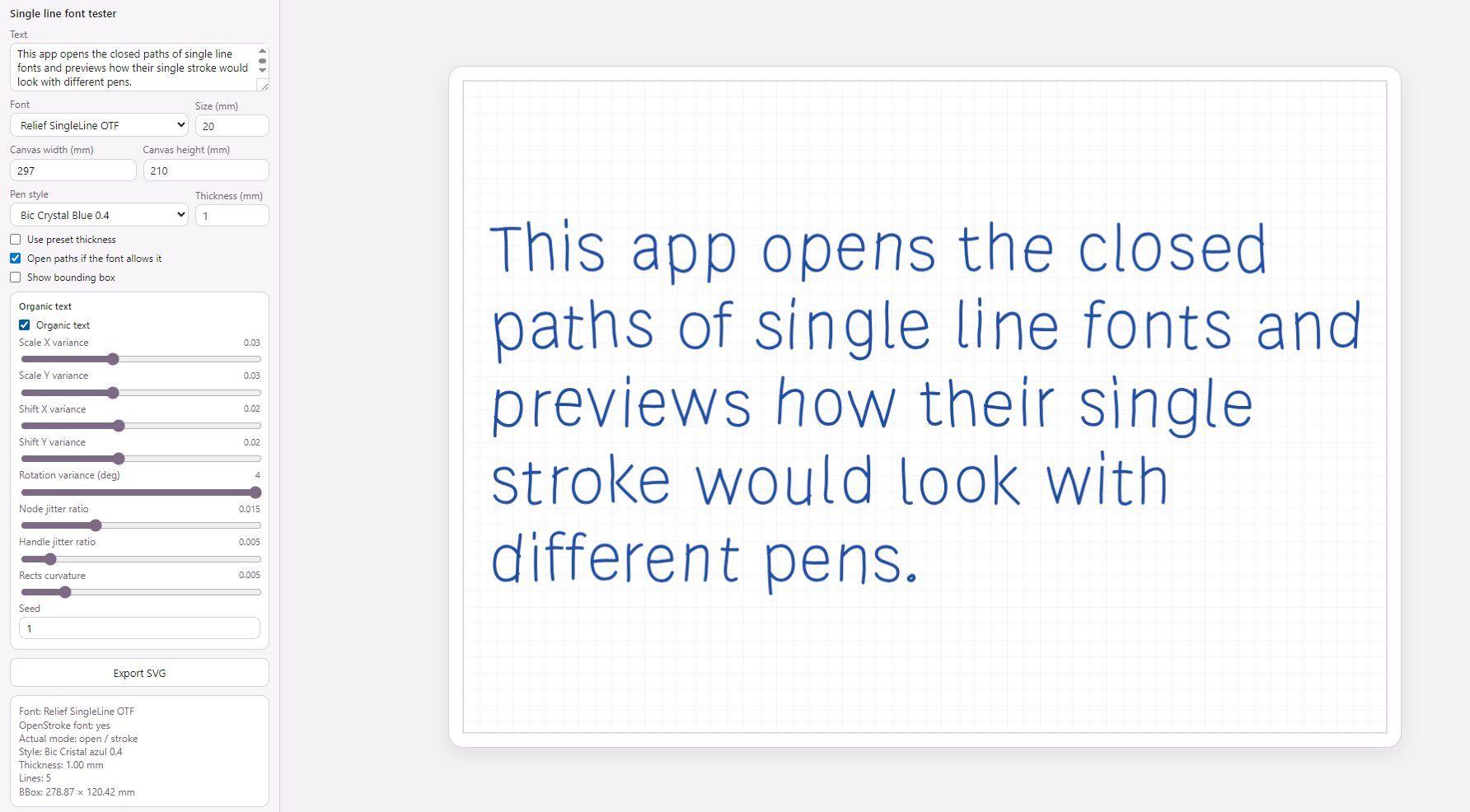
Hi everyone. I’m designing fonts with open paths in Glyphs. Since the latest update to 3.5 from 2.x?, when I export the files as OTF , the characters that have open paths appear empty. Has anyone else experienced this? I’d love to know if there’s a fix or if I’m missing an export setting.
I’d like to mention I have a small application where I can write a block of text with these fonts. The app automatically opens the paths, and I can then export it as SVG for use in any design software, laser engraving/pen plotting in my case: Single line font tester
The app converts text into paths with opentype.js and, in the monoline workflow, ignores closing commands (Z) when rebuilding the geometry.
This way, each glyph is treated as an open path and drawn only with stroke, even if the last point happens to coincide with the first.
Right now, the use of single-line or monoline fonts is increasingly common, with more people using them for applications like laser engraving and various drawing plotters, such as AxiDraw or Cricut, etc.
In fact, using these monoline fonts as they are now generated in OTF is no problem at all. You only need to open the paths, and I think it’s quite straightforward. I wonder why many design applications don’t incorporate this into their tools.
How does your app determine whether the font is supposed to be treated like a single-line font? Cricut requires the term ‘Single Stroke’ in the style name and for ‘closed’ outlines to be treated as strokes a gap of 1u² between first and last node.
Technically there is no difference between closed and open paths. The PostScript charstrings are the same. The only thing you need to make sure is to export without overlap removal, as that really removes open paths.
Ah, I’ll try that, thanks! It’s been a while since I used Glyphs, and it’s likely that I had that option selected after exporting other font types.
The app prototype is in JavaScript, it’s under development, and it’s a personal project I’m working on in my spare time. Treat fonts as single-line if specified in a font registry:
For fonts marked as openstroke, the Z commands are removed from the strokes.
The app’s goal is, in addition to obtaining a production-ready SVG output at the desired size, to create more organic strokes with simple stroke transformations (scale, rotation, node & handle jitter) and, especially, to connect glyphs for cursive fonts based on the distance, vertical delta, and angle of the nodes being considered for connection. The connection rules are very simple, although they need refinement to improve smoothing between nodes with similar direction and angle. The important thing is that the glyphs have as few nodes as possible and that these nodes are well-placed, so that the transformations and connections maintain their structure (extreme points are problematic here). In my opinion, the result is quite promising, considering that for now it only uses one glyph per character and a couple of connection rules.