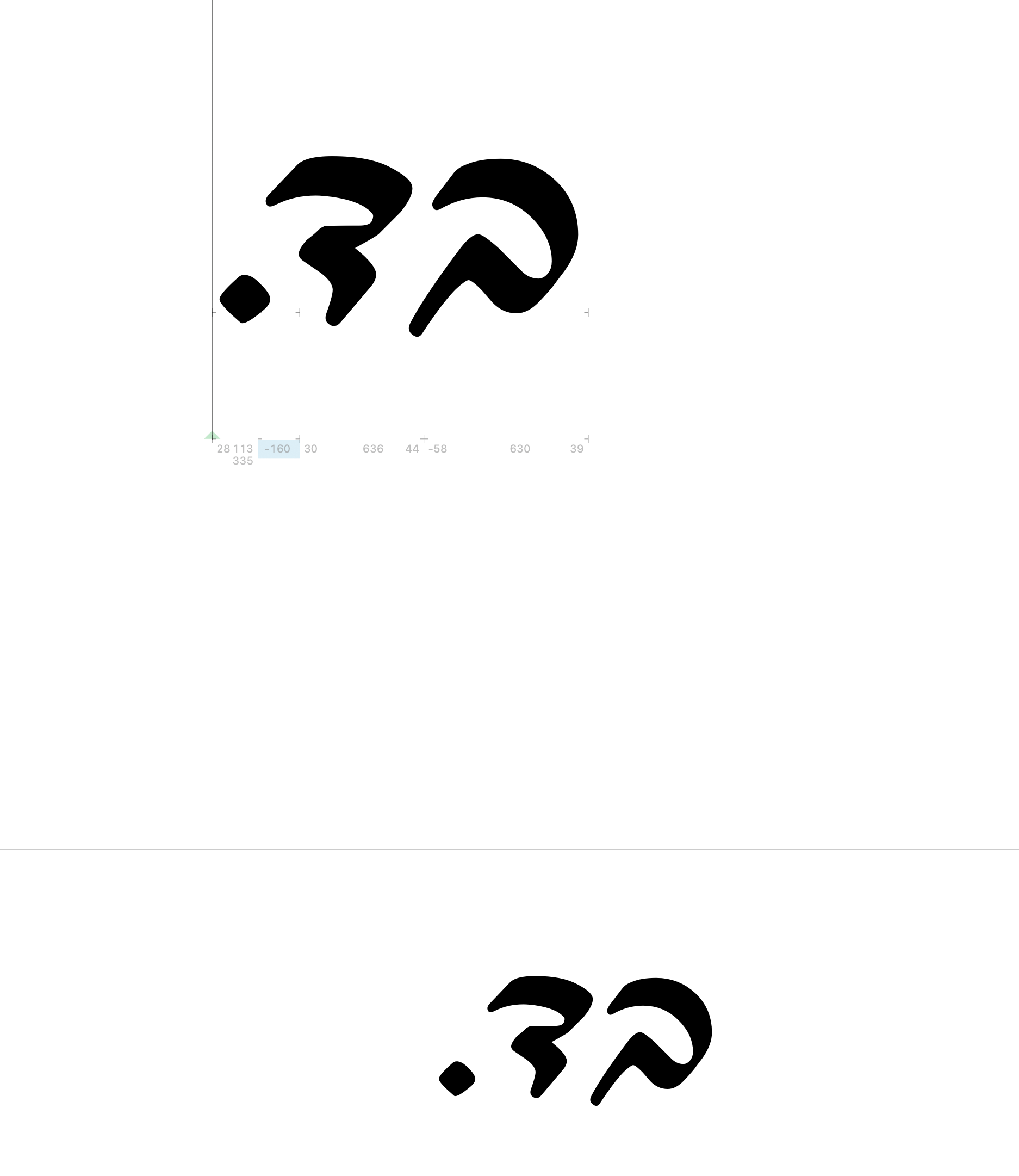
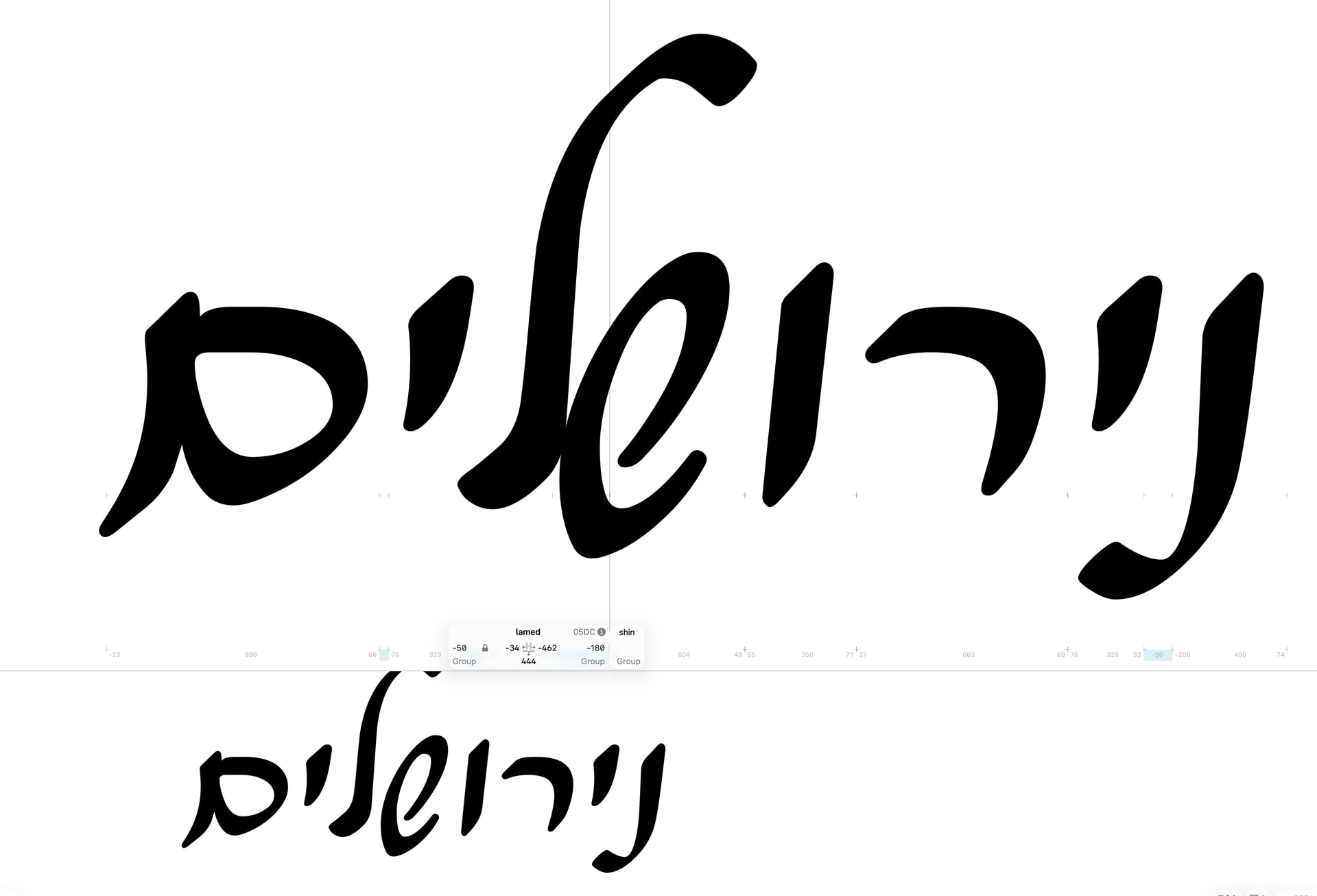
Just updated to Glyphs 4 and I am sure this is a user error but I can’t work out what I am doing wrong. When I adjust the kerning in the main window, the preview looks different. This seems to be different behaviour to Glyphs 3.
What am I doing wrong?
In glyphs 4, the writing direction is detected automatically (by default, you still can select it manually as before). Can you check what direction you are using?
Whether I use automatic or rtl, it’s the same
The result in InDesign is like the main window
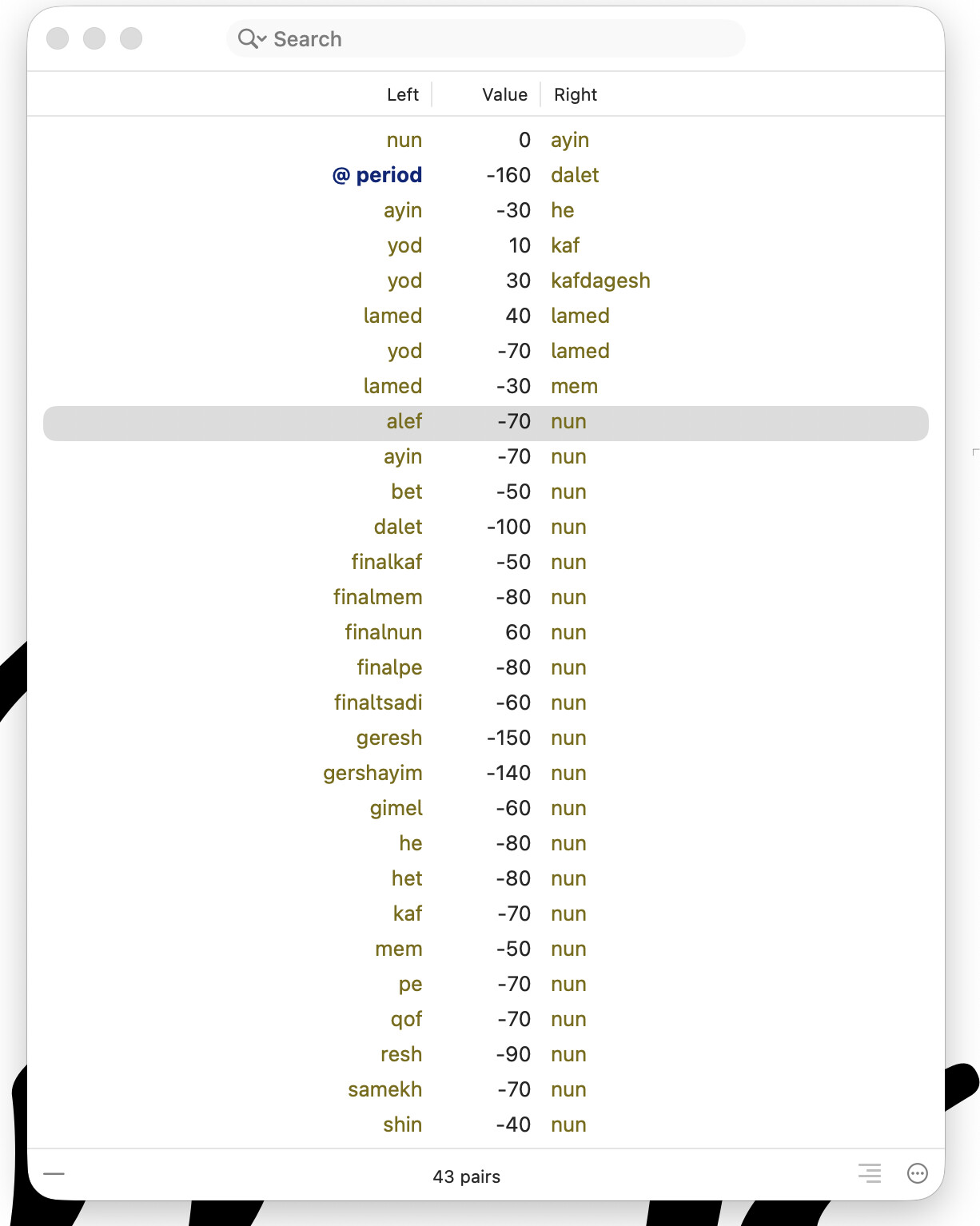
Can you check in the Kerning panel if you accidentally added kerning in LTR mode?
And the glyph names are not the ones from Glyphs. So you need to make sure if all glyph info is set correctly. Select a glyph and run Edit > info for selection. Make sure the script is “Hebrew” and writing directions is RTL.
yes, the glyph names are wrong – I am just editing the font.
how can I see if I accidentally added ltr kerning?
the Kerning panel mirrors the setting of the currently active edit view and shows the direction in the lower right.
Can you send me the file so that I can have a look.