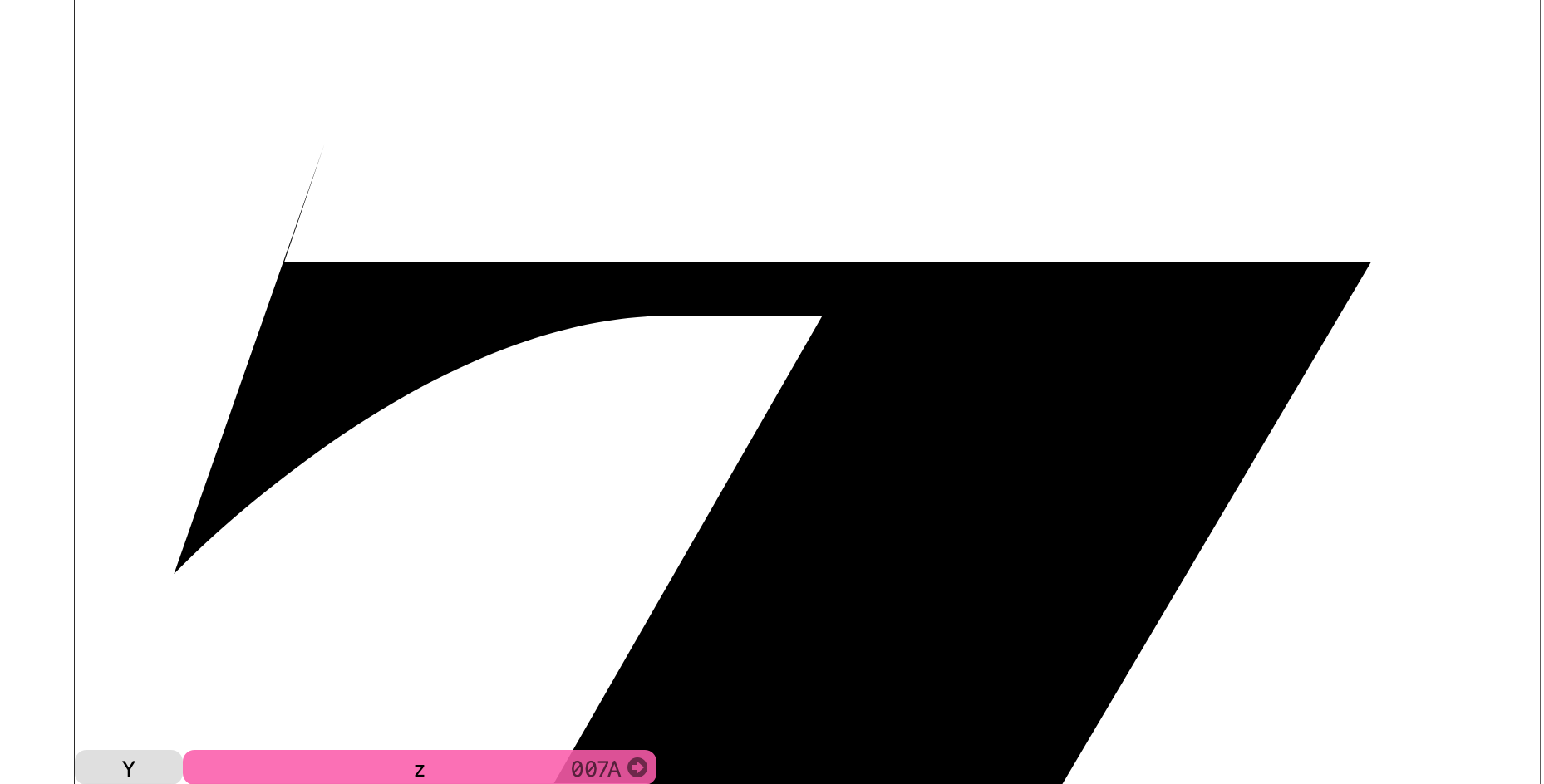
What do the path nodes look like?
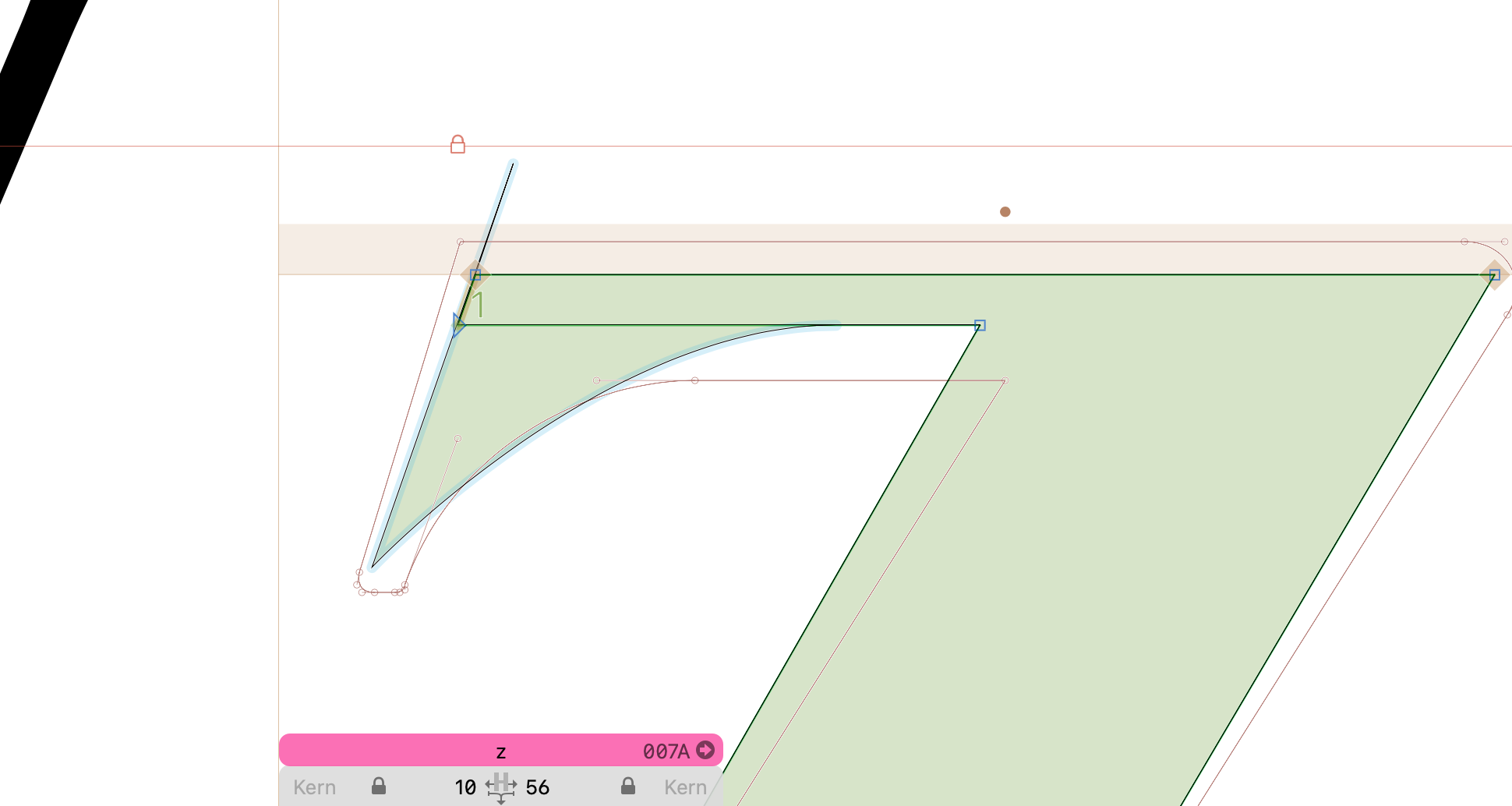
Here, the corner component is extending beyond the top line of the z, thus causing the display distortion.
Are you reusing this corner component in other glyphs? If not, adjust the corner glyph such that it does not extend past the end. If the corner is used in other glyphs as well, duplicate it, make adjustments to the copy, and use it instead for the z.
If you can share the Glyphs file, I can have a better look at what solution might work best. (Click my profile picture → Message.)
For the Z, E and other uppercased letters, am I supposed to make special corner components for them?
Not necessarily, you are often able to reuse the corners of one glyph in another. However, when the proportions of the letters are too different, it makes sense to design more specialized corners.
Could you post a screenshot of the corner glyph, including its anchors (press ⌘A repeatedly until all anchors are selected)? That might give more insight into whether this corner can be reused more often.
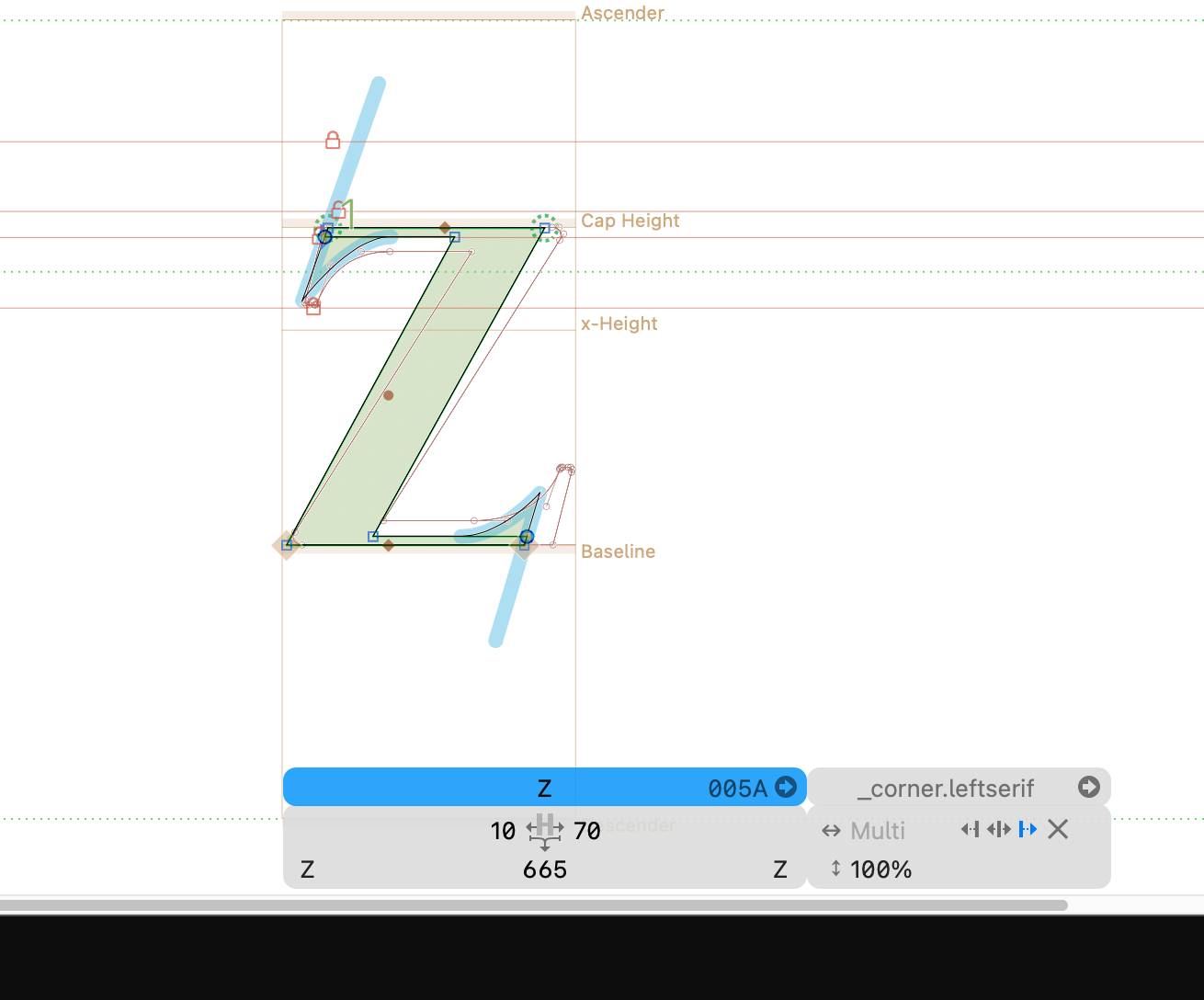
show the paths in the corner glyph? You might be able do just delete that line (if you have a left or right anchor in place).
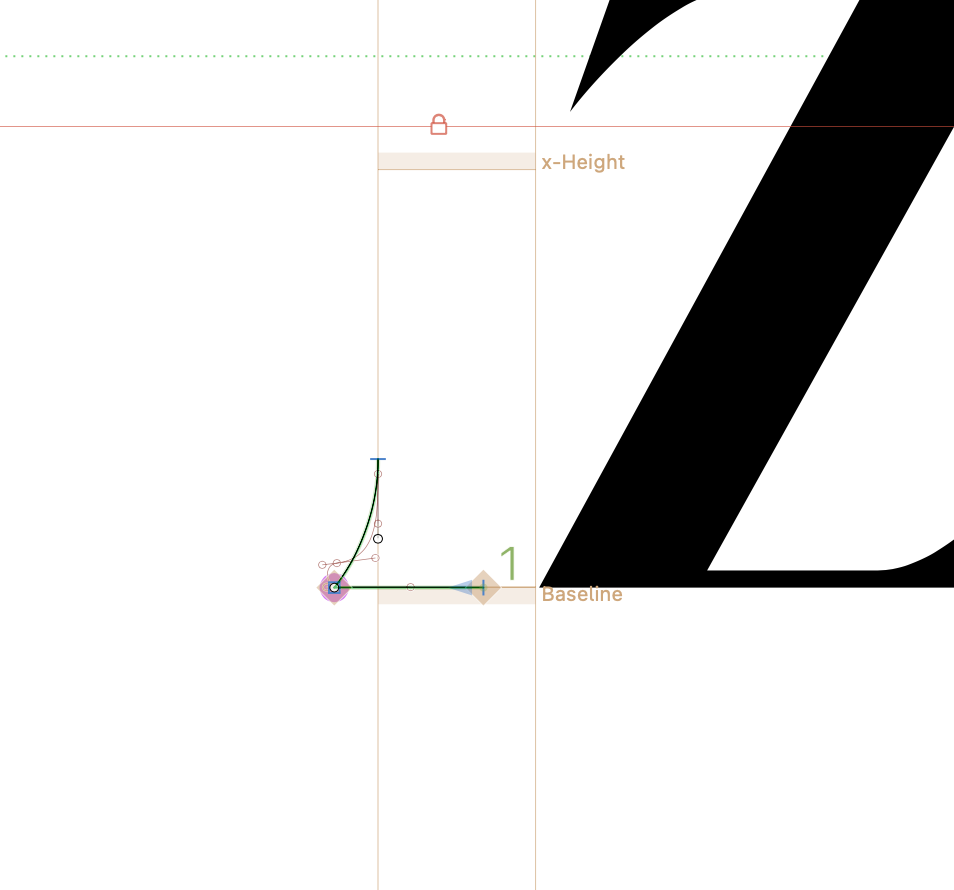
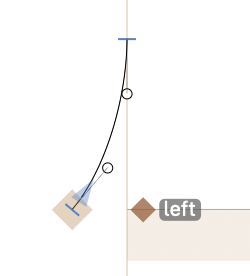
Perfect! it worked! how about the right corner? should i add an achor to it and rename it right as well? or I leave it as is?
If the shape is the same, you can use the same corner and just flip it.
Your outline is kind of clock wise. Reverse it and change the anchor to “left” (then the left and right anchor names make a bit more sense). Then you need to flip all corners 