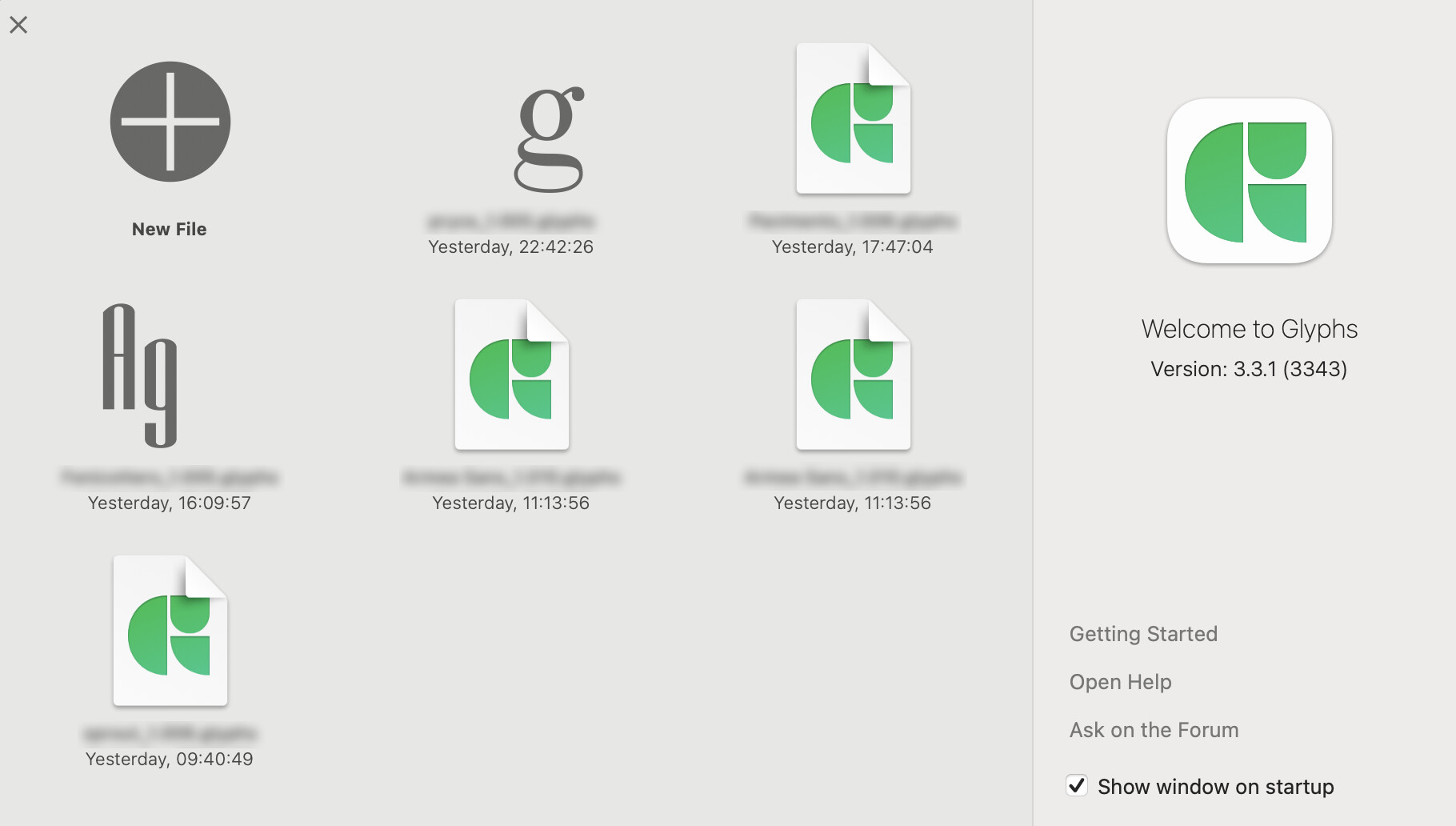
I wonder if anyone can help. In the startup window, with families I started recently, they behave as they should and show the Ag icon in the correct font. On fonts I started a while back, they just show the Glyphs application icon. I cannot get them to display the font. I have tried doing a save as and still no joy.
I find it very useful to quickly open the one I want. Any ideas on how to fix this. I am running latest glyphs and latest Mac OS
See attached screenshot (the first font in the list only has a g, because I haven’t yet drawn the A)
Can you try the latest cutting edge version? Activate it in Preference > Updates. make a copy of the app (e.g. call it Glyphs Beta). Then update only this copy.
Thanks. If it is an issue and something to be fixed when the beta becomes the next release I can wait. Just wanted to make sure it wasn’t something idiotic I was / wasn’t doing.
Hello Glyphs community,
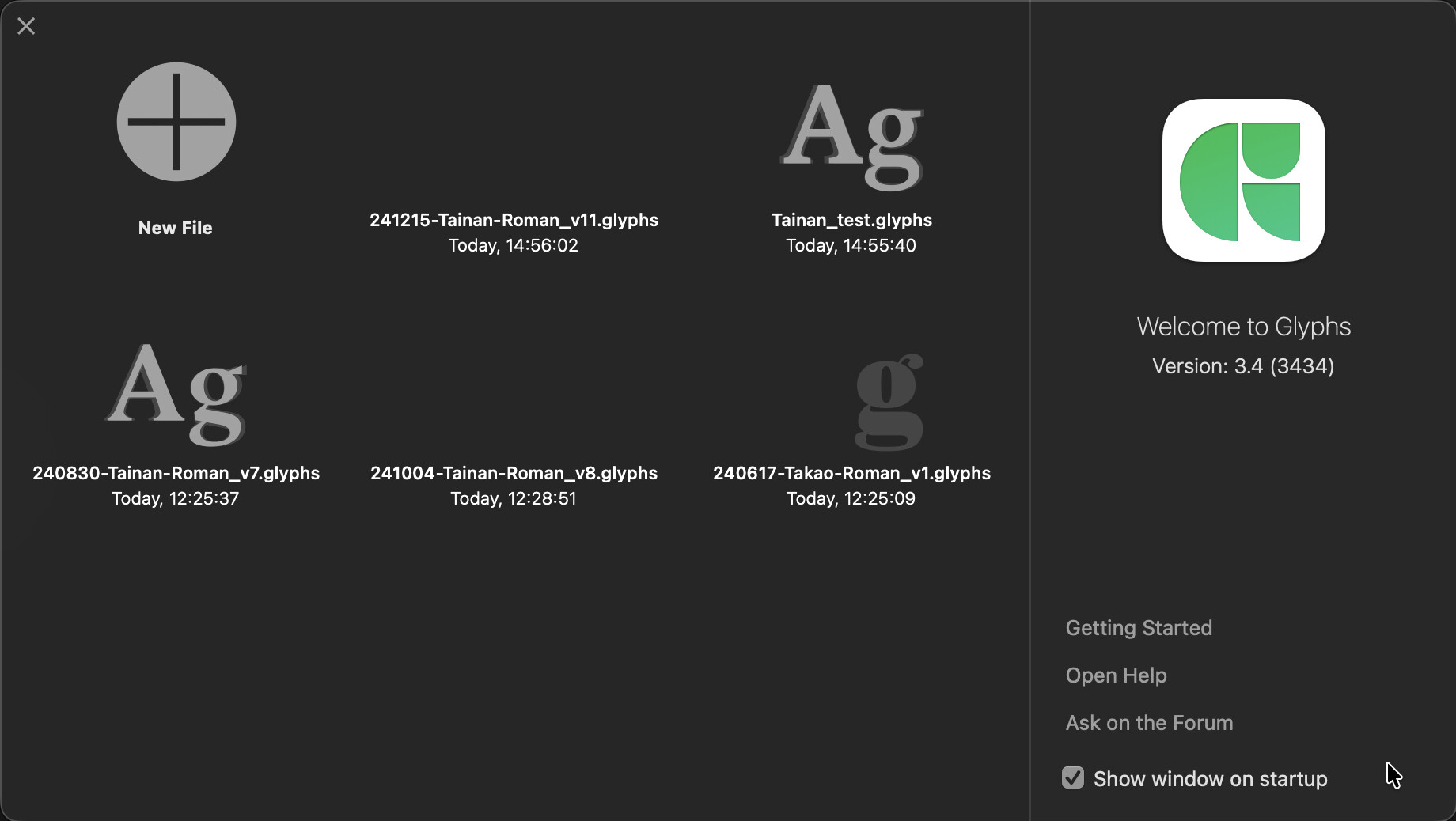
I’d like to ask about an old issue regarding font icons/previews not showing in Glyphs 3’s start window and Finder’s preview. I’m running Glyphs v.3434 on macOS Tahoe 26.0.1. As the screenshots show here, some glyph files’ icons display properly while others don’t.
Before I upgraded to Tahoe, I tried running a cutting-edge version of Glyphs and reinstalling the app, but the problem persists.
Another attempt I made was to create a new file and copy-paste the glyphs from the current working file. The preview showed up properly in this case, which led me to realize there must be some setting in my current work file causing the problem.
My guesses are:
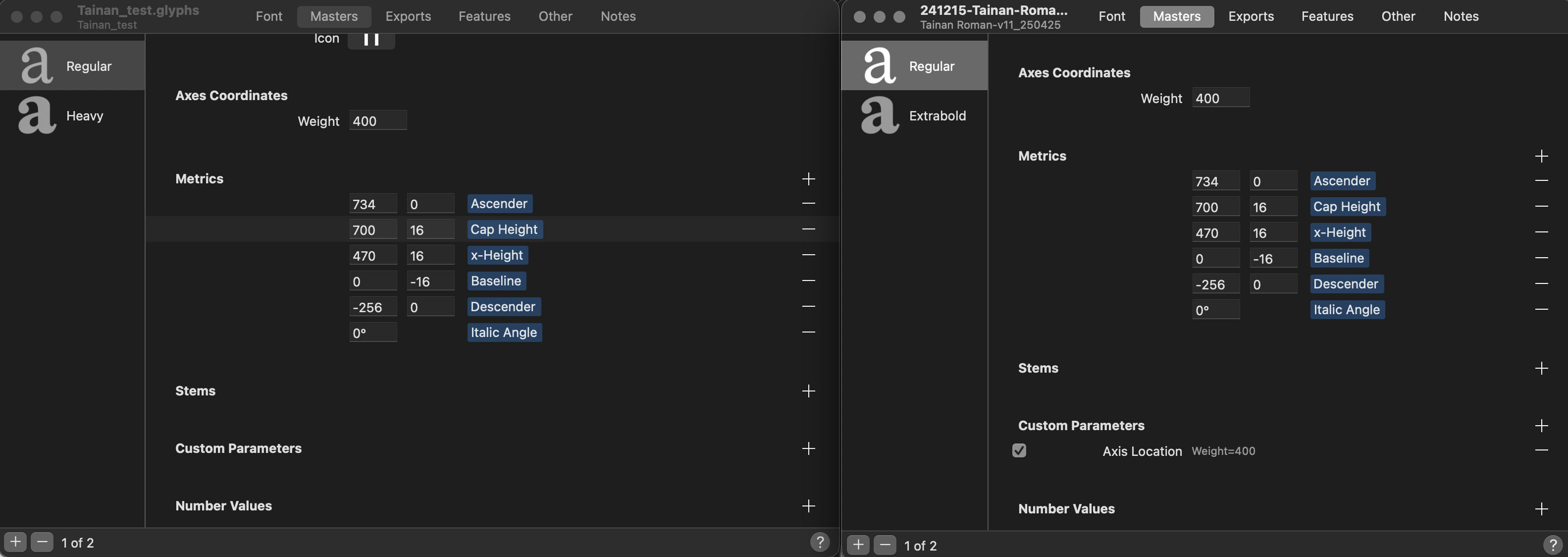
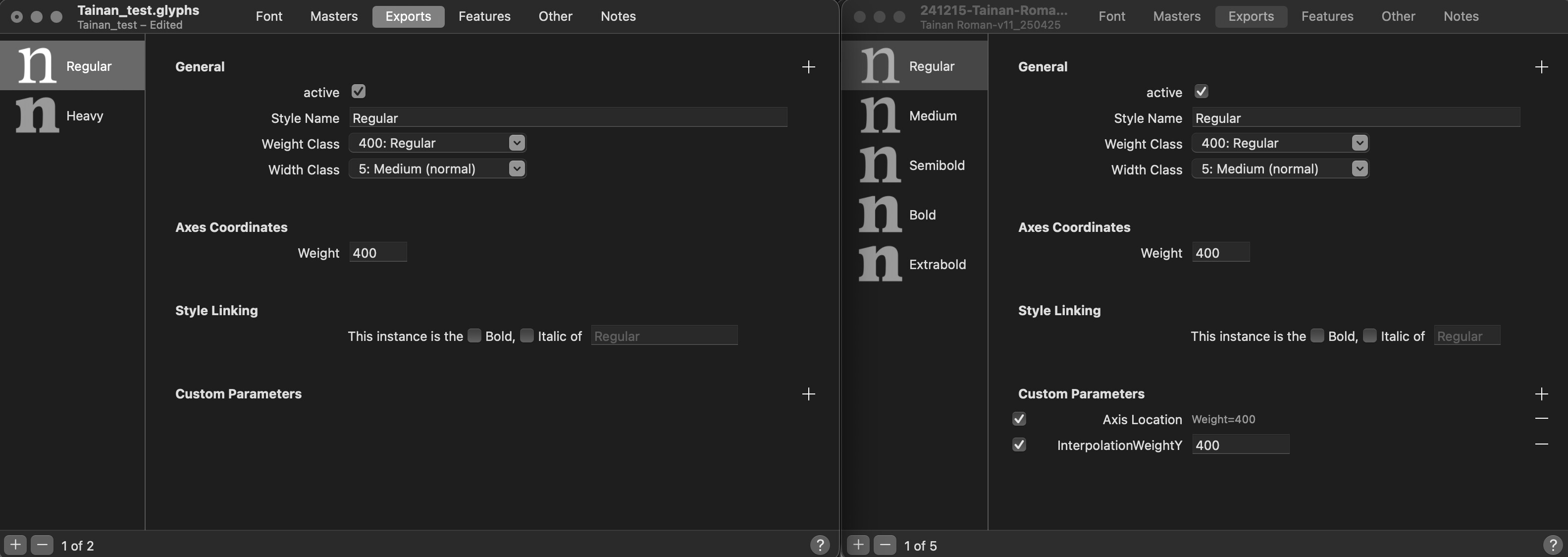
I added a custom parameter (Axis Location) for the Masters
Could the Custom Parameters settings affect the icon preview?
While the icon preview problem doesn’t interfere with the glyph design and production process, I would still like to find a solution. Thank you for reading!
I’m experiencing the same issues as @yujin.tw . In my case, the preview shown is a very first one preview of this font, with shapes that doesn’t exist anymore. I tried “Save as" the file again but the old preview persistent, what makes me think it could be some sort of cached embed image on the file.
I tried this Zip file trick, and it now showing A and O as a preview.
Also notice that the preview is also ‘broken’ on Finder’s file preview, which made me realize that the issue might be because most of my glyphs has paths only, I’m using LTTR/INK plugin to render them. Very likely the reason for this ‘issue’, right?