Hi
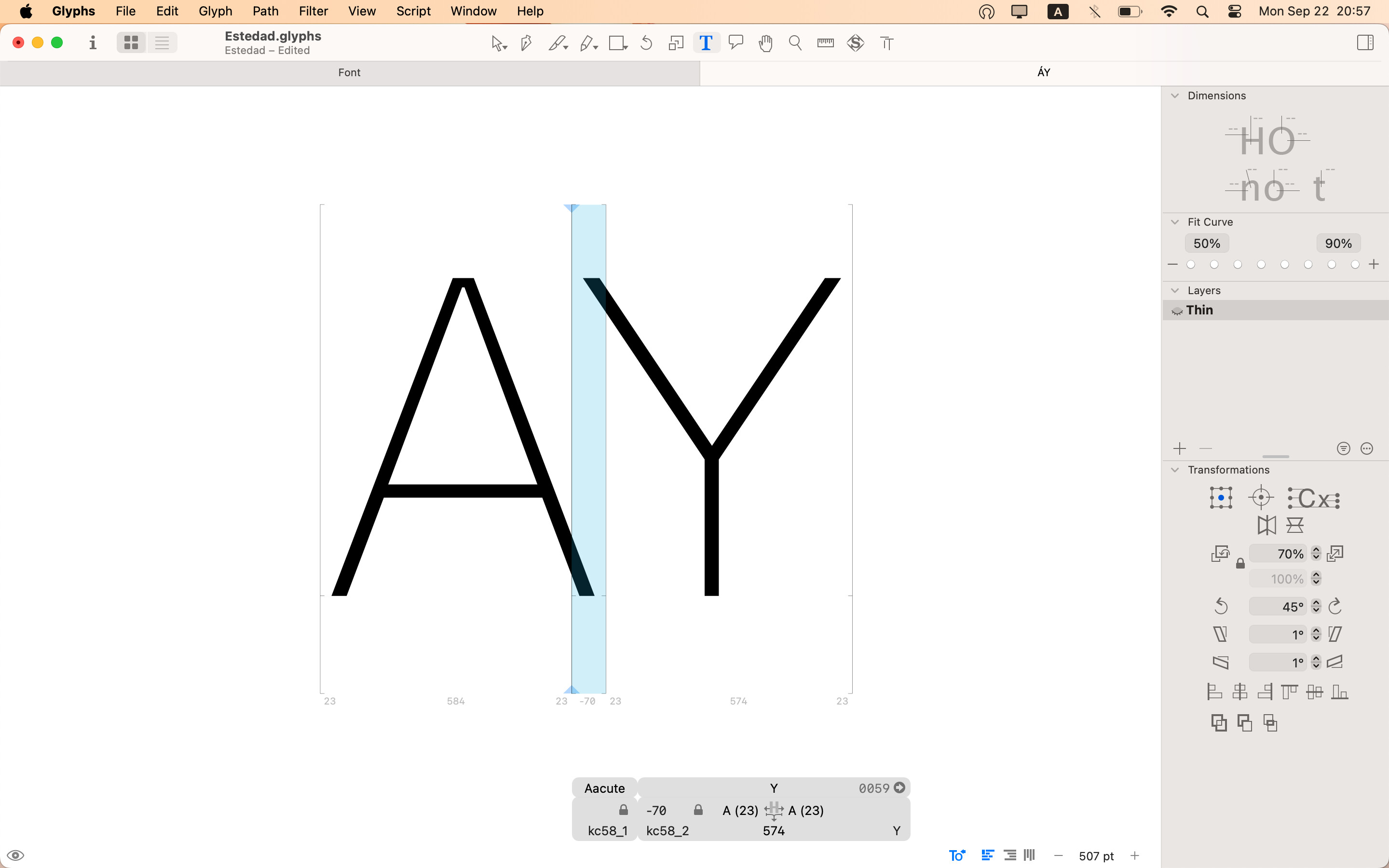
i was trying to find a universal solution to import kerning by classes from fontforge to Glyphs app using python script. i found @mekkablue ‘s script named “Import Kerning from .fea file“ and change it a bit to match the classes naming structure and script direction (i also used chatGPT).
this is the script:
from __future__ import division, print_function, unicode_literals

import os
from GlyphsApp import Glyphs, GSGlyphsInfo

def importfea_file(Doc, filePath, DIR):
    if not os.path.isfile(filePath):
        print("File not found:", filePath)
        return

    with open(filePath, "r", encoding="utf-8") as f:
        Font = Doc.font
        FontMasterIndex = Doc.windowControllers()[0].masterIndex()
        FontMaster = Font.masters[FontMasterIndex]
        GlyphsInfo = GSGlyphsInfo.sharedManager()
        KerningLines = []

        Line = f.readline()
        while Line:
            Line = Line.strip()
            if not Line:
                Line = f.readline()
                continue

            if Line.startswith("@"):
                key = Line[:Line.find(" ")]
                key_name = key.split("_")[0][1:] + key.split("_")[-1]
                GlyphNames = Line[Line.find("[")+1:Line.find("]")].split(" ")
                Left = True
                Right = True
                if "first" in key:
                    Right = False
                elif "second" in key:
                    Left = False

                print("Creating group:", key_name, "Left:", Left, "Right:", Right)
                print("  Contains glyphs:", GlyphNames)

                for GlyphName in GlyphNames:
                    GlyphName = GlyphsInfo.niceGlyphNameForName_(GlyphName)
                    Glyph = Font.glyphForName_(GlyphName)
                    if Glyph:
                        if Left:
                            Glyph.setRightKerningGroup_(key_name)
                        if Right:
                            Glyph.setLeftKerningGroup_(key_name)

            elif Line.startswith("pos"):
                KerningLines.append(Line)

            Line = f.readline()

        if FontMaster.id not in Font.kerning:
            Font.kerning[FontMaster.id] = {}

        for Line in KerningLines:
            Keys = Line.split()
            if len(Keys) < 4:
                continue

            LeftKey = Keys[1]
            RightKey = Keys[2]
            Value = int(Keys[3].replace(";", ""))

            if LeftKey.startswith("@"):
                LeftKeyFinal = LeftKey
            else:
                LeftKeyFinal = Font.glyphs[LeftKey].id

            if RightKey.startswith("@"):
                RightKeyFinal = RightKey
            else:
                RightKeyFinal = Font.glyphs[RightKey].id

            if DIR == 'RTL':
                LeftKeyFinal, RightKeyFinal = RightKeyFinal, LeftKeyFinal
            print(f"Setting kerning: {LeftKeyFinal} - {RightKeyFinal} = {Value}")
            Font.kerning[FontMaster.id][(LeftKeyFinal, RightKeyFinal)] = Value

def main():
    Doc = Glyphs.currentDocument
    kern_fea_file_LTR = "/Users/amin/Desktop/kern_LTR.fea"
    kern_fea_file_RTL = "/Users/amin/Desktop/kern_RTL.fea"
    importfea_file(Doc, kern_fea_file_LTR, LTR)
    importfea_file(Doc, kern_fea_file_RTL, RTL)
if __name__ == "__main__":
    main()
and this is the kerning file sample:
#DIR:LTR
@kc58_first_1 = [A Aacute Agrave];
@kc58_first_2 = [E Eacute Egrave];
@kc58_first_3 = [O Oacute Ograve];

@kc58_second_1 = [V W];
@kc58_second_2 = [Y Yacute];

pos @kc58_first_1 @kc58_second_1 -80;
pos @kc58_first_1 @kc58_second_2 -70;
pos @kc58_first_2 @kc58_second_1 -60;
pos @kc58_first_3 @kc58_second_2 -65;
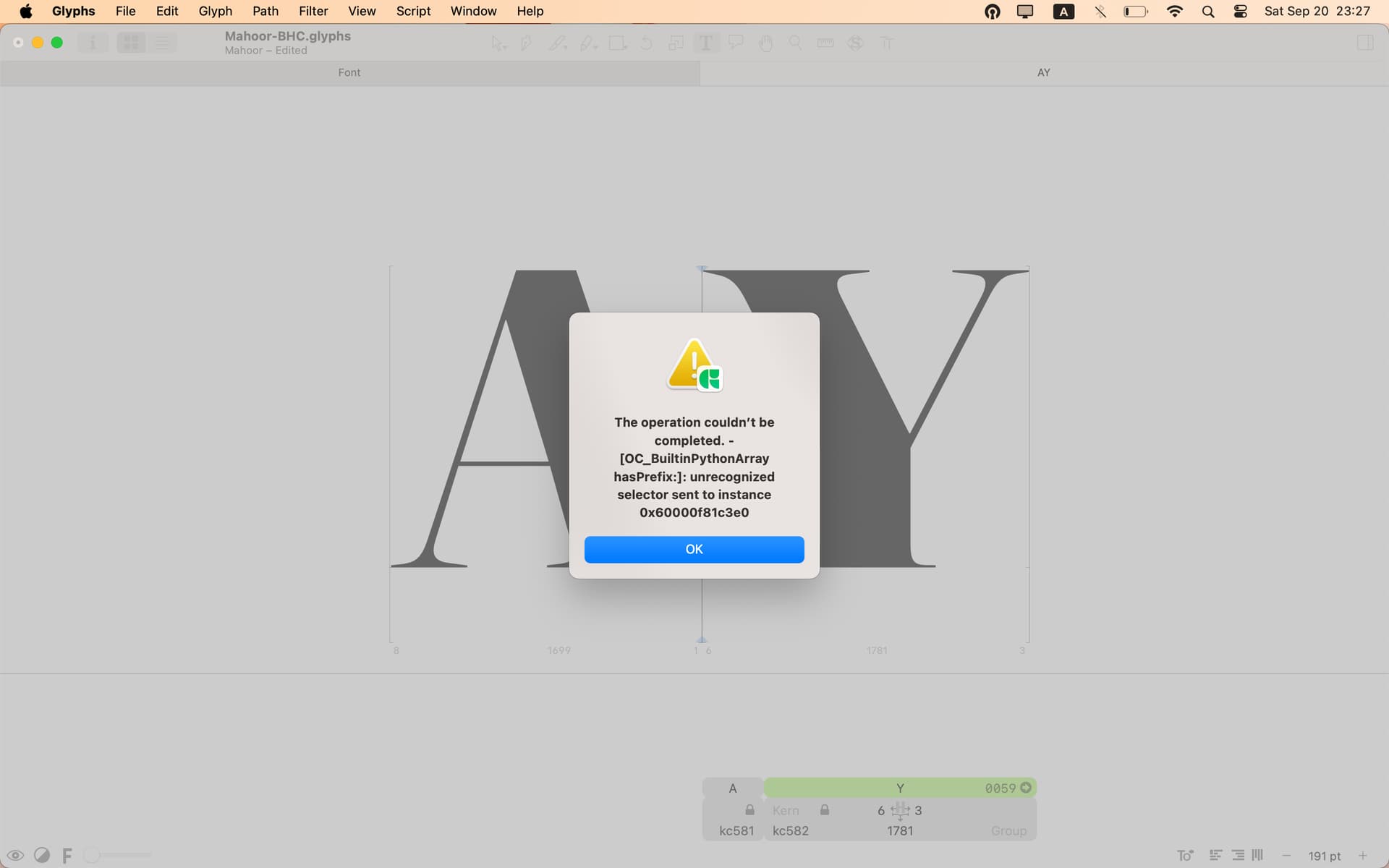
classes created in Glyphs app without any kerning values. kernings window show no kerning and i got this error when i trying to save the file:
i know there is some mistakes with the script and script direction implementation but i haven’t any clue.