Hello Glyphs users!
I am very new to the forum and I have a beginner question: I have a long unicode list and I wanted to know if there is a way to import it into glyphs and get a new font file. I am not familiar with the glyphs names on GlyphsApp, so I would like to add the unicode a let the app apply the correct glyphs name. Thank you for your help!
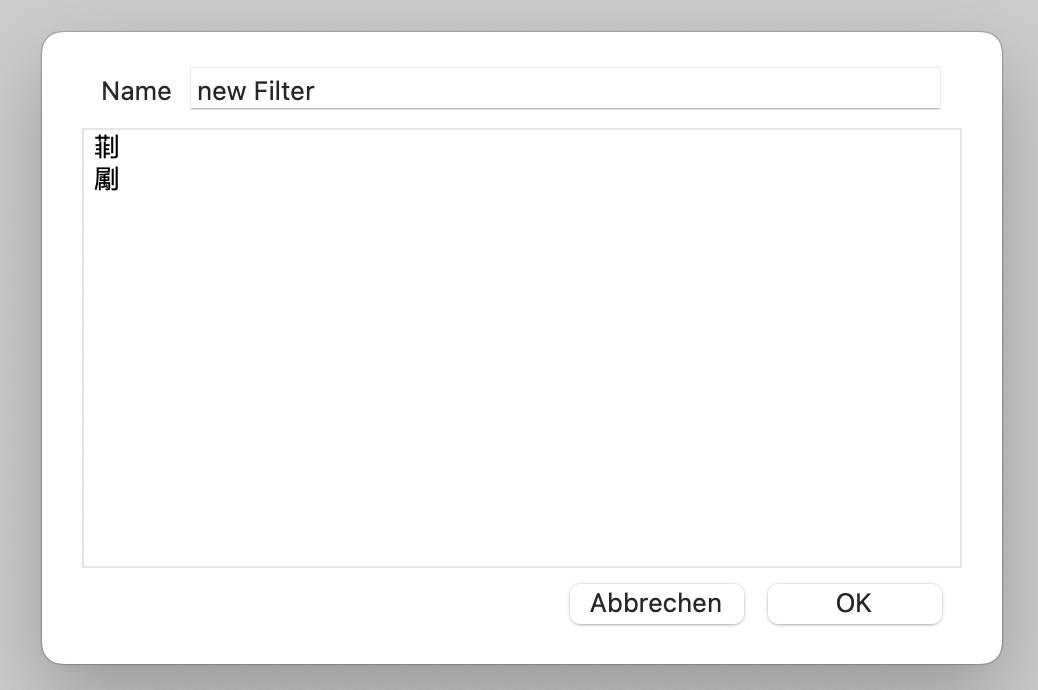
You can add a List Filter and use one unicode character per line in the filter.
You can use the Glyphs Text Services to convert unicodes to names a such. System services | Glyphs
Thank you Georg! I read all you sent, and I found the solution with Kamyab Jafari:
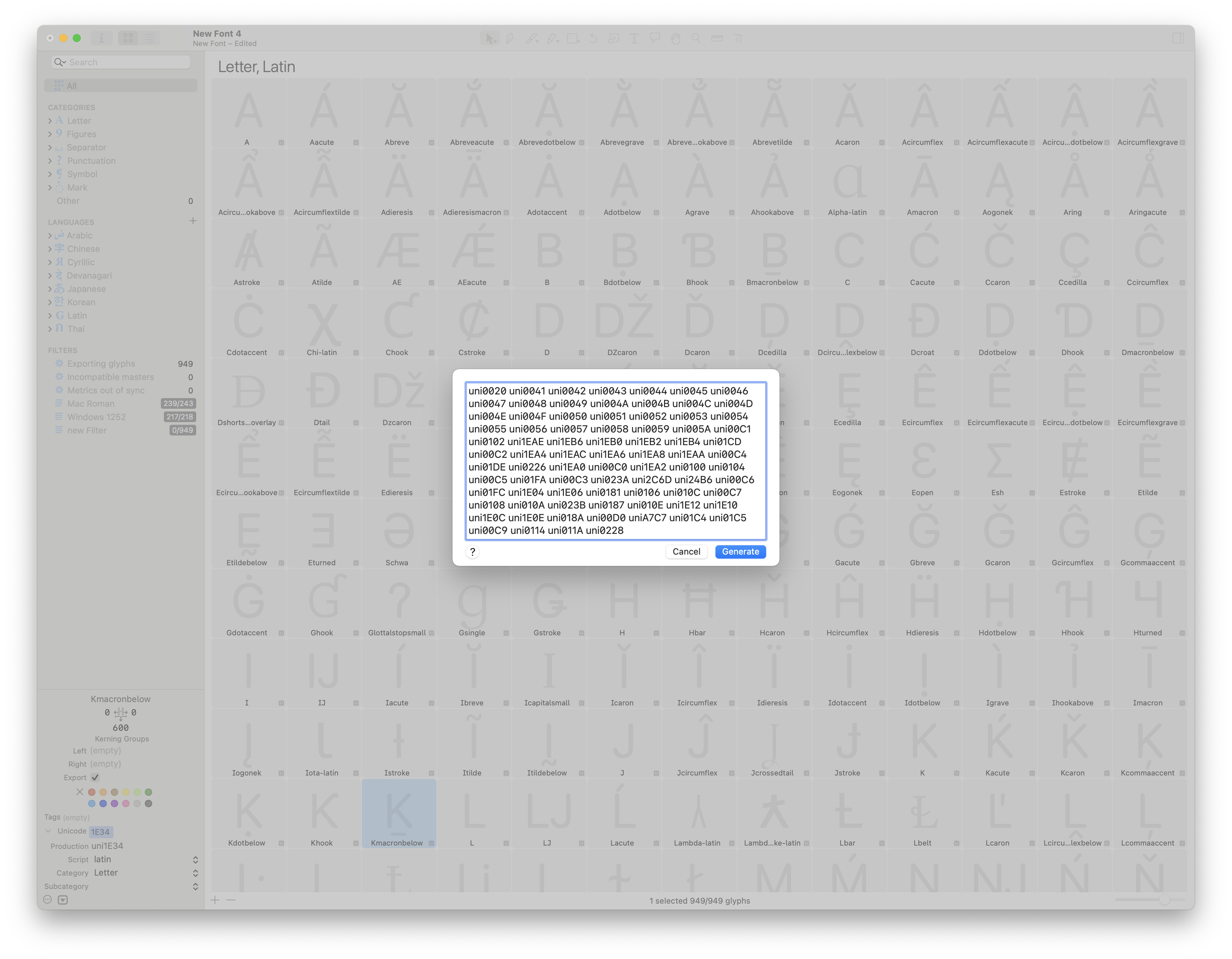
cmd + shift + G → past my unicode list (uniXXXX space separated).
1 Like
You can learn all about adding new glyphs from the Handbook:
1 Like