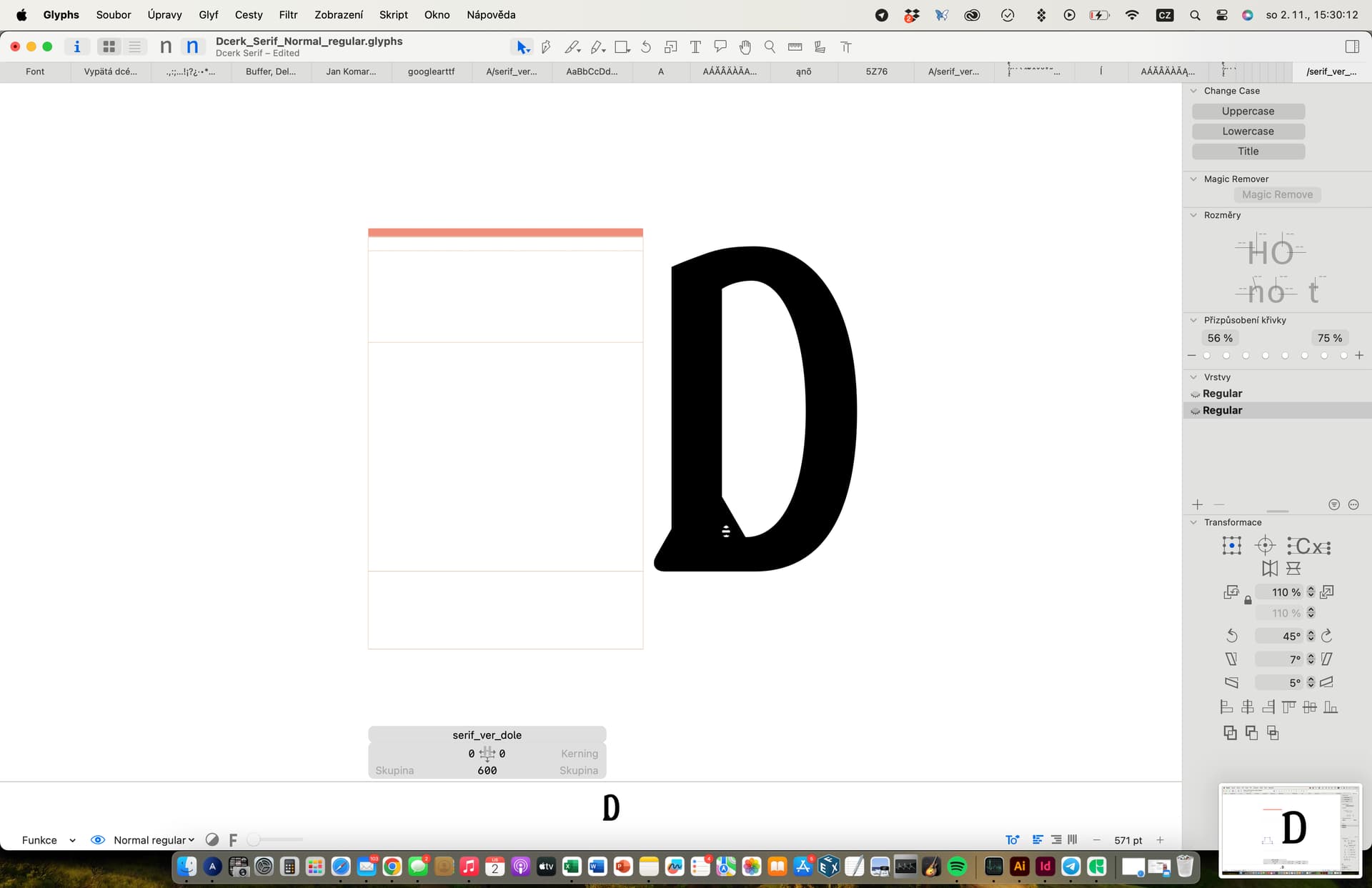
I just had a question, I tried to open one weight of my font (.glyph format), that had some new glyph components made by me (glyph name= Serif up…), and it works for one weight, but if I want to add bold weight with the same new glyphs that have the same name into that file as another master from an existing font, they dissapear and its telling me, that there is nothing in that glyph (photos)
Maybe I am dumb and there is a simple solution, but I would like to know, because I made all the font files in mini version and now want to put them together in the Glyphs 3 app.
Okay, sorry, I’ll try. I have a font open and I want to make new masters from existing fonts. And if I do that, the new masters that I added to the file are missing the paths in some glyphs. Specifically, glyphs that I created myself, like serif components. Its not missing only in the first main font that I open, but the rest that I add have these missing paths. The glyph itself is there, but there is nothing in it, although originally before adding it as a master, the font normally had paths in the serif glyph.