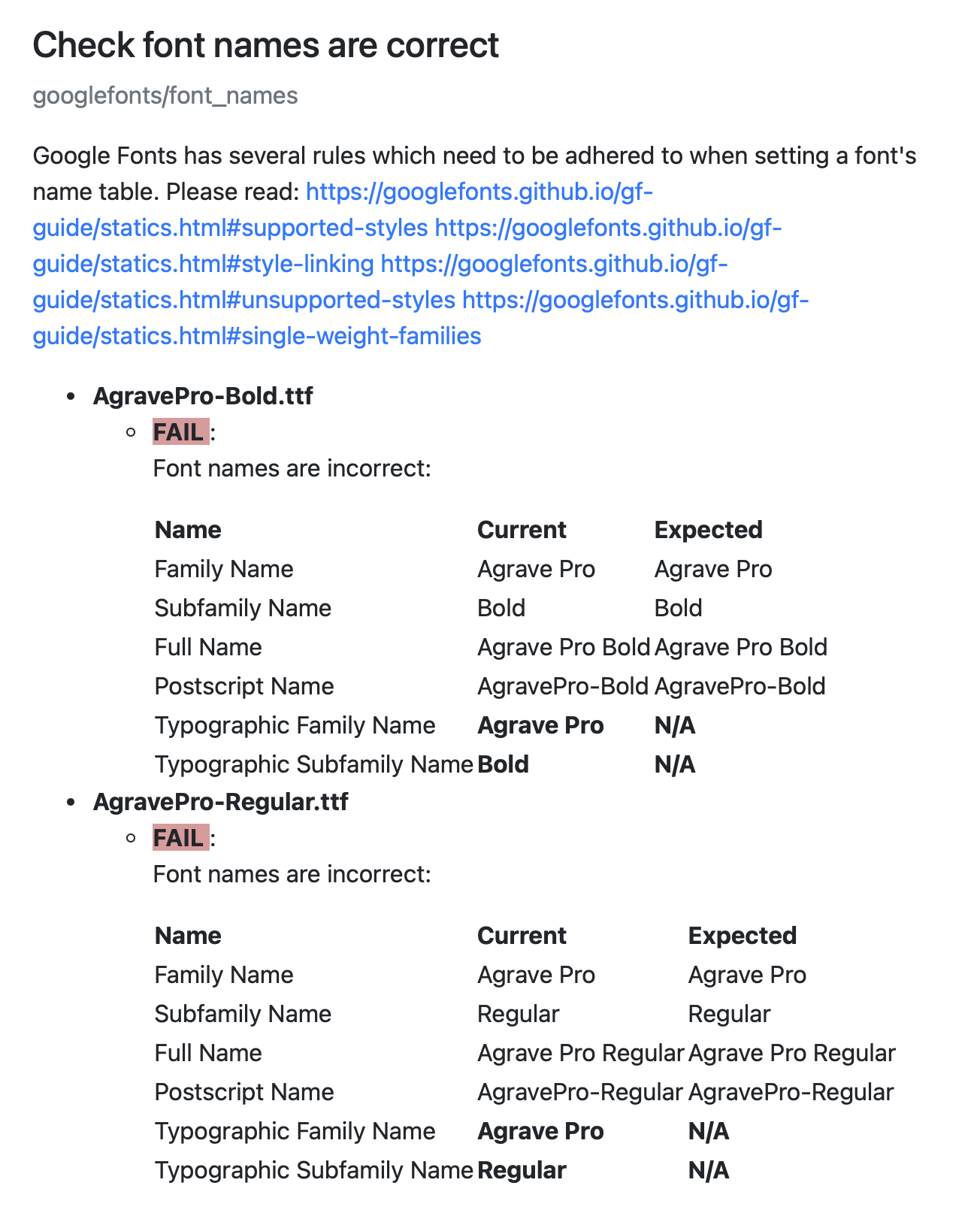
I’ve been trying to pass the FontSpector Google check for my 3 weights family, but no luck. Checking a lot of google documentation / chatGPT and I think all settings are as they should be, but still FontSpector gave me these errors:
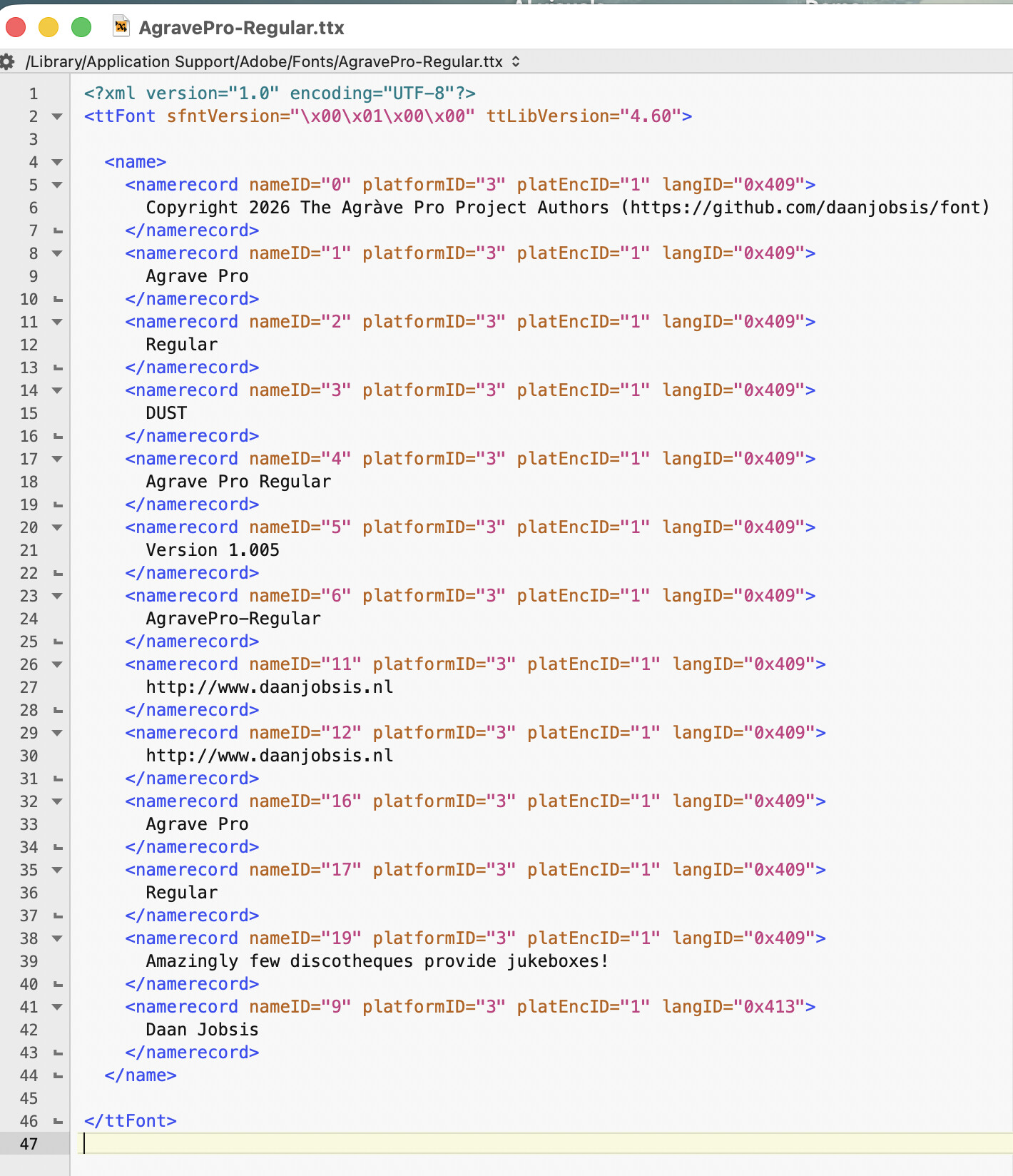
Google documentations says Typographic Family Name (ID 16) and Typo Subfamily Name (ID 17) should be empty (N/A), but for my third weight Light they DO need to have Family Name and Subfamily Name.
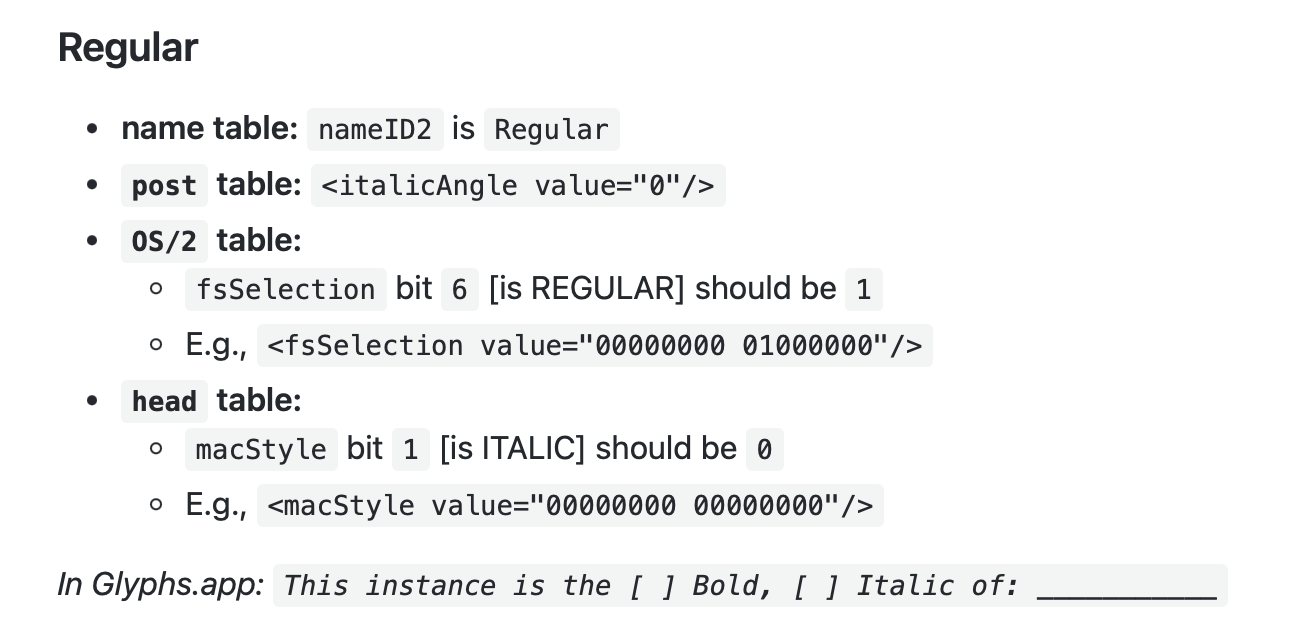
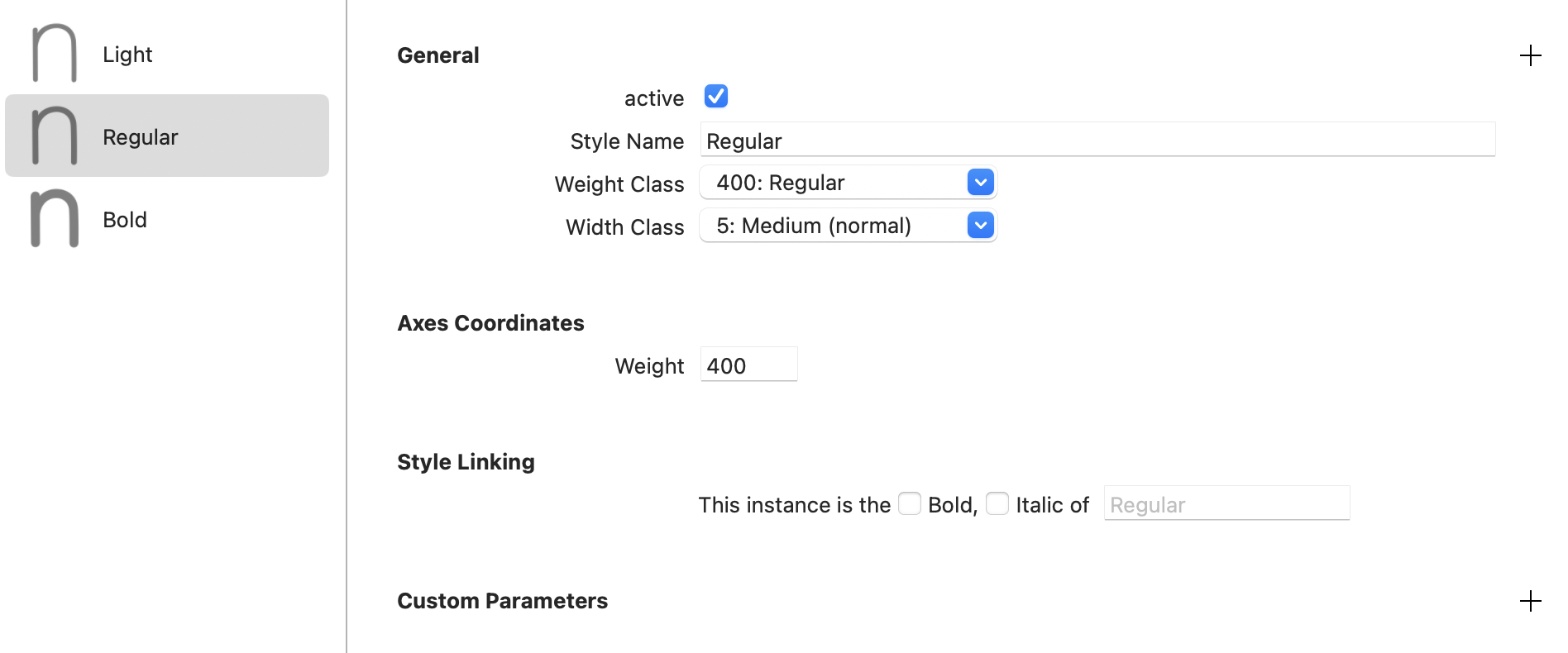
Google documentation says this is the style link setting for Regular / Bold
Some people don’t like it when nameID1==nameID16 and nameID2==nameID17 and leave out 16/17 in those cases. But there are reasons to always keep them. Technically either way is fine.
Google Fonts does not accept font binaries, they expect the sources to be built with gf-builder (which uses fontmake under the hood) and it handles this the way they want it.
Google Fonts checks are overly strict, and only really apply to Google Fonts. Better go for the Universal profile, perhaps the Adobe Fonts profile, which is Adobe-specific (will e.g. reject colorfont tables) but not as strict.

 Can someone help me out? Thanks a lot!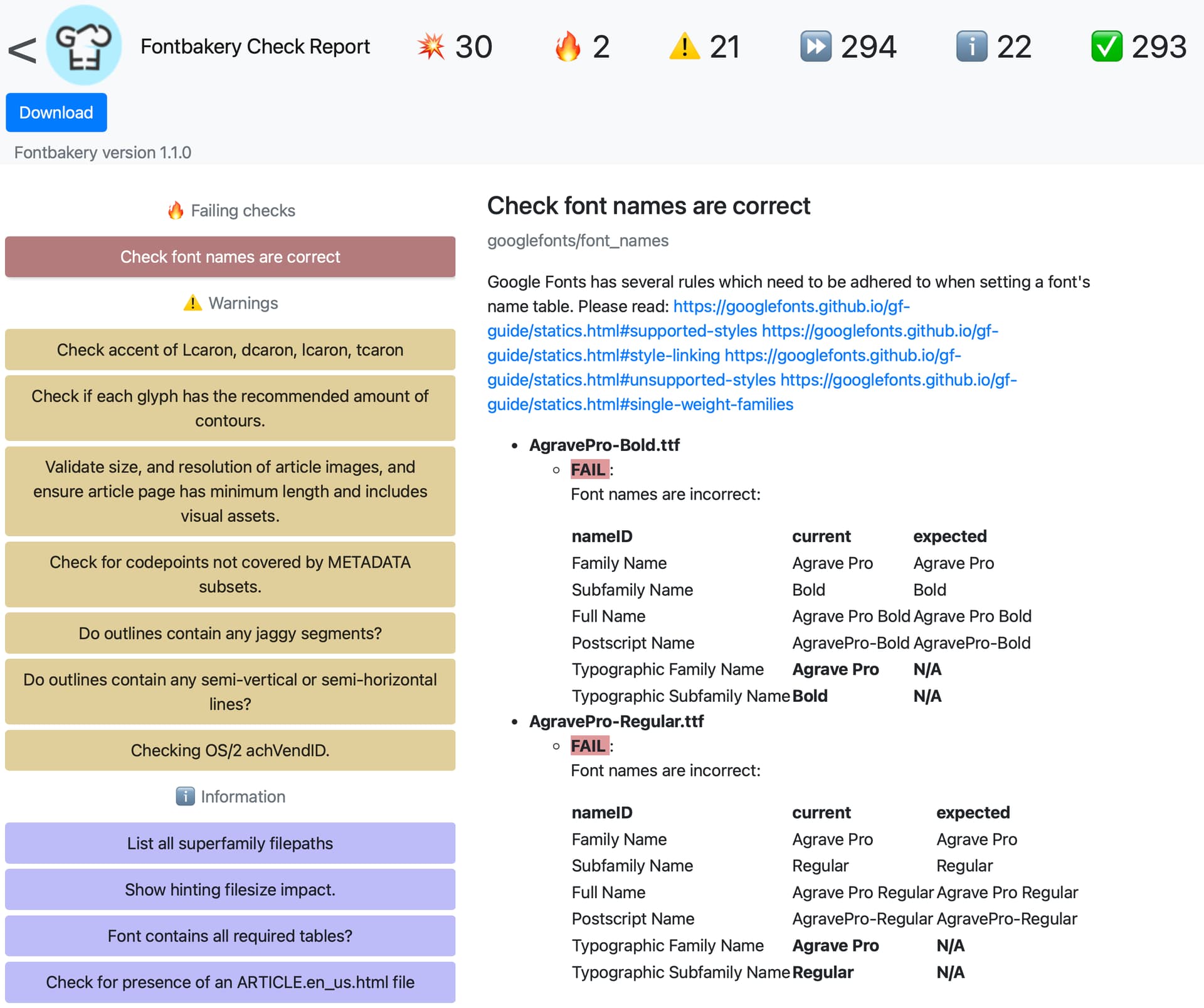
 this.
this.