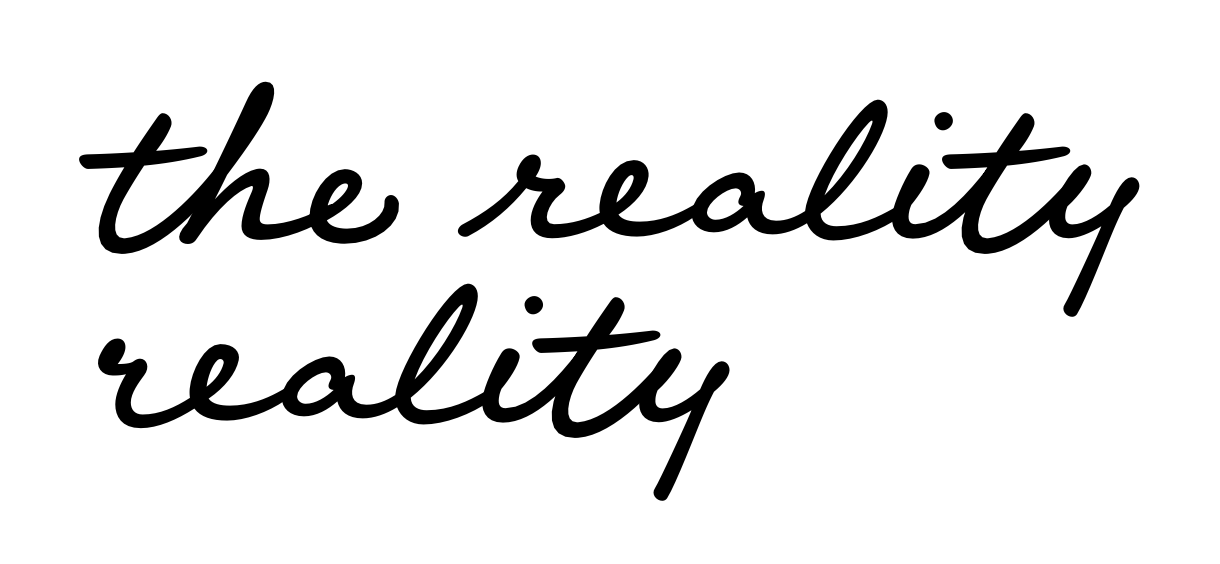
I have created a handwritten font with a lead-in stroke for the lower case ‘r’, which works after a space and certain other glyphs, but when it appears on a new line the lead-in stroke is missing. Is there any way to show it at the beginning of a line?
Is this in Glyphs or anywhere else?
Glyphs and InDesign.
It’s OK, I have sorted it thanks to the tutorial.