3.5 (3515)
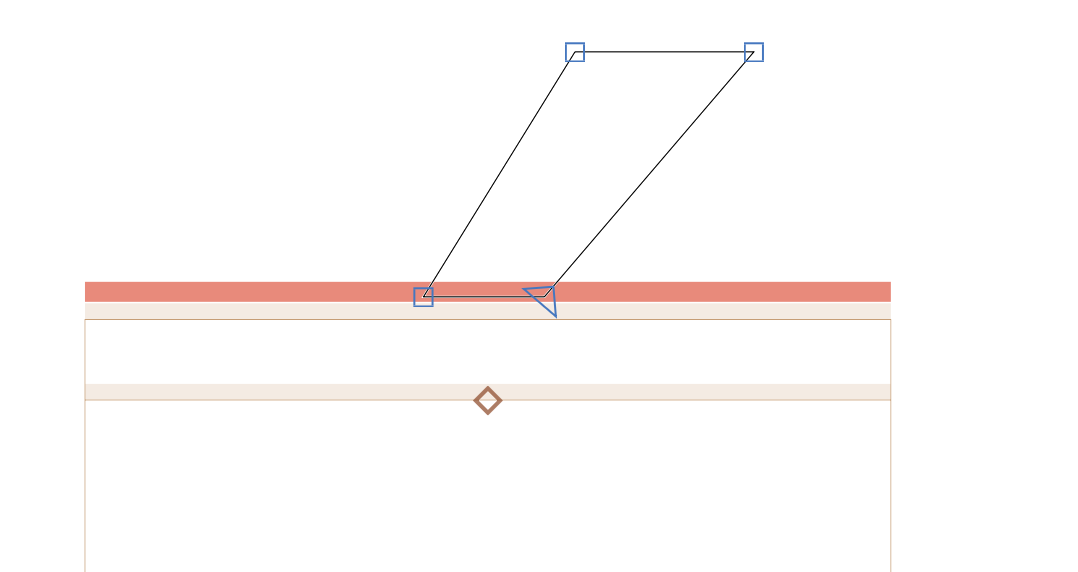
I can see from this answer that I just need to add a Enforce Compatibility Check custom parameter and uncheck it however the bar persists:

It’s getting in the way of the drawing and so far the only way I can move it is to change the ascender.
SCarewe
(Sebastian Carewe)
2
That means you have an active instance that relies on the interpolation to be generated. Deactivate it.
Disabled. Still there. I had to delete all the instances. Is it possible to just disable the instance.
Will ignore disabled instances in the text update.
Has this update been implemented? I’m still seeing the incompatible bar in the glyph edit view.
Should be in the cutting edge version. Can you send me your file again for testing?
Forget to add Enforce compatibility check  it works now