Background info: I opened a RoboFont .ufo in Glyphs and saved it as .glyphs file. In the RF file, I had Latin X diacritic marks already designed.
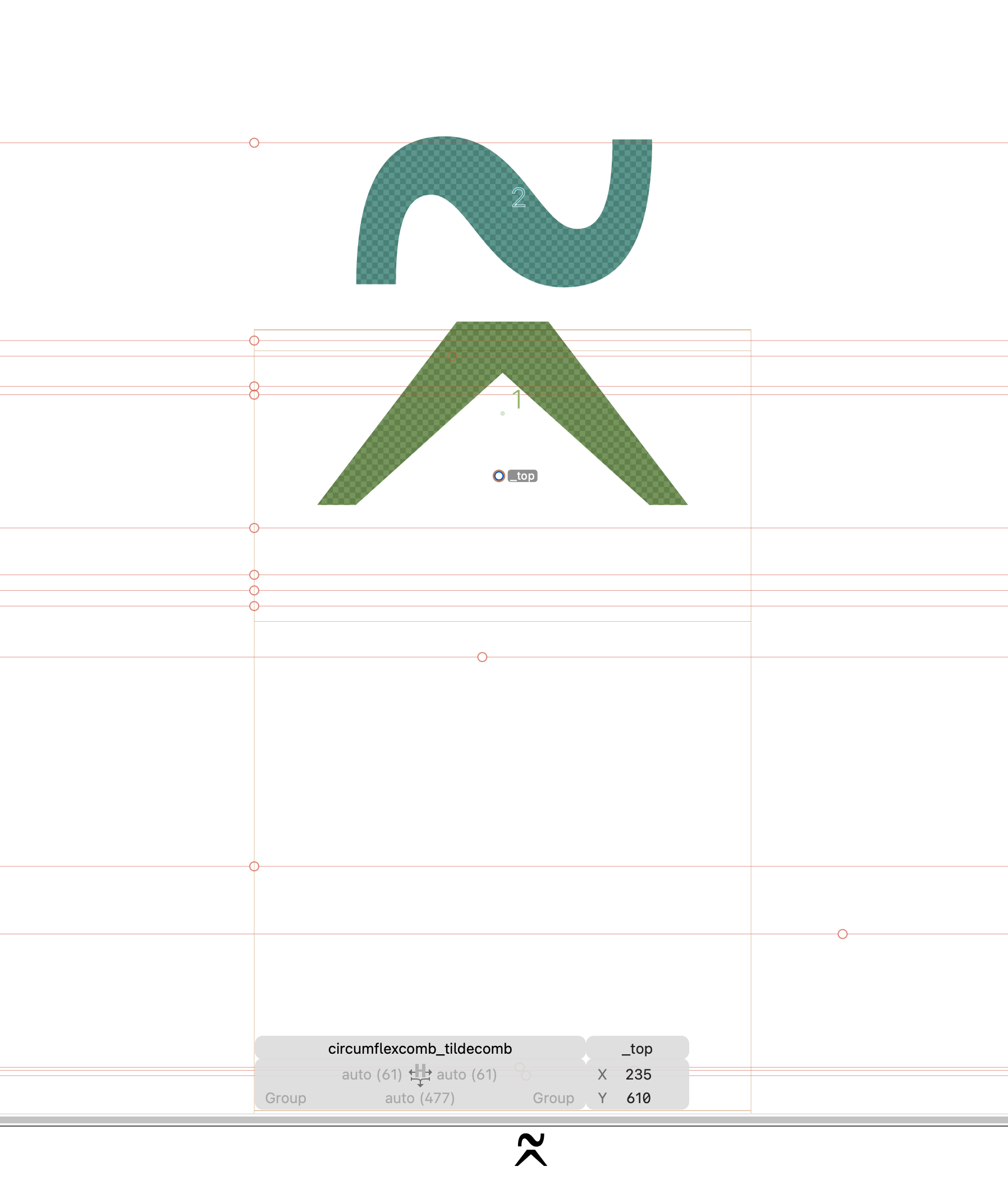
In Glyphs, I set up my Vietnamese combined diacritics (ex. brevecomb_hookabovecomb, etc.) and got the positioning and spacing of those by placing anchors.
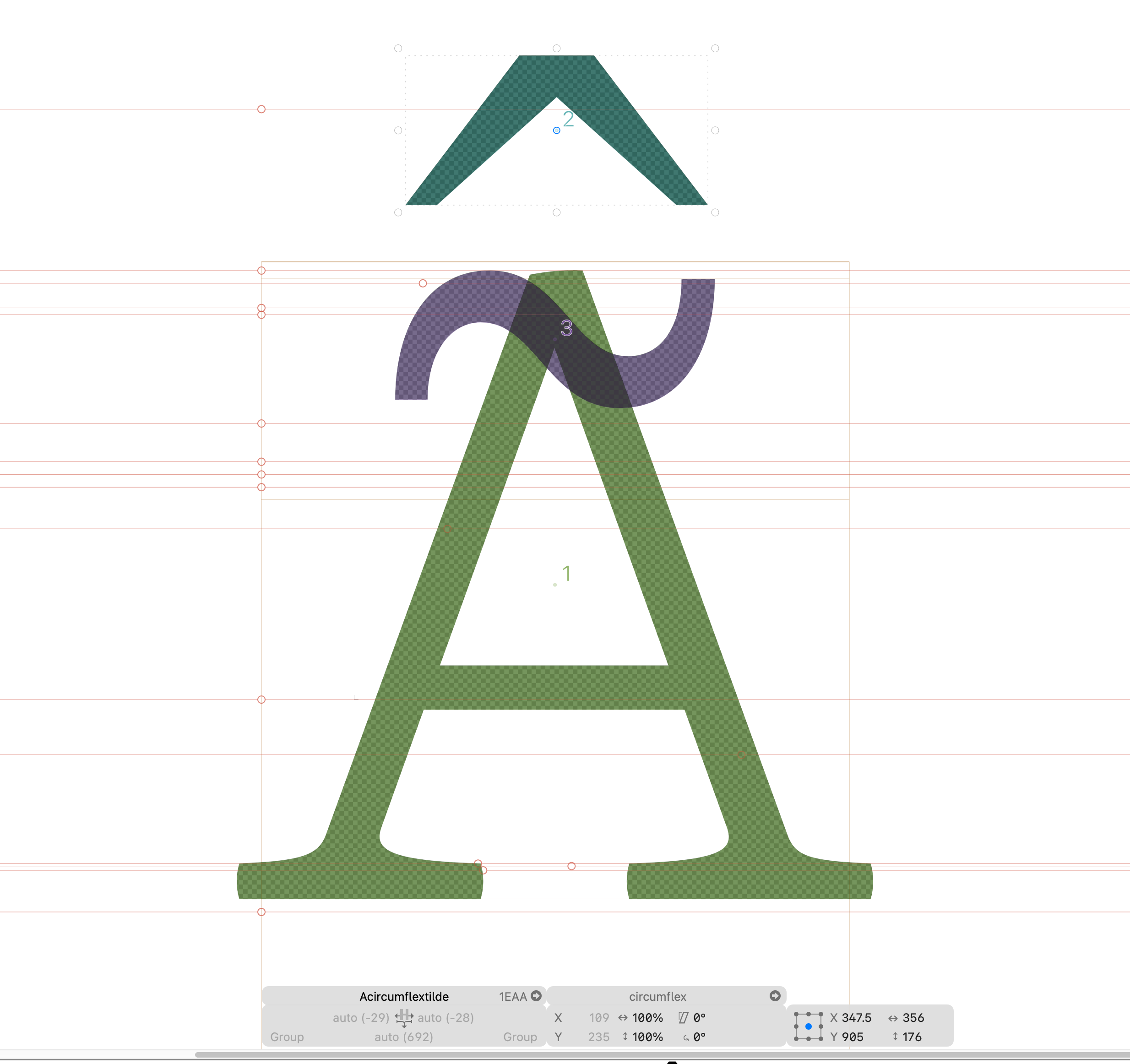
For each of the combined diacritics, I also set _top anchors so they would position correctly on the alphabetic glyphs.I assumed when using “Generate,” that Glyphs would use the combined diacritics, but it seems to have used the individual diacritics and placed those.
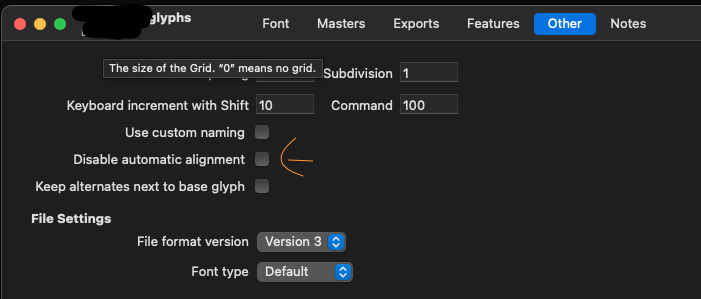
Make sure you have top anchor in “A” and in the Acircumflextilde glyph open Glyph menu on top - Create Composite if still wrong try right click and enable automatic alignment
make circumflexcomb_tildecomb.case so it will go to uppercase letter
Thank you.
I already have the top anchor on the cap A.
I gave Acircumflextilde as an example, but this is happening with all of the stacked Vietnamese glyphs.
Glyphs is placing the “circumflex” and “tilde” accents separately onto the “A” and not using the “circumflexcomb_tildecomb” combined accent.
duplicate the circumflexcomb_tildecomb and make the new glyphs from that with .case suffix so it will be “circumflexcomb_tildecomb.case”, all the diacritics with “.case” suffix will go to uppercase letters
I just tried it. It seems to prefer circumflexcomb.case + tildecomb.case instead of circumflexcomb_tildecomb, but will pick circumflexcomb_tildecomb.case if available.