I’m having an issue with the mekkablue – Tunnify 2.0 script and was hoping someone here might be able to help.
My setup:
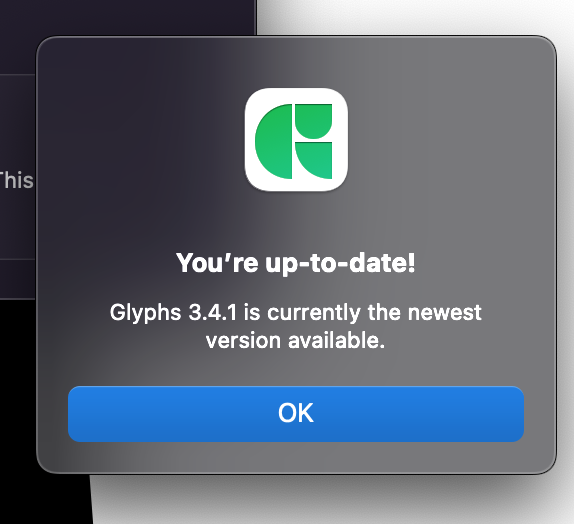
Glyphs version: 3.11.9
macOS: Monterey
The script appears in the Scripts menu, but when I run it, it doesn’t seem to do anything or produce the expected result. I’ve checked that the script is installed correctly, but the issue persists.
Just wondering:
Is Tunnify 2.0 compatible with Glyphs 3.11.9 and macOS Monterey?
Are there any known issues or additional steps needed to make it work properly?
Any troubleshooting tips I should try?
Any help or insight would be greatly appreciated.
Thanks in advance!
Works for me. It doesn’t output into the macro window, just redistributes unbalanced handles. It respects your selection. It recognizes a segment to be selected by its handles.
Just to clarify: the first version of Tunnify works fine on my setup and runs without any issues.
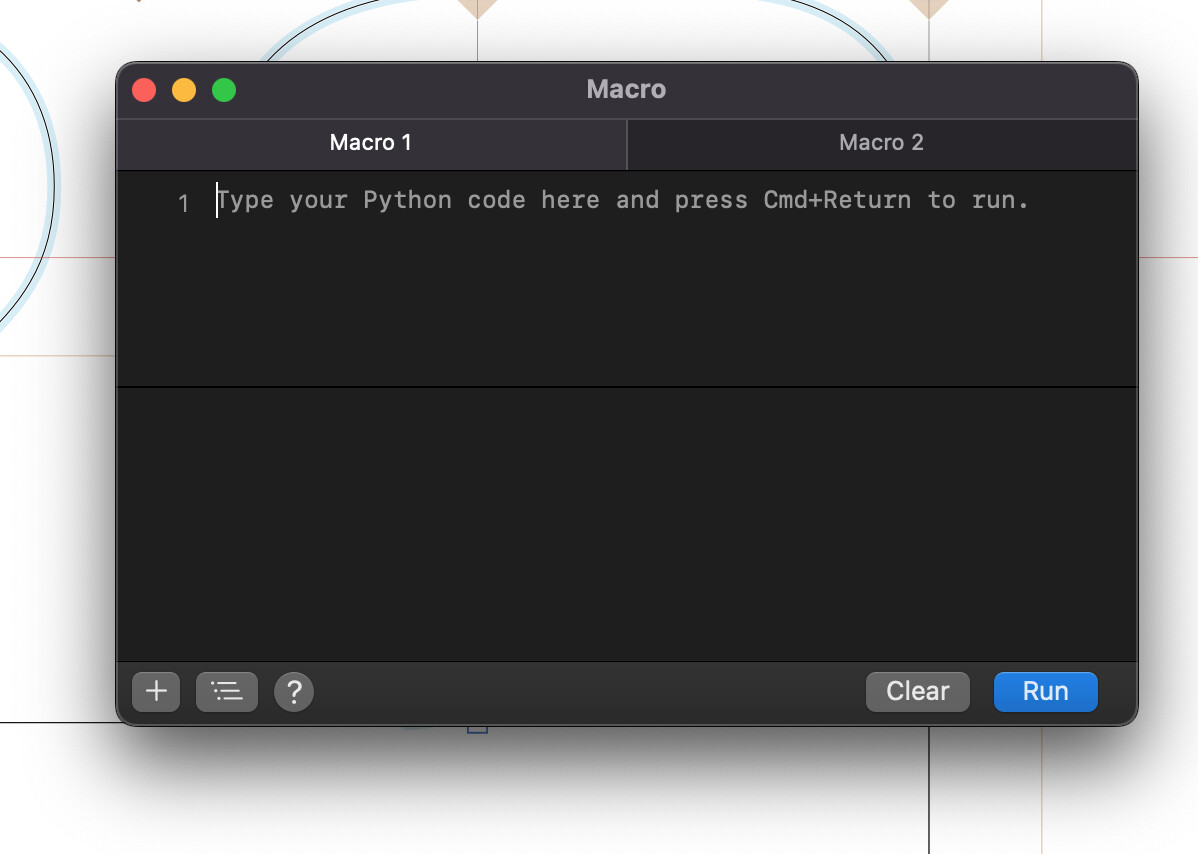
However, when I try to run Tunnify 2, a strange window pops up like in the screenshot, and the script doesn’t seem to execute properly.
I’m not sure if this is a compatibility issue or something related to my Glyphs or macOS version.
Any idea what might be causing this or how to fix it?
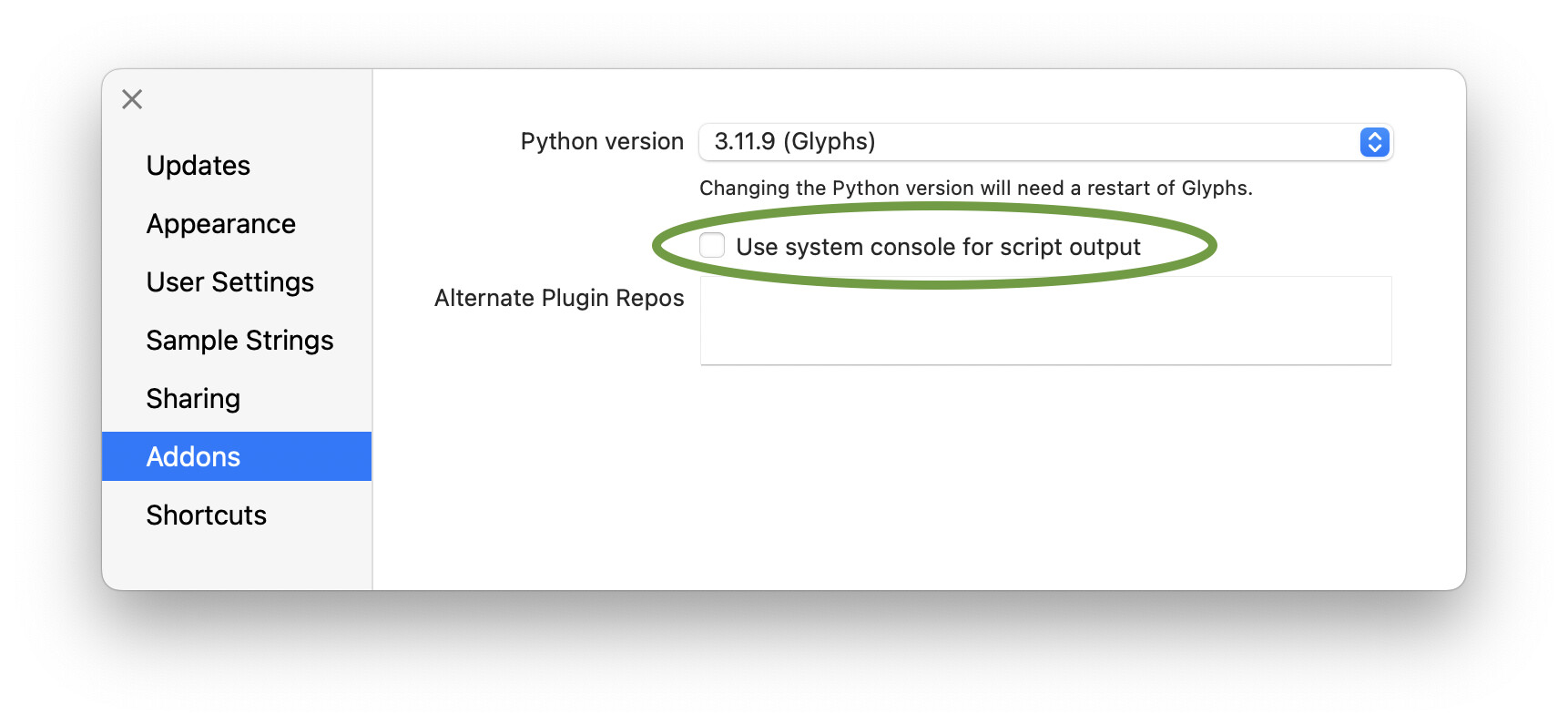
The script opens the Macro window only of there is an error. Since the window is empty, please go into Glyphs > Settings > Addons and uncheck the Use system console option. Like this: