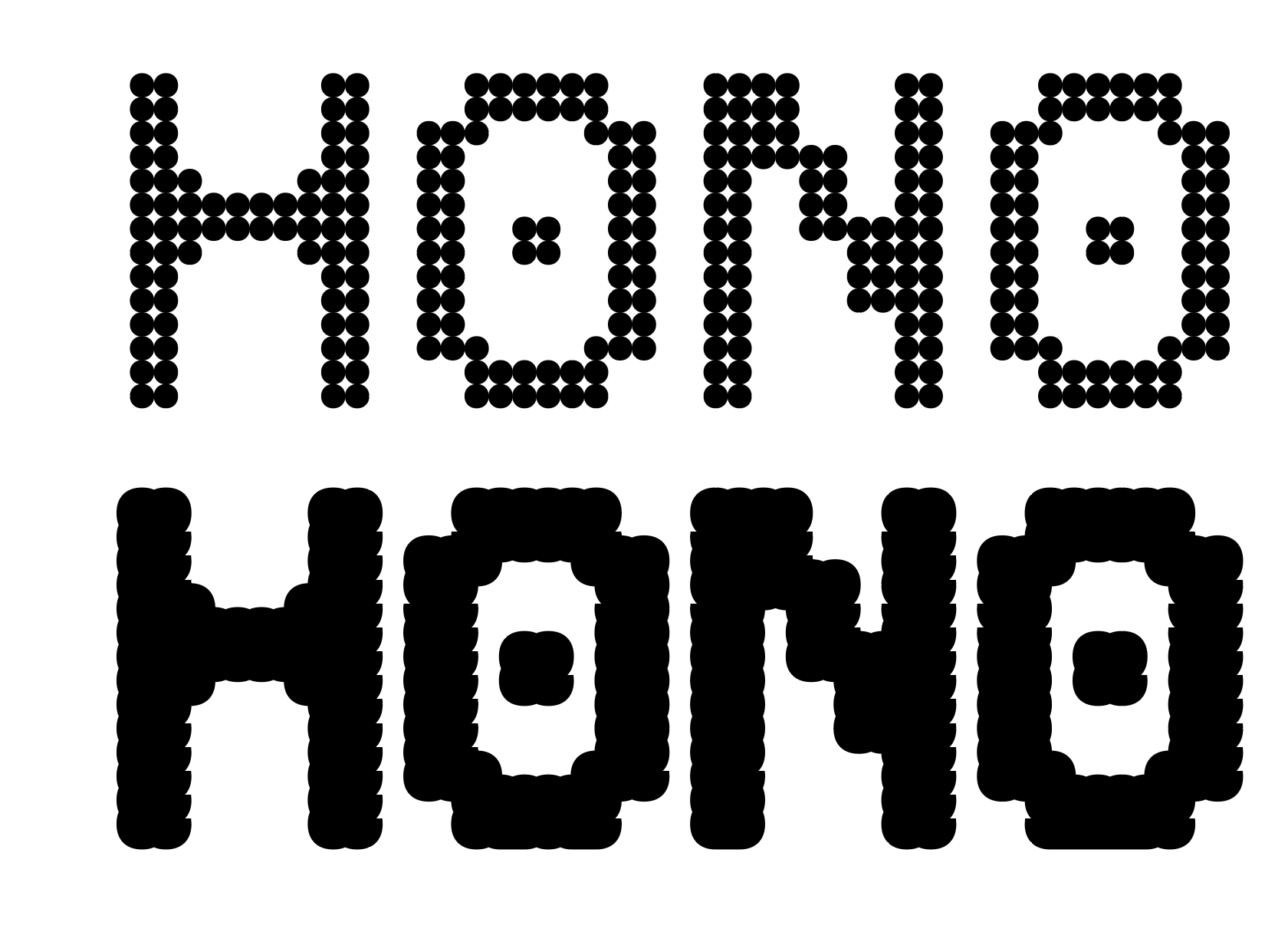
I’m currently working on a pixel font in Glyphs and running into an issue when using it as a variable font.
The problem appears specifically at the heaviest weight (900), where the pixel shapes start to break and render incorrectly. However, when I expand the variable font into static instances, everything looks normal and the shapes are clean as expected.
Interestingly, this issue does not occur when:
Using the font in Photoshop
Exporting and using static font instances
So it seems to be related specifically to how Glyphs handles interpolation or rendering in the variable font at extreme weights.
Has anyone experienced something similar with pixel fonts or variable interpolation?
Any suggestions on what might be causing this, or how to fix it?
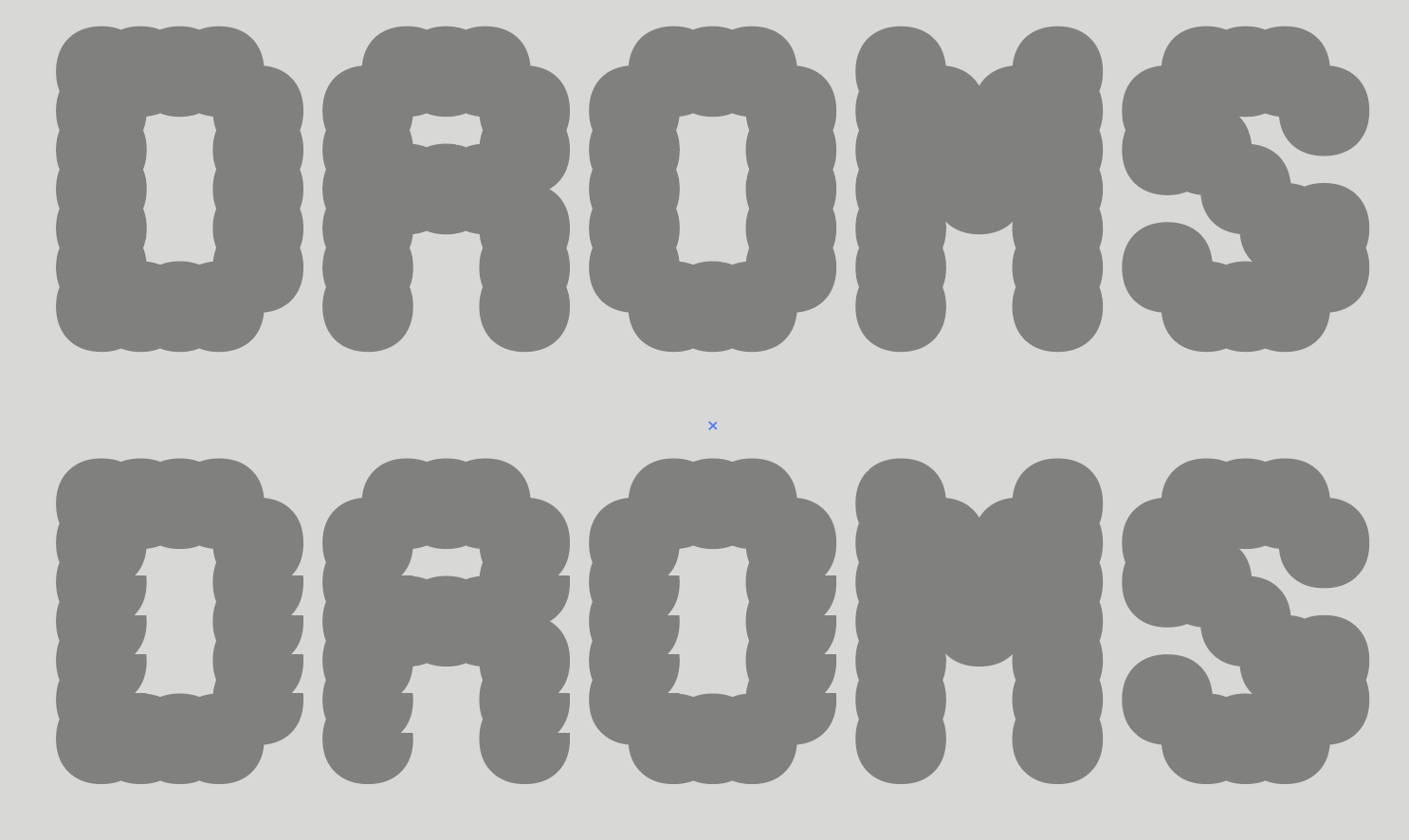
I’ve attached screenshots from Adobe Illustrator for reference. I’ve also tested the font in FontGauntlet and Google Fonts, and everything appears to be working fine there.
This issue only occurs in the Adobe Illustrator preview. The top example is from the static font, while the bottom one is from the variable font. When the font is exported, everything appears perfectly fine without any distortion.
That is a bug in Illustrator.
You can try the Glyphs 4 beta. It can export CFF2 fonts and that seems to work in Illustrator (didn’t test it anywhere else; not all app support CFF2, yet).
Thanks for the suggestion! I’ve tried that approach using Glyphs 4 beta with CFF2 export, and it works well. The preview in Illustrator now appears as it should, and the distortion issue is no longer happening.