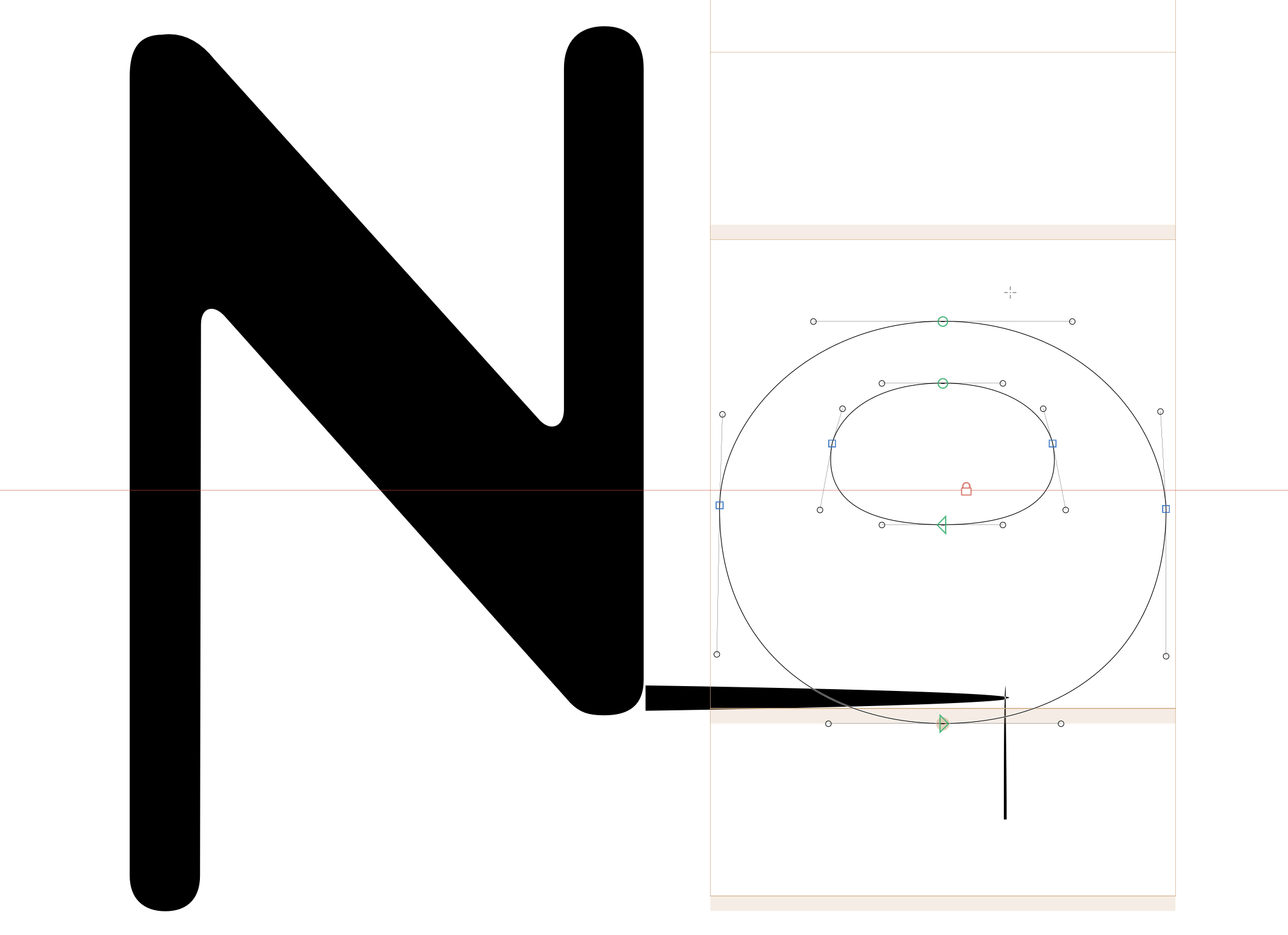
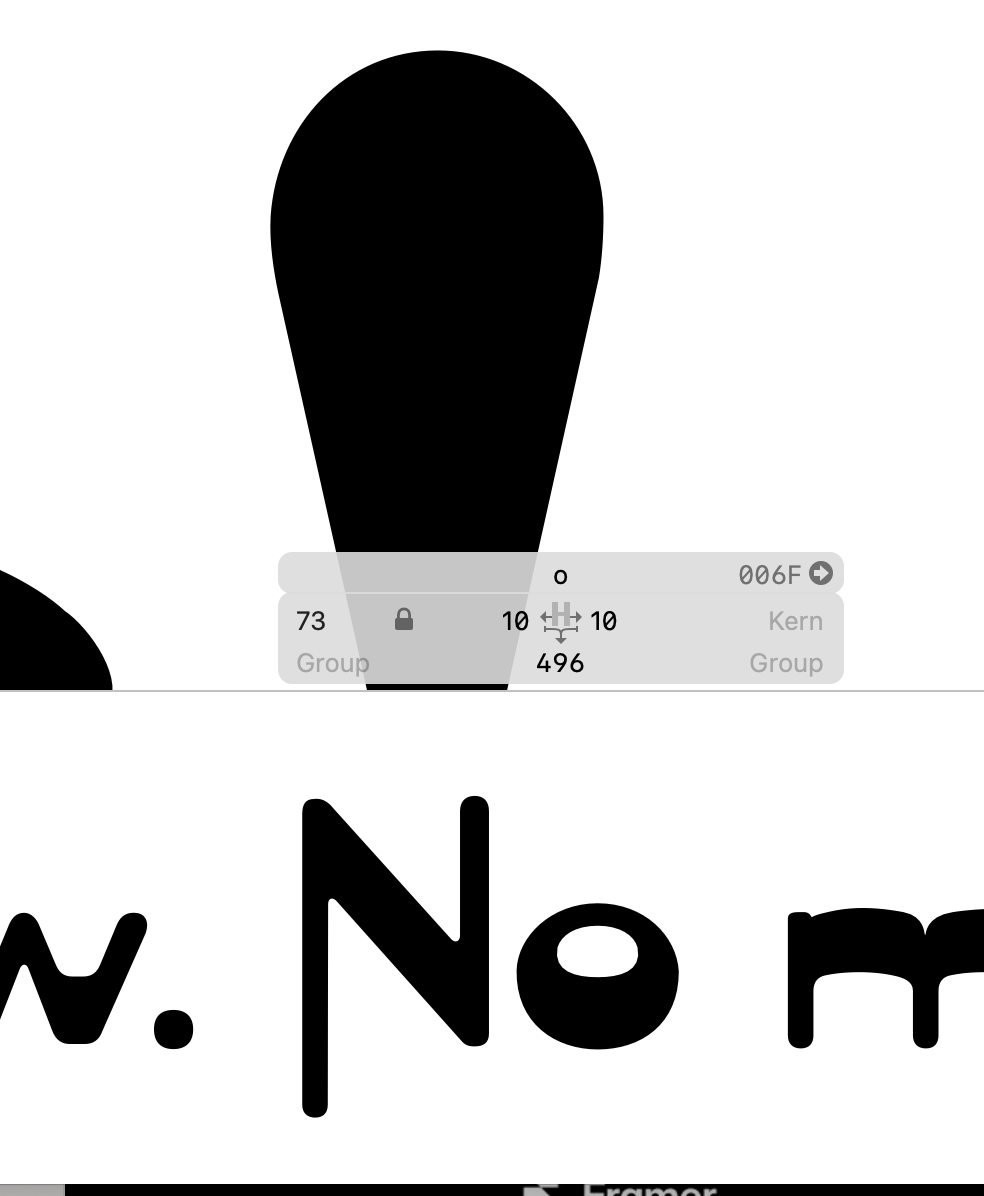
I suspect that it is in one off the glyphs but way outside the bounding box. Go through all glyphs that are currently in the edit view and hit Cmd+A. If the bounding box handles are not showing up properly, you have found the problem.
Thank you Geoge. I did find the culprit. It was something I did not delete after I had adjusted a character. It was above the character, so it showed on the bottom of the character above.
Something else: your curves aren’t smooth in your screenshot. If you want them to be, make sure that your nodes are green (half are currently blue). It’s also generally a good idea to keep your nodes on horizontal/vertical extremes.