- Do you have an s_t ligature? Delete it.
- And fix your metrics keys. You need an equals sign before the calculation, e.g.
=h/2 - Dividing and multiplying is a bad idea for metrics. Better adding or subtracting.
1 Like
I exported, then imported the otf file as a new document and then exported again. It had a problem exporting because of the ampersand when I did that so I deleted it, but it worked without jumping when I tested on fontguantlet. What does that mean?
Why? This workflow doesn’t make sense to me.
As suspected above already, I believe you have an s_t ligature with different spacing.
I did it as a test because I saw a recommendation to do it somewhere else.
I don’t have s_t ligatures, but I do have a bunch of discretionary ligatures. Will send you the file in a private message.
You added kerning in the RTL mode. That applies the kerning backwards. In the lower right of the Edit View, select the right aligned icon, open the keying window and delete all pairs. From now on make sure that you alway stay in the left sign mode.
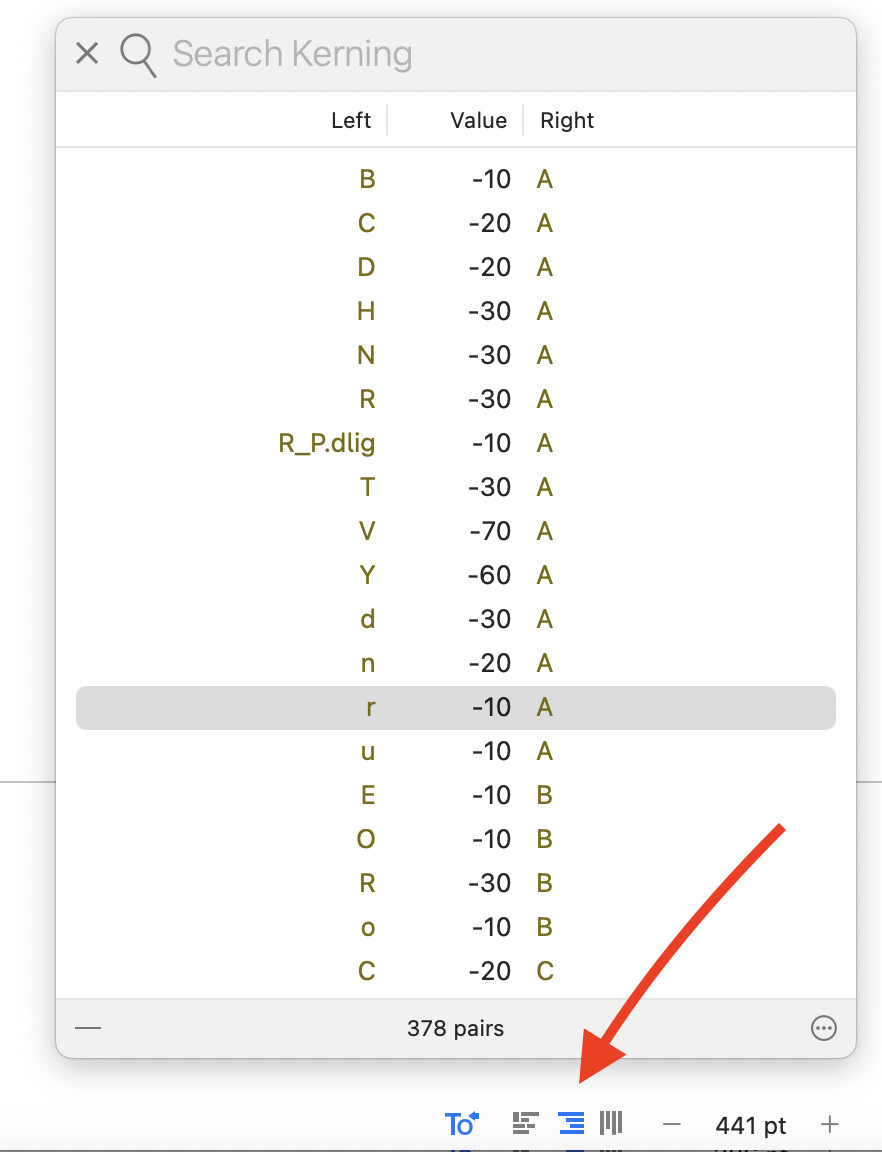
I deleted all kerning, but it’s still happening though.
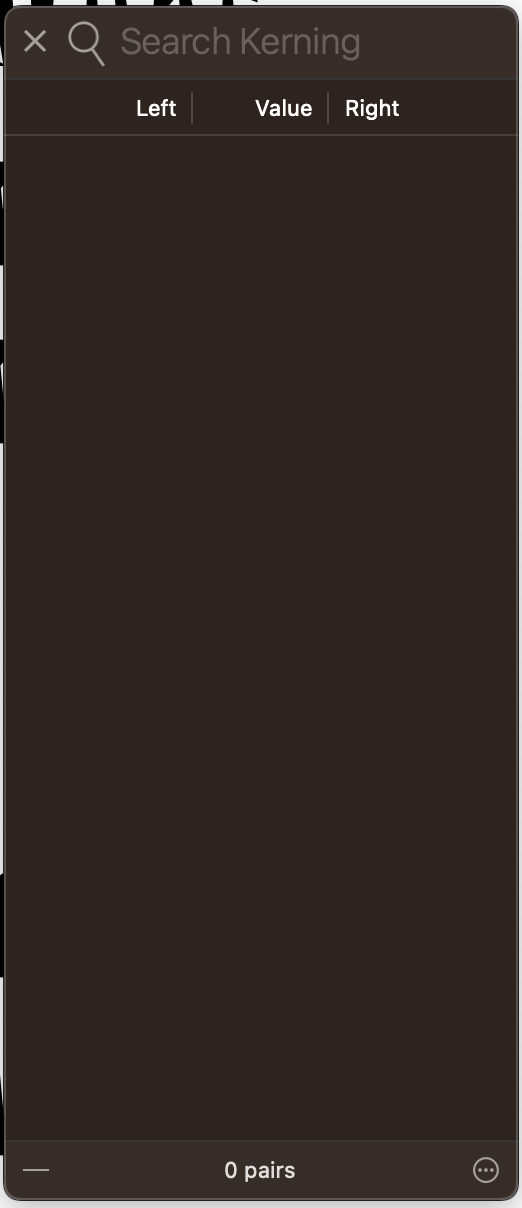
Also deleted cache, restarted, etc. to make sure it’s not a cache problem.
I deleted the kerning from window>kerning. Is that the right place?
That is the right place. Did you remove the kerning from the right to left mode, too.
If that doesn’t held: Eliminating font cache problems | Glyphs
I did now. That worked, thank you so much! I edited the kerning in the RTL mode thinking it was just an option to adjust kerning with different pairs. 