Hello,
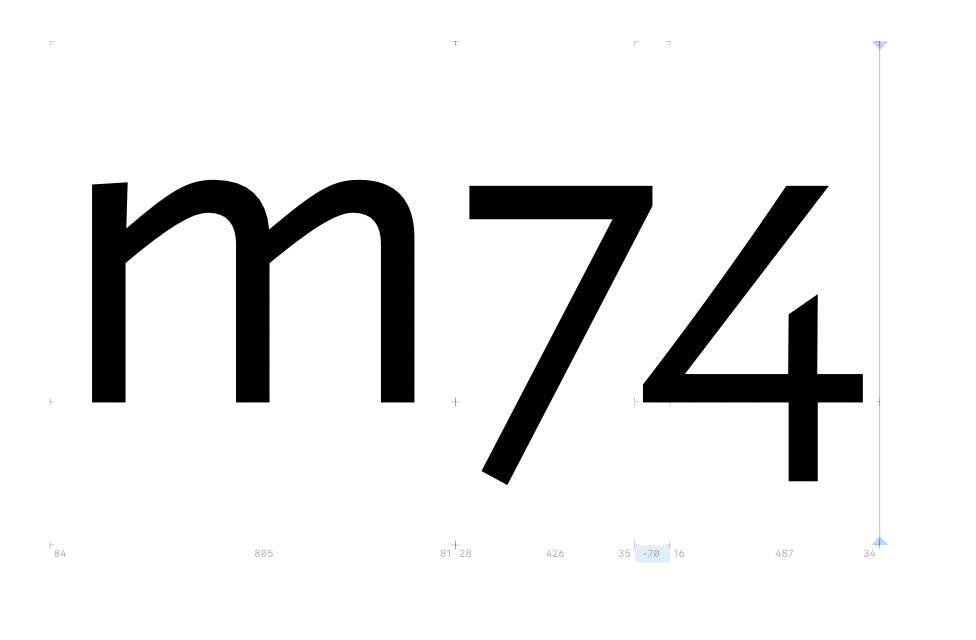
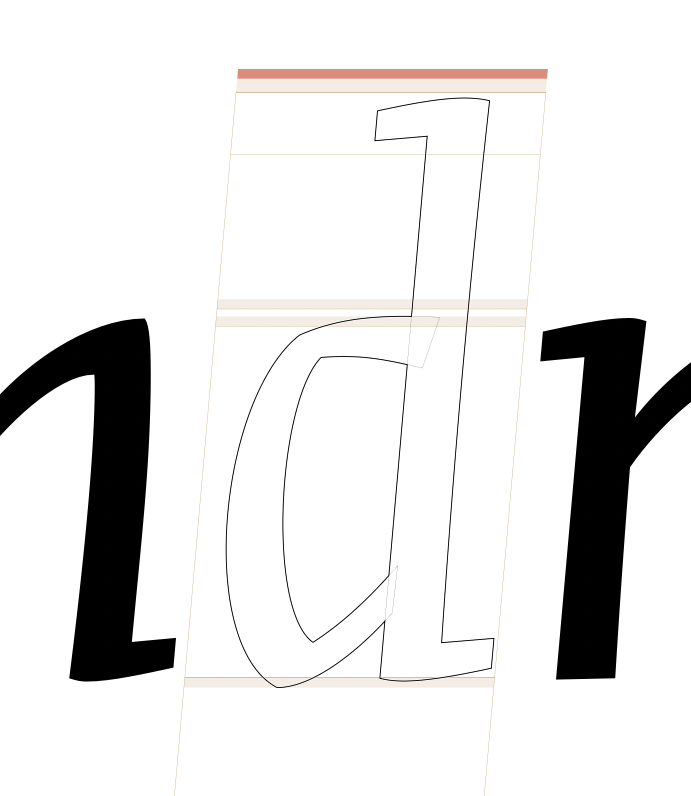
After switching to a new computer and so download the latest version of Glyphs, the blue or yellow colour when kerning two glyphs is almost disappeared. I need it back. See picture.
Hello,
After switching to a new computer and so download the latest version of Glyphs, the blue or yellow colour when kerning two glyphs is almost disappeared. I need it back. See picture.
Looks good to me on your screenshot. Maybe your screen is not properly calibrated?
My calibration is good and changing doesn’t make any difference. On my former computer I saw a large blue or yellow kerning line from bottom to top and … there where thin lines between the glyphs when I use the text tool (T).
They are there in the screenshot. Your screen is not showing them. Open the screenshot on your phone or on the other Mac to see the difference.
And now the nodes etc. disapeared. How is this possible?
View > Show Nodes > In Foreground
Thanx it works.
Also on my phone it doesn’t look as it used te look.
I think I misunderstood you. Sorry for this. You mean View > Show Measurement line.
Yes, that’s it! Thank you!