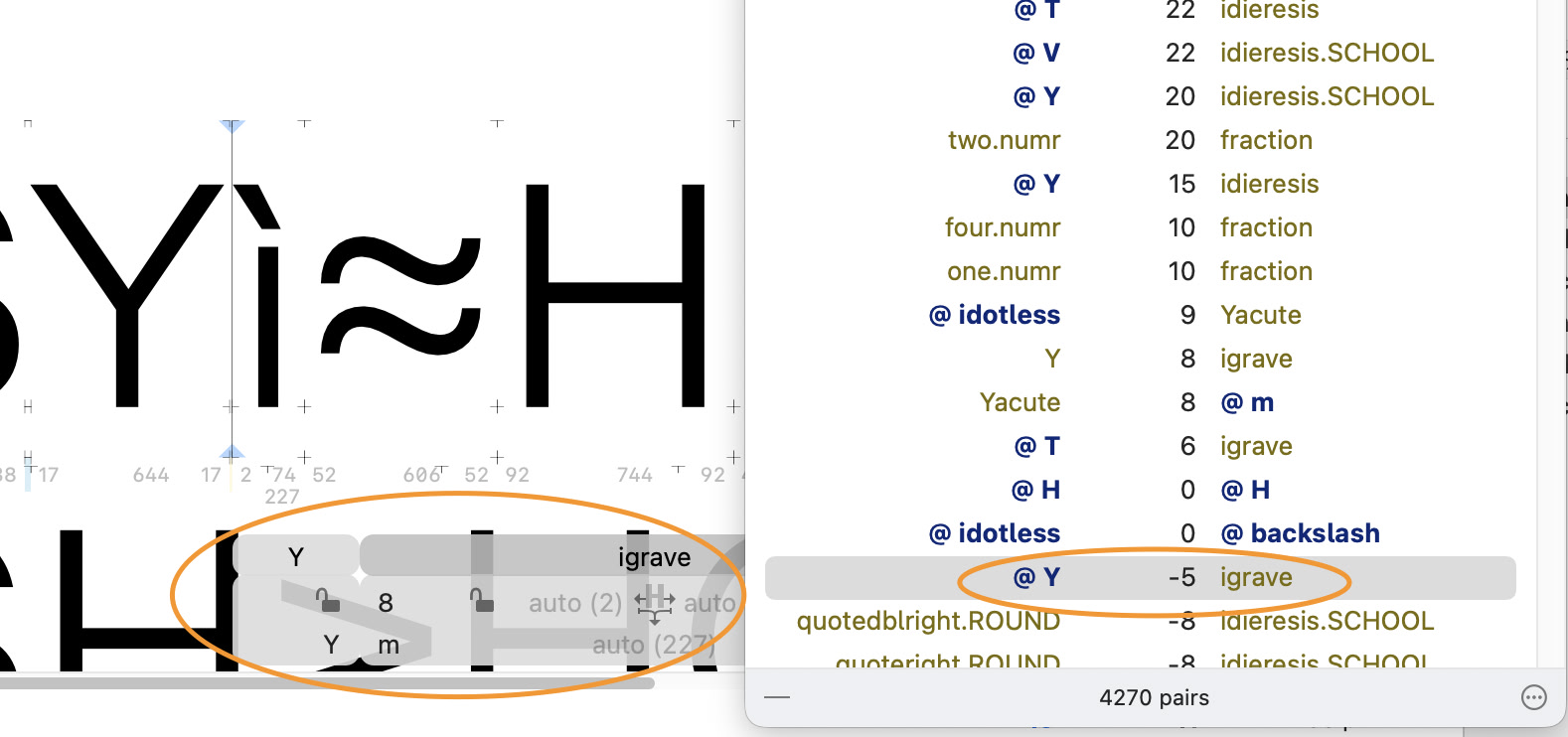
Why the discrepancy between the info box and the kerning window?
Is there something I am missing?
3.4.1 (3436)
Why the discrepancy between the info box and the kerning window?
Is there something I am missing?
3.4.1 (3436)
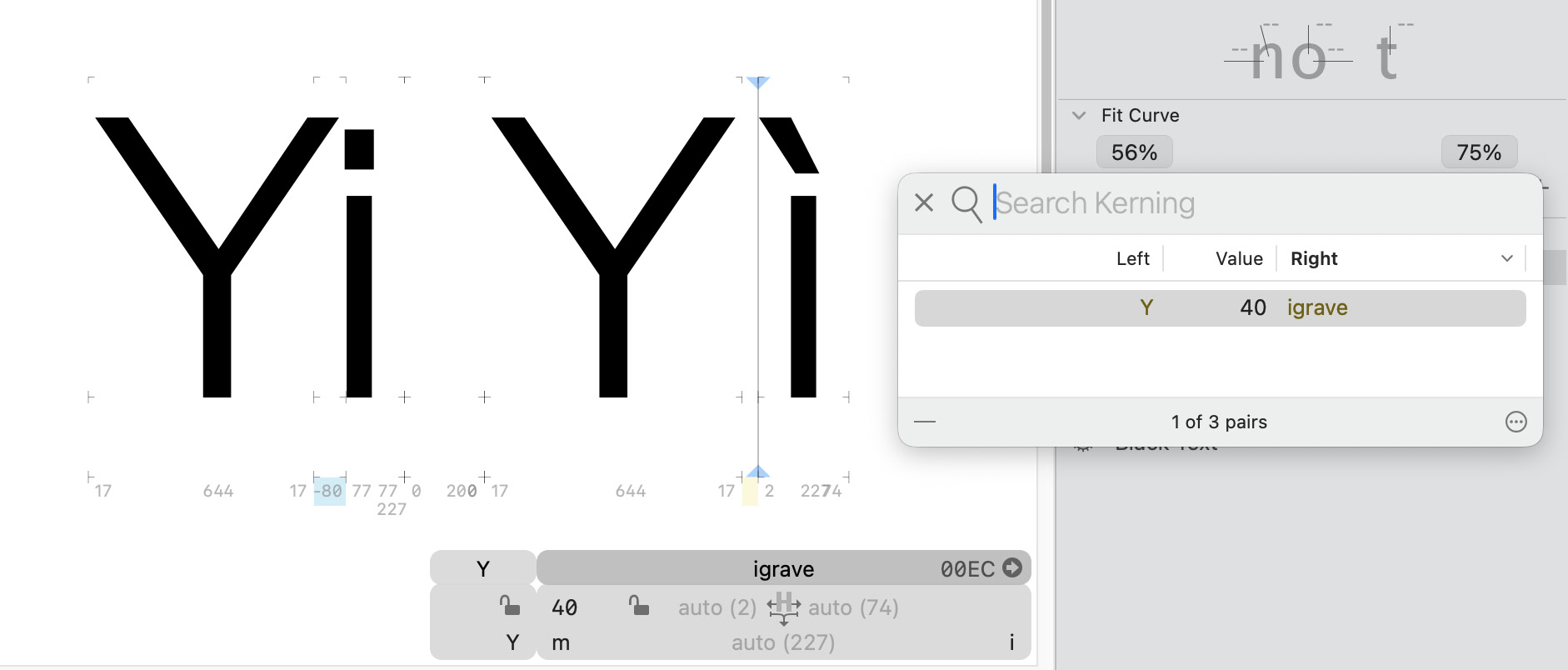
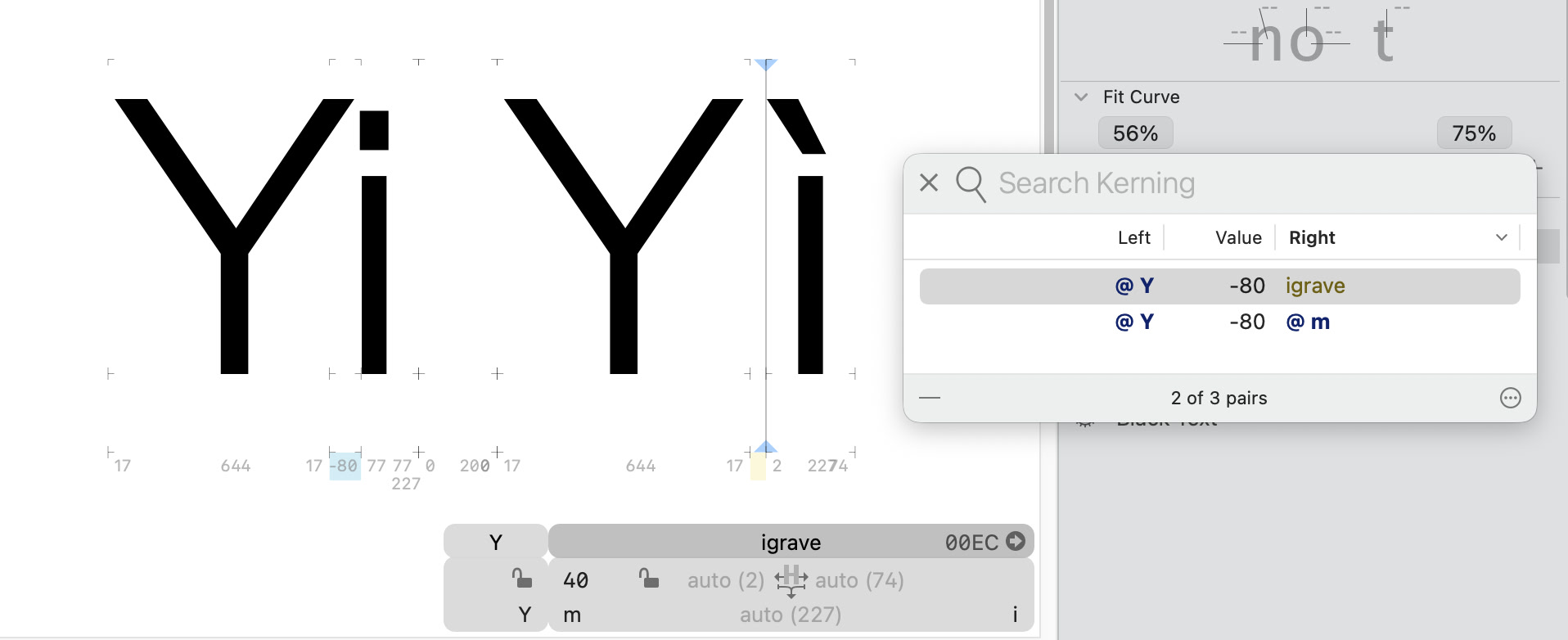
The kerning groups in Edit View is @Y @m and the glyphs are Y igrave, but the kerning window shows @Y igrave.
(post deleted by author)
But why display that particular pair @Y igrave
If it’s an exception (both unlocked) that pair shouldn’t even exist as a kern, no?
Another glyph could use the @Y group, even if the Y glyph is unlocked in this case.
But isn’t the point of unlocking to remove a particular glyph from a group?
In this case Y is unlocked in this particular pair, so I would expect the Y to be gold
The Y and igrave pair is also available in the kerning window and that makes sense to me
But the @Y igrave still baffles me
It’s a stub kerning pair that is unused. If you clean up kerning, it will be deleted.
As you can see a few lines above, there’s an explicit Y–igrave pair (where both are gold).