Hello everyone 
So, I’ve been wanting for a while to gamify the process of kerning, as I find it not particularly the most fun aspect of type design  I’ve been looking into controllers you could remap the buttons of, in order to use one with Glyphs, making use of shortcuts. This isn’t a new idea in the slightest, I believe there is even already another thread on here regarding this method, however if I’m not mistaken it includes code; I’m very grateful for the inspiration I’ve got from other designers, this is such an awesome idea!
My sister gifted me for my birthday a controller whose buttons you can remap: the wonderful Micro from the brand 8bitdo. It’s super small, and the reason I got this controller in particular is to be able to use it one handed, for use with the keyboard or mouse. It fits in the palm of your hand! A lot of people use it for Anki cards, I believe.
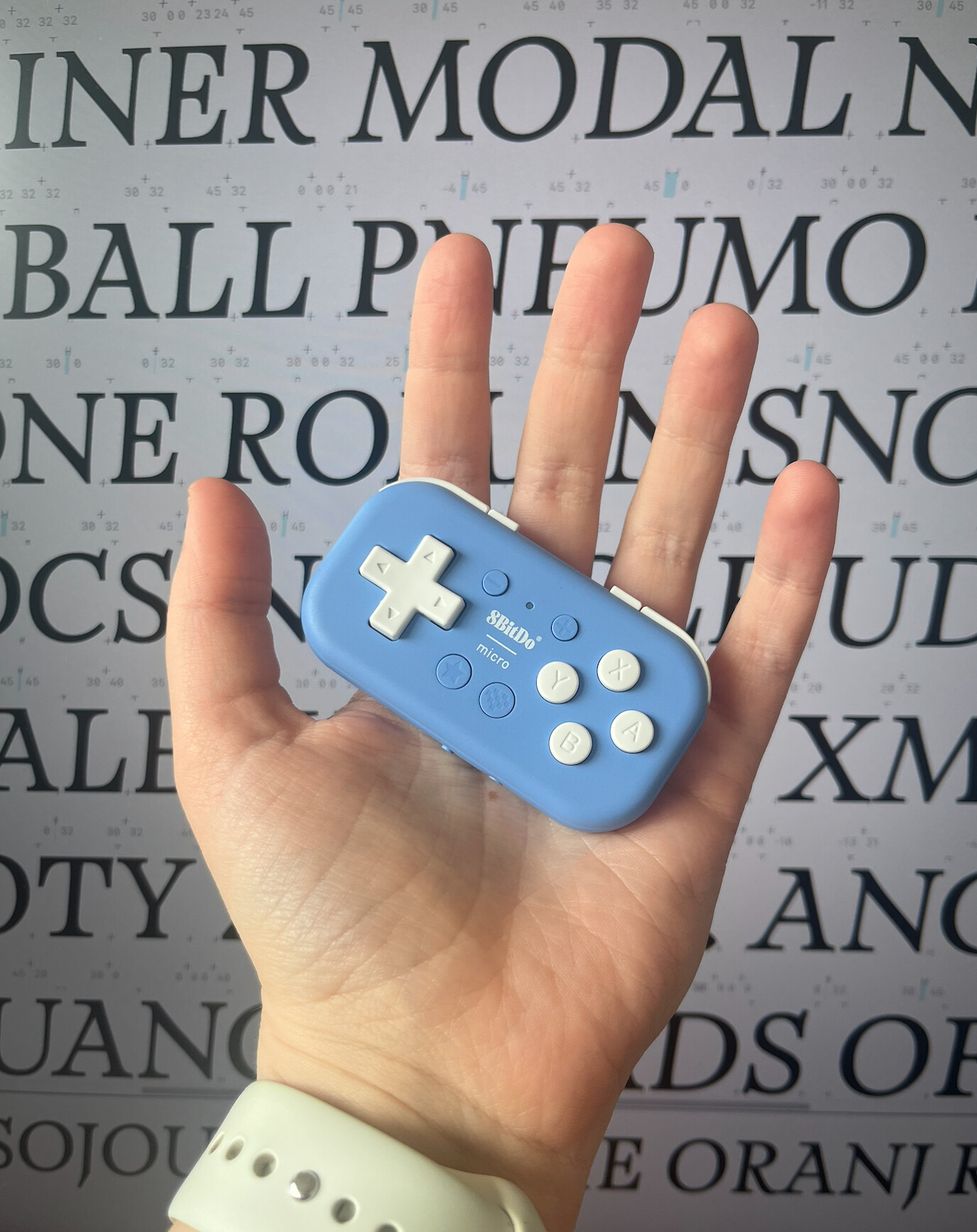
Another cool thing about this controller is that the software used to remap buttons, Ultimate Software, from the brand 8bitdo itself, is really super easy to install and use. You link your controller, choose your shortcuts, sync, and it’s ready to use on Glyphs. You can also have several Profiles, so for instance you could have one for spacing, and one for kerning. Really cool stuff.
There is also the Enjoyable software I believe to use the controller as a mouse, which I’ve actually had great luck using with the pen tool on Glyphs to create really weird shapes, but the Ultimate Software is in my opinion more suited for kerning specifically.
I’ve played around a lot with the buttons remap configuration, and I think I’m starting to settle into a workflow that is working for me. Here is a screenshot of the Ultimate Software with basically what the setup looks like for the Micro, with each button having a specific use (I have an AZERTY keyboard, but it is using QWERTY):

I completely understand if this approach is not your thing, and I admit it takes a little bit of getting used to, but personally, I find it unbelievably satisfying, and so much faster, to use this controller, and I would recommend you trying it out! No coding needed as far as I know, everything works basically out of the box. And once you get the hang of it, you just feel like you’re playing a really special video game!
I would love to hear your suggestions to improve this workflow please, or see your own setups! I’m still experimenting with the minus, plus, and star buttons configurations; for example I would like to test having the star button being the shift cmd C combo, in order to quickly add glyphs. I am still a little bit confusing the directional keys between left and right, but I also mistake right for left and vice versa since childhood 
Thank you very much!
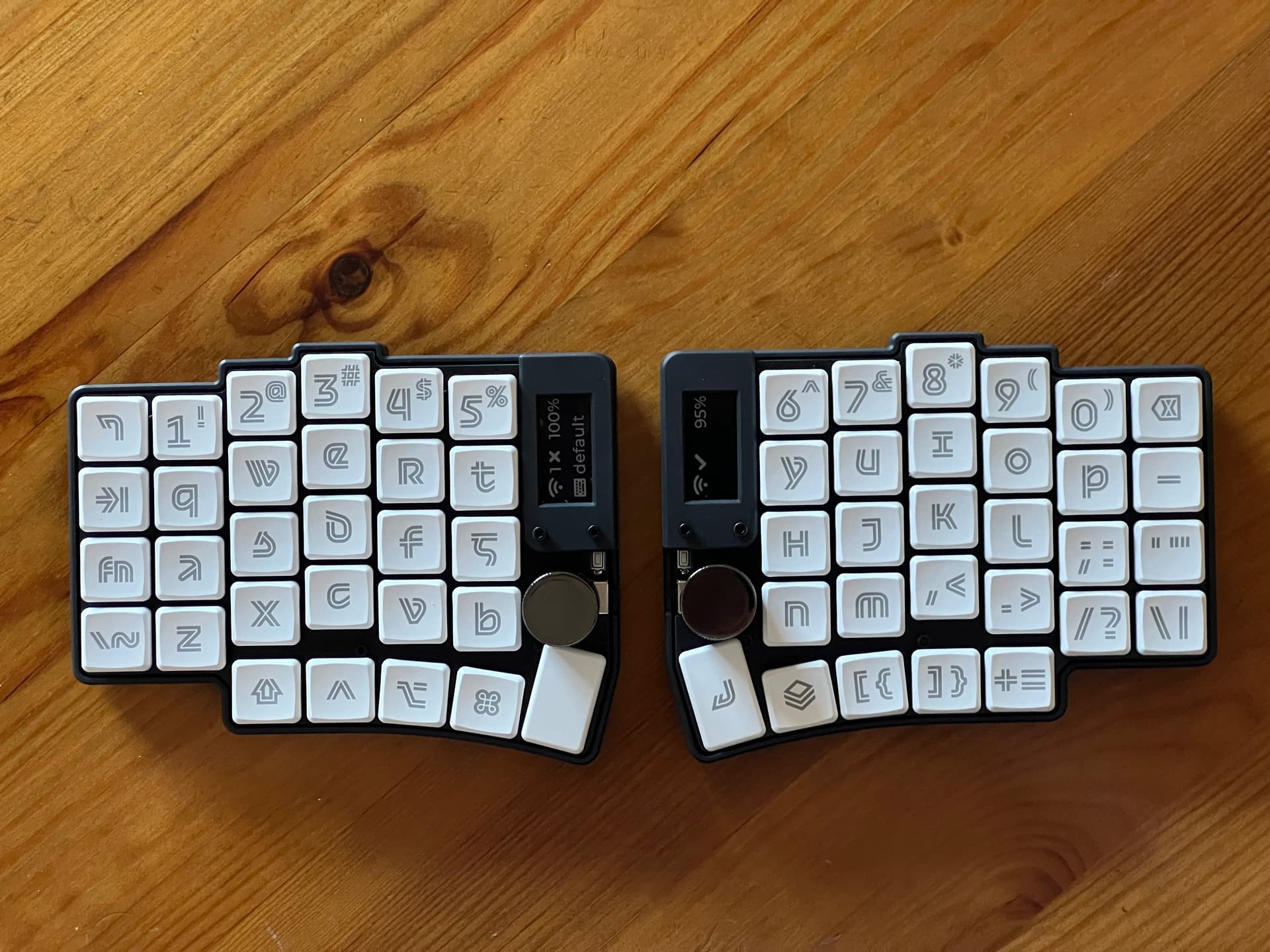

 Thank you! I have nintendo and xbox controllers, but haven’t yet figured out which software to use for mapping the keys… Any ideas? Thanks in advance


 I reached the same conclusion as you when I tried to use my third party Switch controller. It basically looks visually like a GameCube controller, but it has modern connectivity and functions. And to set it up, I used
