I just found out that if you open a file that’s locked, then try change to a different layer, you get this warning:
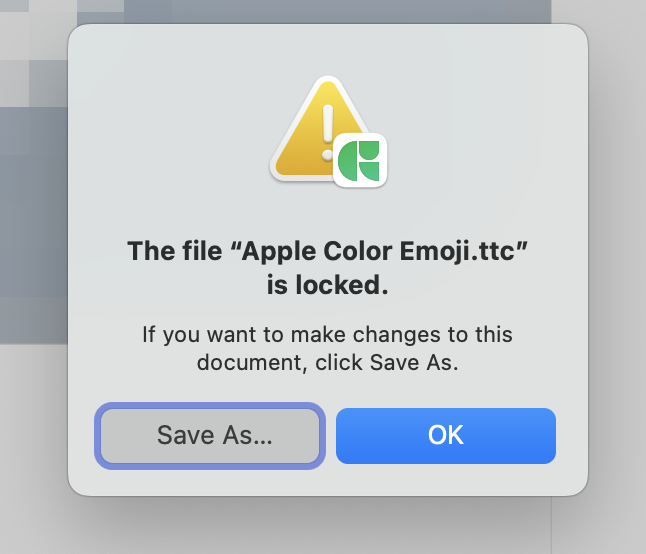
There is a bug here in that if you click OK, the window closes and immediately reopens — repeat. The only way out seems to be to click Save As and then cancel the save dialog, which results in another warning:
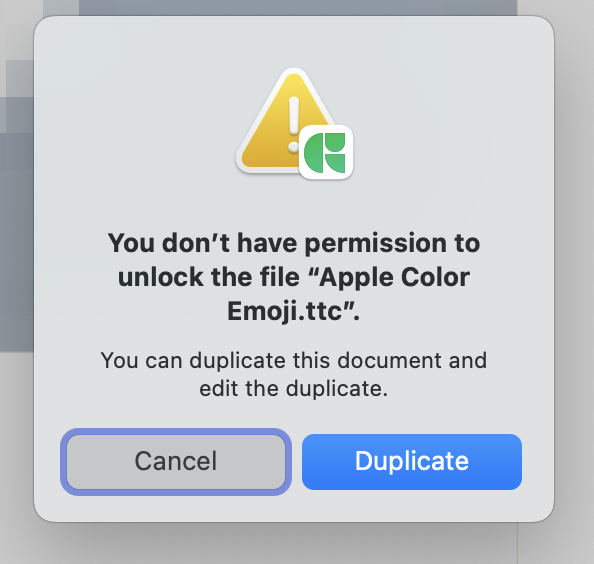
Cancel that and you’re back at the font.
This loop doesn’t happen if you just try to draw something in a locked file: you get the first warning and can get rid of it with OK.
 The bug is that there is no way to dismiss the initial dialog except by saying that you do want to save the file under a new name. Also, that this dialog appears when merely changing layers without doing any actual editing on the file.