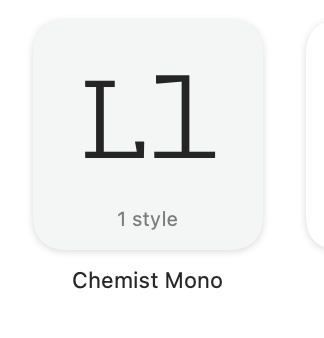
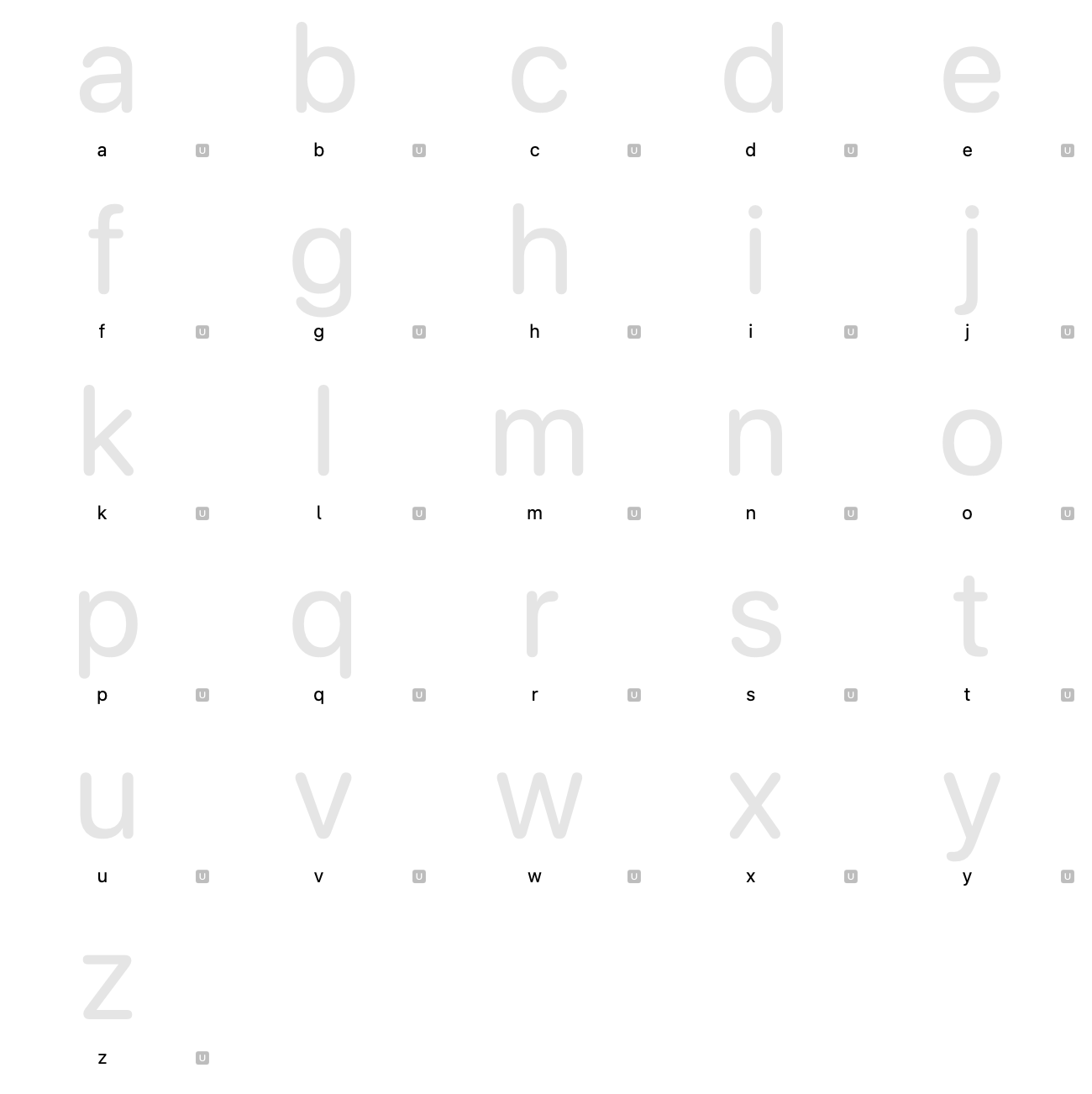
Font Book was displaying “Ll” instead of the standard “Ag” preview thumbnail (see attachments). I checked Unicode assignments (U+0041, U+0067 - both correct), ran File → Validate Font (no warnings), and inspected the OpenType features list - nothing unusual there either
I am a super nub and this is my first font, ha - so it’s probably a quick fix but I’ve been really stuck! If anyone could take pity on my, I’d really appreciate the support! And of course, please feel free to ask any follow up questions if this is unclear - I am also happy to share the glyphs file if this helps
Is it a Headline / uppercase typeface? Have you deleted empty lowercase cells? If you’ve deleted cells you’re not using, it causes issues. Try repasting the empty cells into your font and re-exporting
Hmmm, okay! Well I don’t seem to have any blank glyphs anyways, and I believe all my unicodes are fine too. Here is a link to the .otf if anyone is curious or generous enough to suss it out - if you do take a peak, please let me know if anything looks like it could be the issue; and, also, take heed! Things are a bit rough, as this is my first font :))