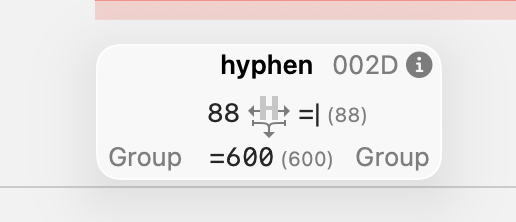
metric key to keep glyph centred?

I have a shortcut to center outlines within the width but… it would be nice to have a metric key that maintains it automatically and so warns when the glyph is not centred anymore. Like I would enter # on both sides and boom, the value for a centred glyphs would be calculated automatically. It would spare a lot of time.

Or does it exist already? I haven’t find anything in the doc.

1 Like

Do you mean =|?

No, this is just mirrored from the other side. If I change the length of my outline, then both side bearings have to change for the glyph to be centred in the same width as before. And I want to avoid that.

Or do you mean I just enter this on both side without value and it works?

I see. So you would like to keep the width the same (such as explicitly writing =600 for the width key), combined with =|, but without writing =600? That’s not currently possible.

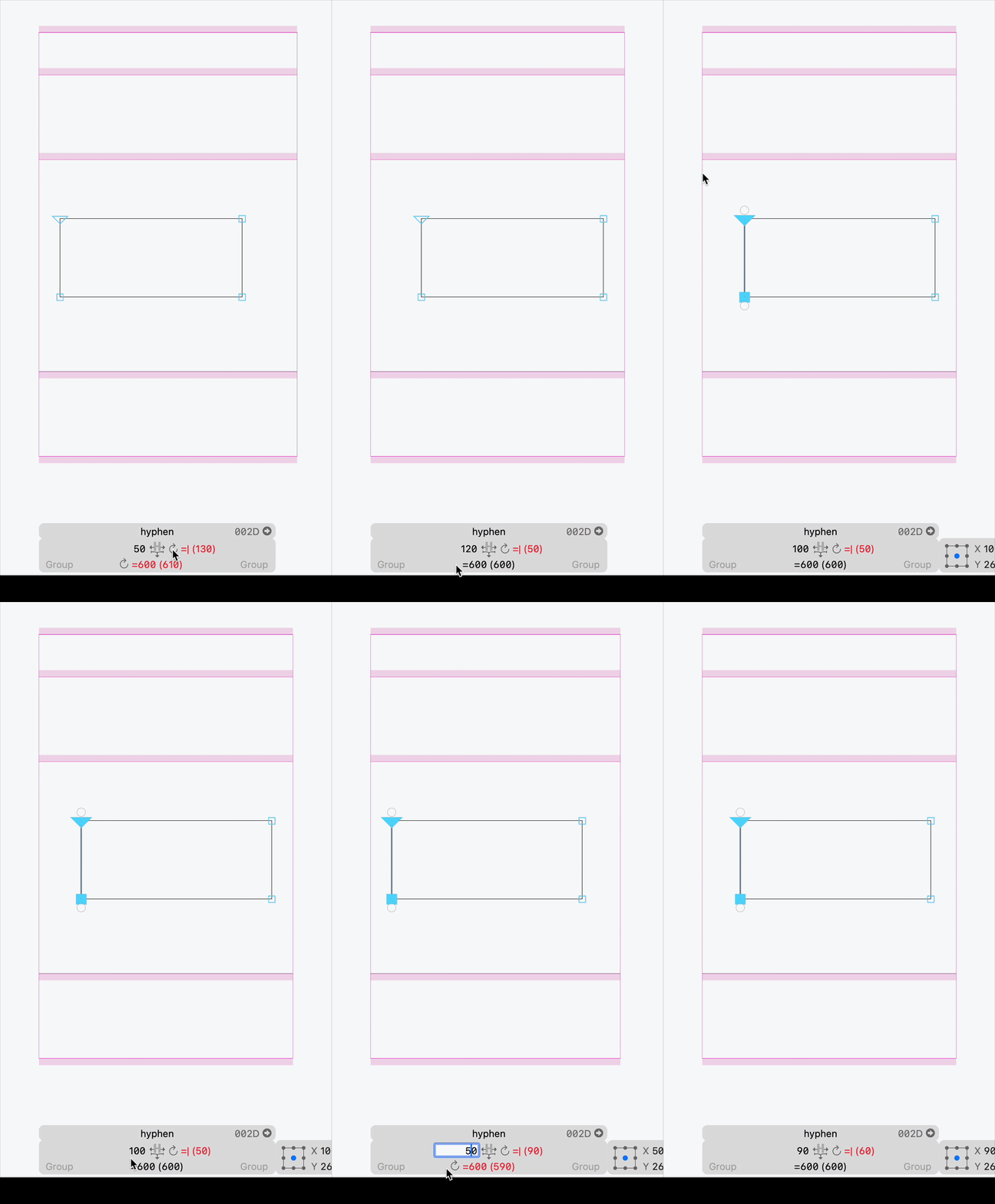
I just tried the thing and it actually works without blocking the width! But one of the value is blue. But hey, never thought of trying this, that’s progress.
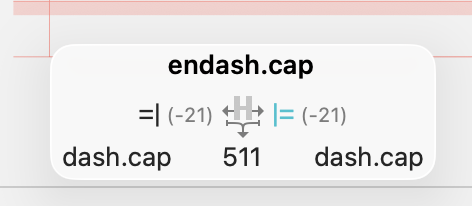
Edit: after re-starting, the =| goes back to a number value. So the fix would just be: allowing this situation :slight_smile:

Edit2: it’s blue because I am dumb and wrote it the wrong way.

=xxx in width and =| in the RSB. Leave the LSB without a key.

And the key is always =| (not |=)

evidence of my stupidity in here

\No but that is the thing, “fixing” the left side bearing is what I am trying to avoid. And as a matter of fact,\

when I write it correctly it works! So problem solved. Don’t mind me, Sebastian was right from the beginning :slight_smile:

EDIT: I mis-read what you wrote Georg. ALL GOOD I got it now.

Updated image for my fellow primates, this is the trick:

The trick doesn’t seem to work in 3.5

ezgif.com-video-to-gif-converter

the update buttons seem to be broken. But Glyphs > Update Metrics, does.