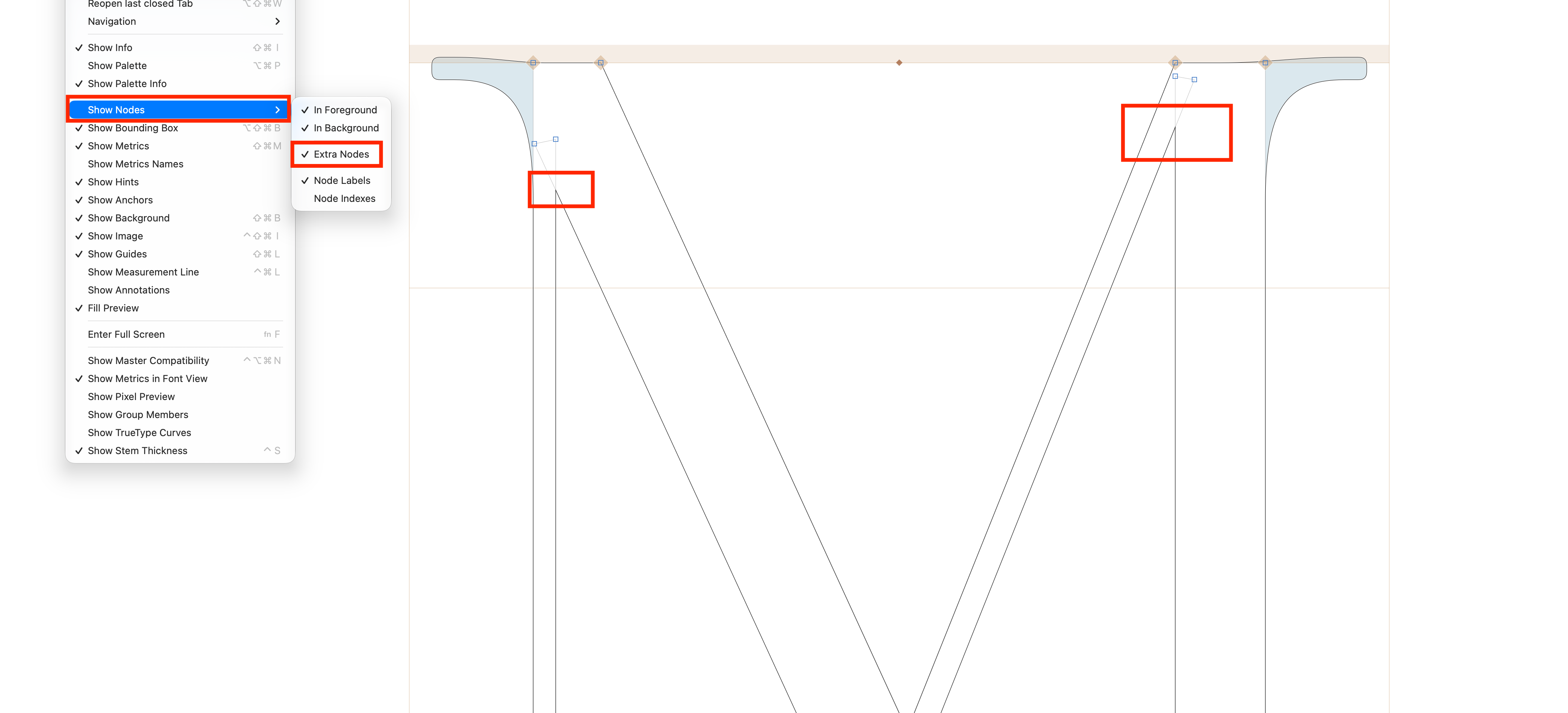
I am not able to show Extra Nodes. I have turned it on/off, restarted the app, but nothing helps. On some glyphs (mostly lowercase) it shows but I am not able to add a corner component to it. And it’s completely missing on uppercase letters.
Thanks for looking into this. I’m seeing a similar case in Glyphs 4.2 (4206) and would love to understand what determines which intersections get an Extra Node.
With View → Show Nodes → Extra Nodes enabled, my capital E shows a marker where the middle arm meets its terminal. The arm edge is a line and the terminal edge is a cubic Bézier with collinear handles. At the top arm, the horizontal edge crosses the vertical stem at an exact right angle, but there’s no marker. I checked the outline coordinates and both pairs of paths do overlap.
Could this be the same interaction with corners you mentioned above, or is there another condition that determines whether Glyphs shows the marker at an intersection like this?