All the bounding boxes have disappeared, and I can’t get them to show. I have turned off and on the show boundary box item and restarted my app, but nothing happens. Can you advise?
The coloured areas are missing.
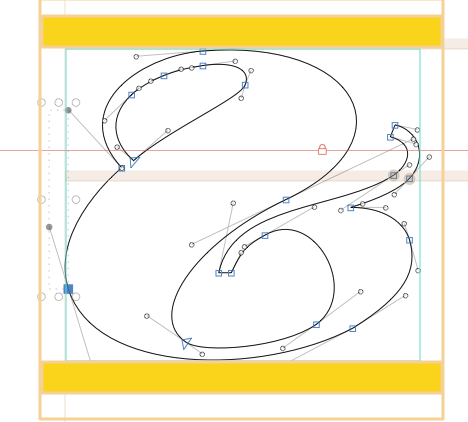
I am not quite sure what areas you are referring to. If it’s the metrics you want to see, you can control their visibility with View → Show Metrics.
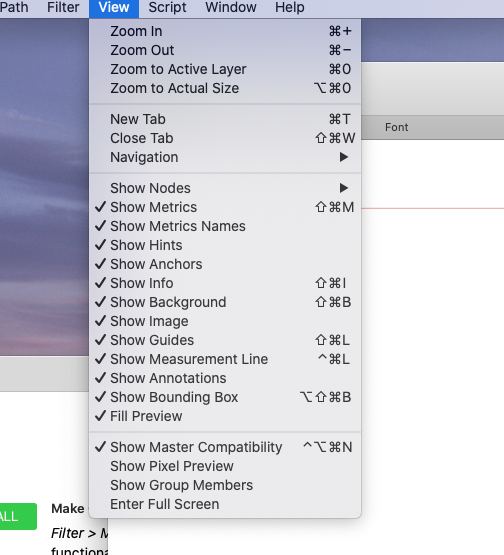
Both screenshots you have posted look good to me, what is missing?
The areas indicated in colour are the missing ellements. Metrics and boundry boxes.
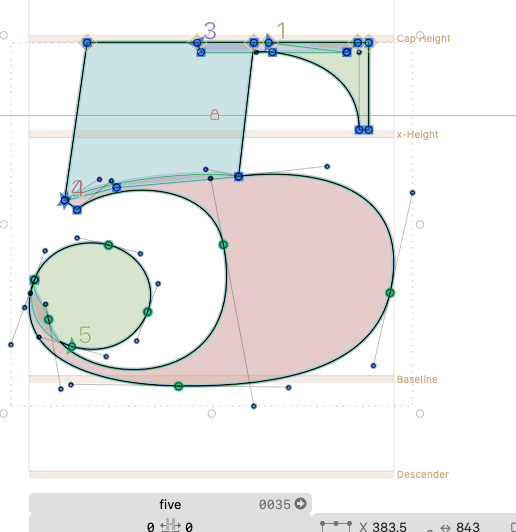
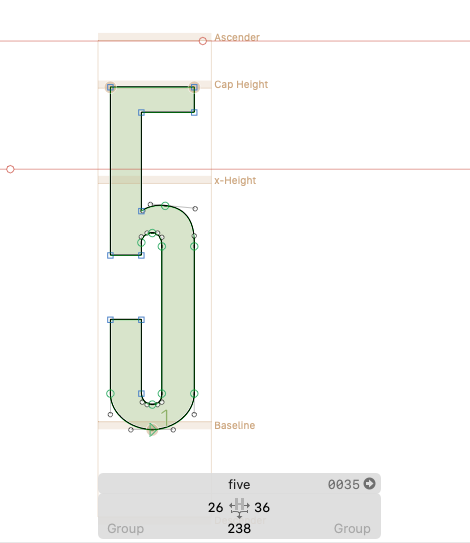
Does the metrics box now only appear when in touch with a character?
I got the boundary box to work.
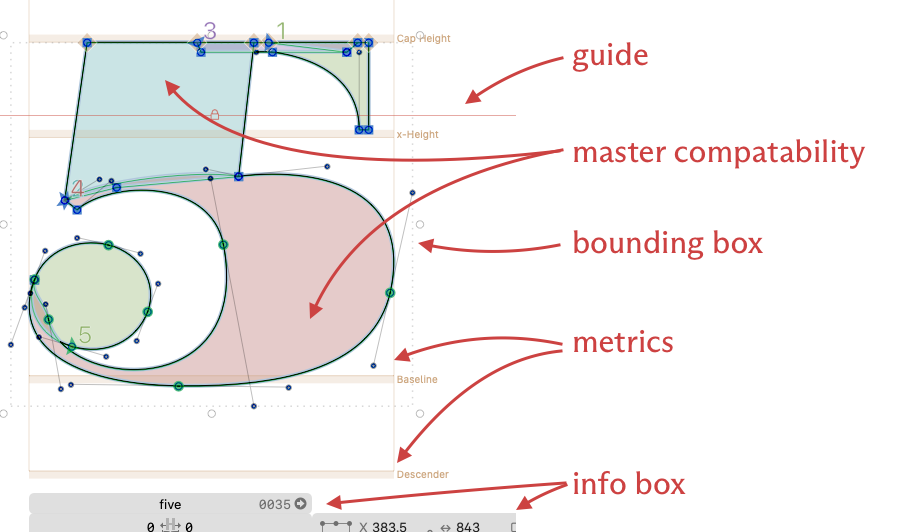
I am afraid I still don’t understand. For reference, these are the official names of various graphical elements:
I have resolved my issues. Thank you.
Solved. Thank you.
One improvement in your paths would be to put nodes at the extremes with the extreme off-curve nodes aligned vertical or horizontal as opposed to how they are now – offset from the extreme.
Can you show me an example. It would help me to see it as a graphic.
Sure. Glyphs offers online numerous excellent tutorials.
Learn about Drawing Good Paths, here: