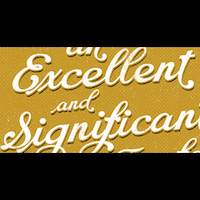
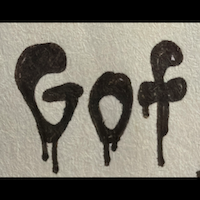
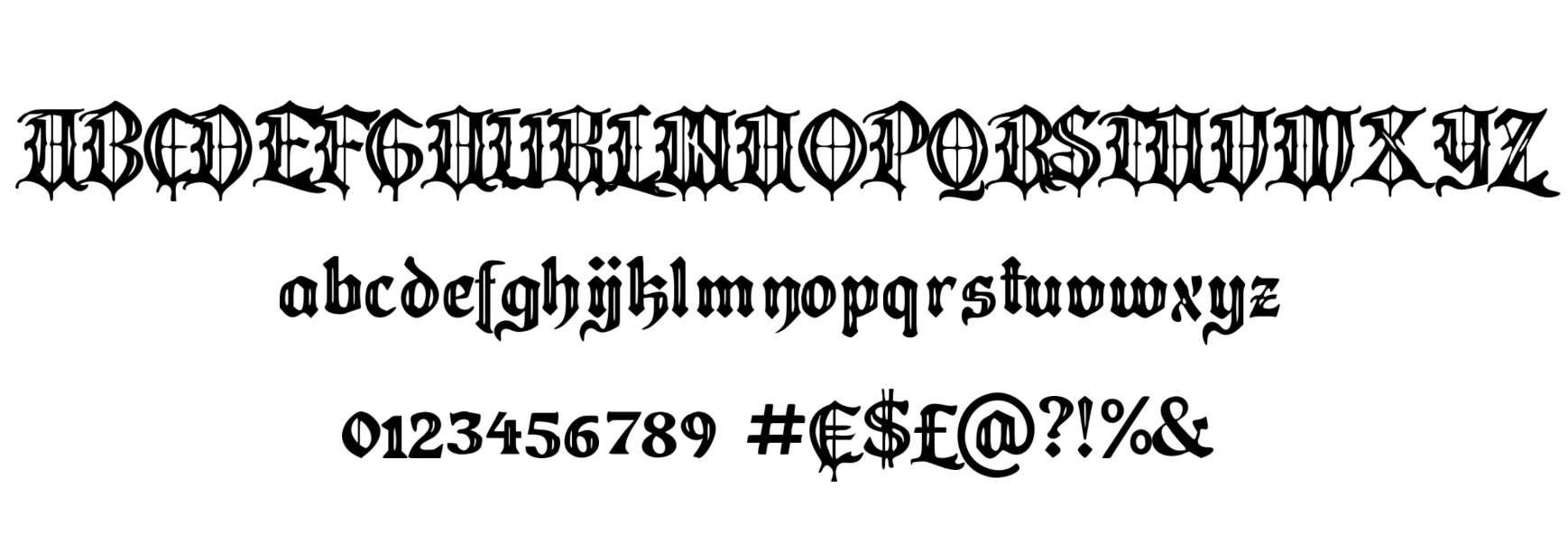
I have made an online app where you can input a single image with a few letters and get a full, usable font as output.
Try it here: Måns Grebäck's AI Font Creator
It is free to use, you get 10 credits per day when logged in, or just try the examples without logging in. There is no download function for this beta version.
The quality is not perfect and the results can vary a lot; view it more as a concept drawing than a finished font. So luckily we still have our jobs as font designers!
I’ve done some tests with exporting to Glyphs as well, which turned out alright, but I do not have a simple workflow for it yet. You could for example get each generated letter as background glyph image, and their basic metrics set. Eventually I’d like to have this as a Glyphs plugin, where you can just draw a few letters and hit “generate”, and it would create the rest, which you could then redraw in better quality. I can also see it used for quick extension of character sets, for cases where it’s better to have a low quality special character than no glyph, in a font.
It already does many accented letters and eth, germandbls, ccedilla.
It’s trained on my own fonts, so you can expect the outputs to reflect that. It for example does script and blackletter pretty well.
Feedback is much appreciated!
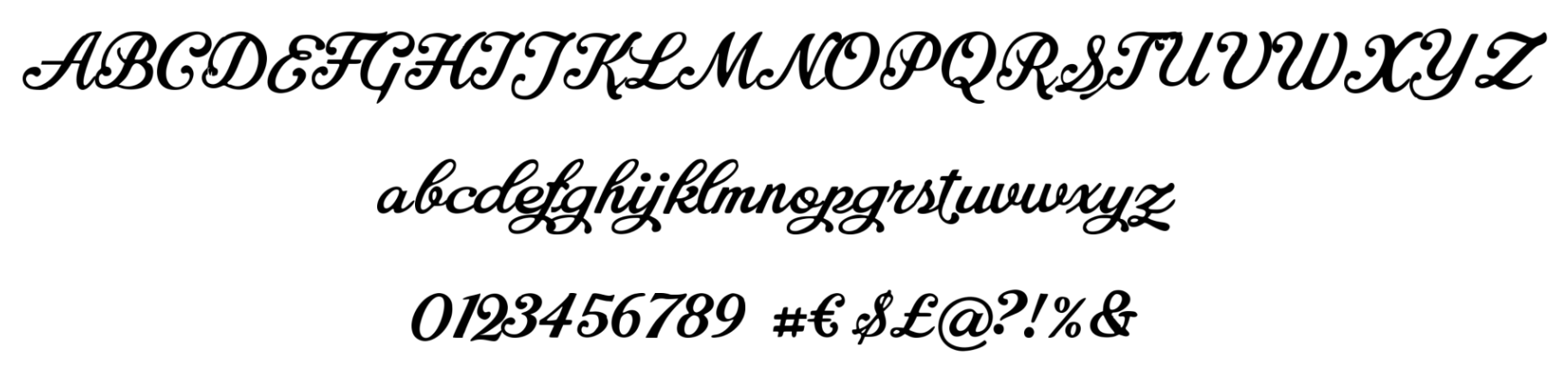
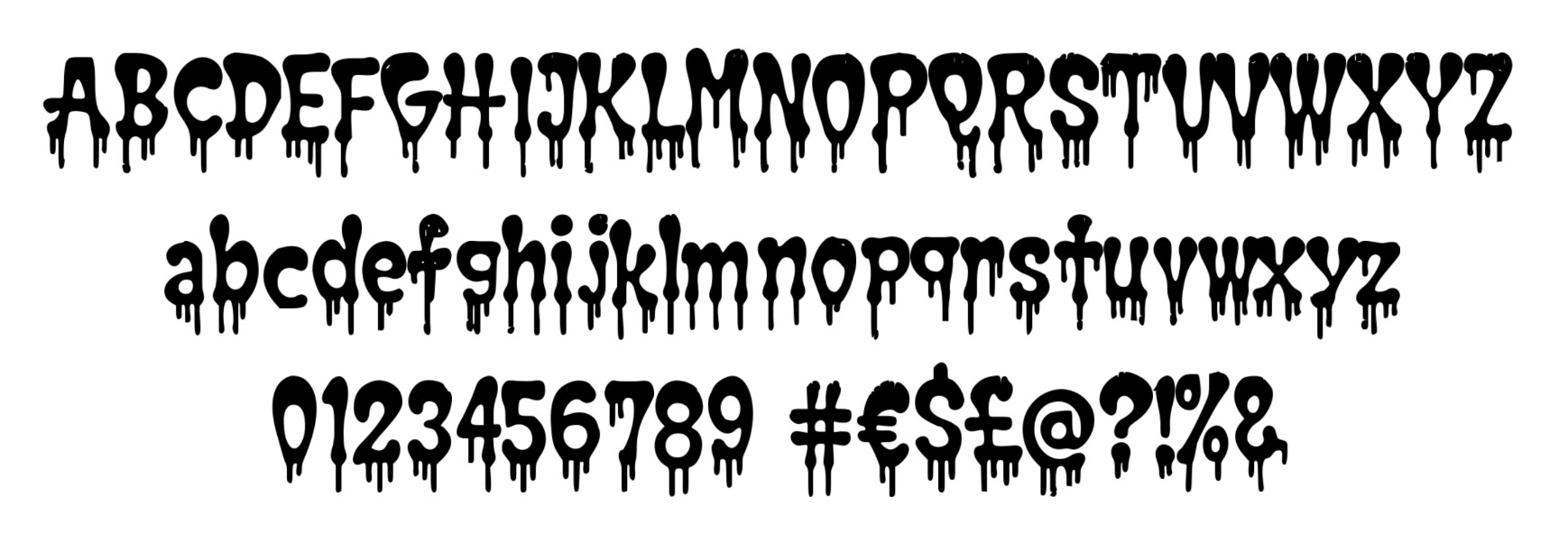
Some examples: