Guidelines disappear when I give it a name. Steps to reproduce:
Create a new file and open a new glyph for editing
Add a guide → Change it to a global guide
Give the guide a name → The guide dissappears
Cmd-Z twice guide reappears
Add another guide and do the same, this time three Cmd-Zs needed to restore
In both cases, the name does not stick
At times, Glyphs becomes unresponsive at the 5th or 6th steps. Need to force quit. This has happened to me twice in the 5 times I tried. I’m using build 3436
When I start Glyphs without plugins, the problem does not appear.
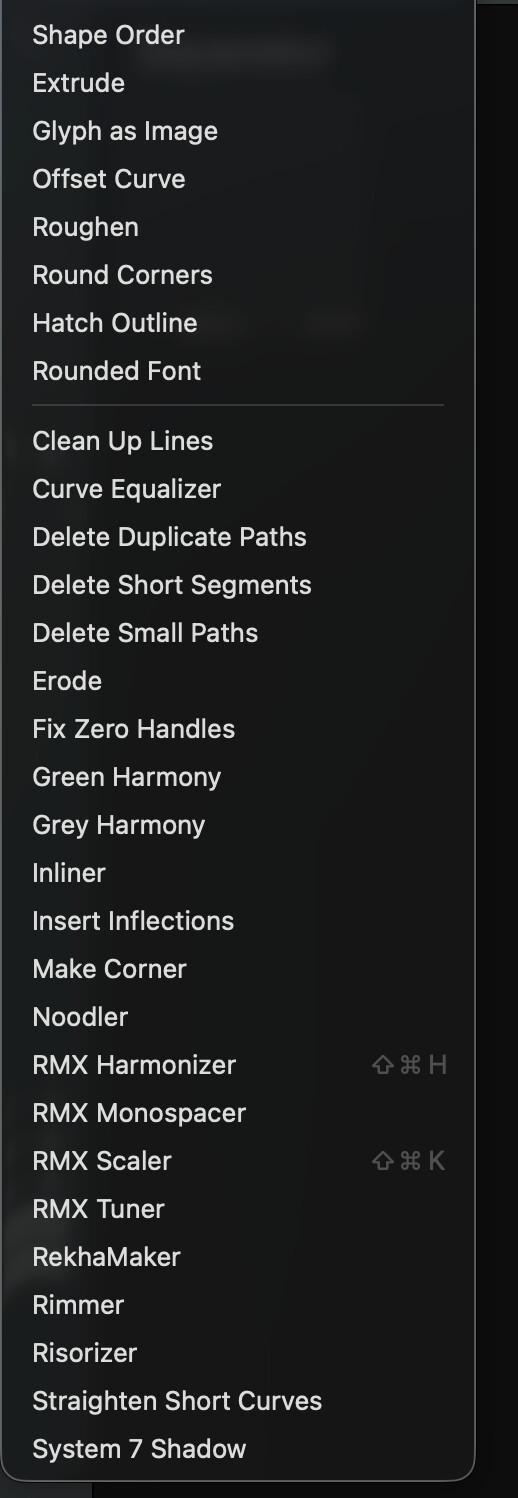
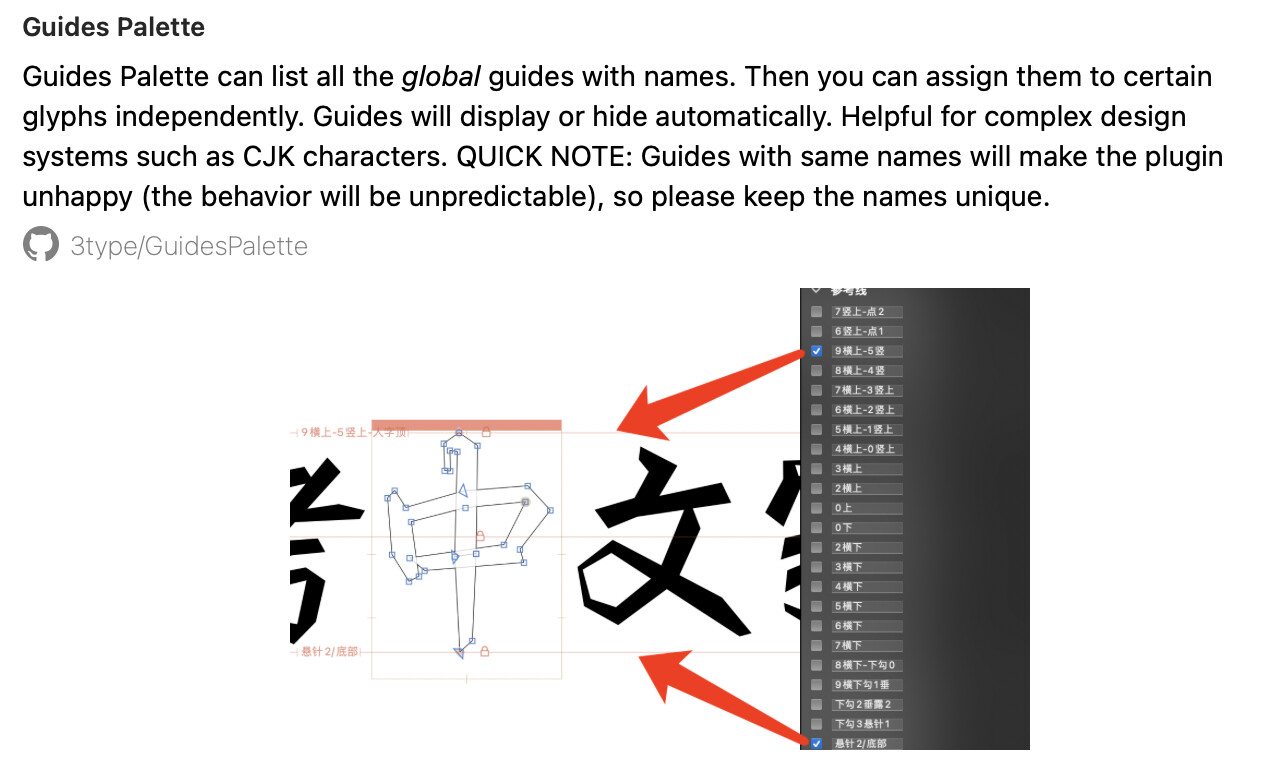
I am not sure when this problem appeared as I have not named guidelines in the past. If it’s a plugin that’s causing this, I hope it can be identified soon. Here are the plugins I have:
Go to the Plugins folder (next to the Scripts folder: Script > Open Scripts Folder). Rename it (“Plugins old” or something). Create a new folder “Plugins” and put half the plugins back. If the issue arises, take half of those plugins out again, and so forth, until you find the plugin that’s causing the issue. Of course, restart Glyphs every time in between.