Some how the glyphs in the “Font View” are vertical and out of order! This has never happened to me in my life.
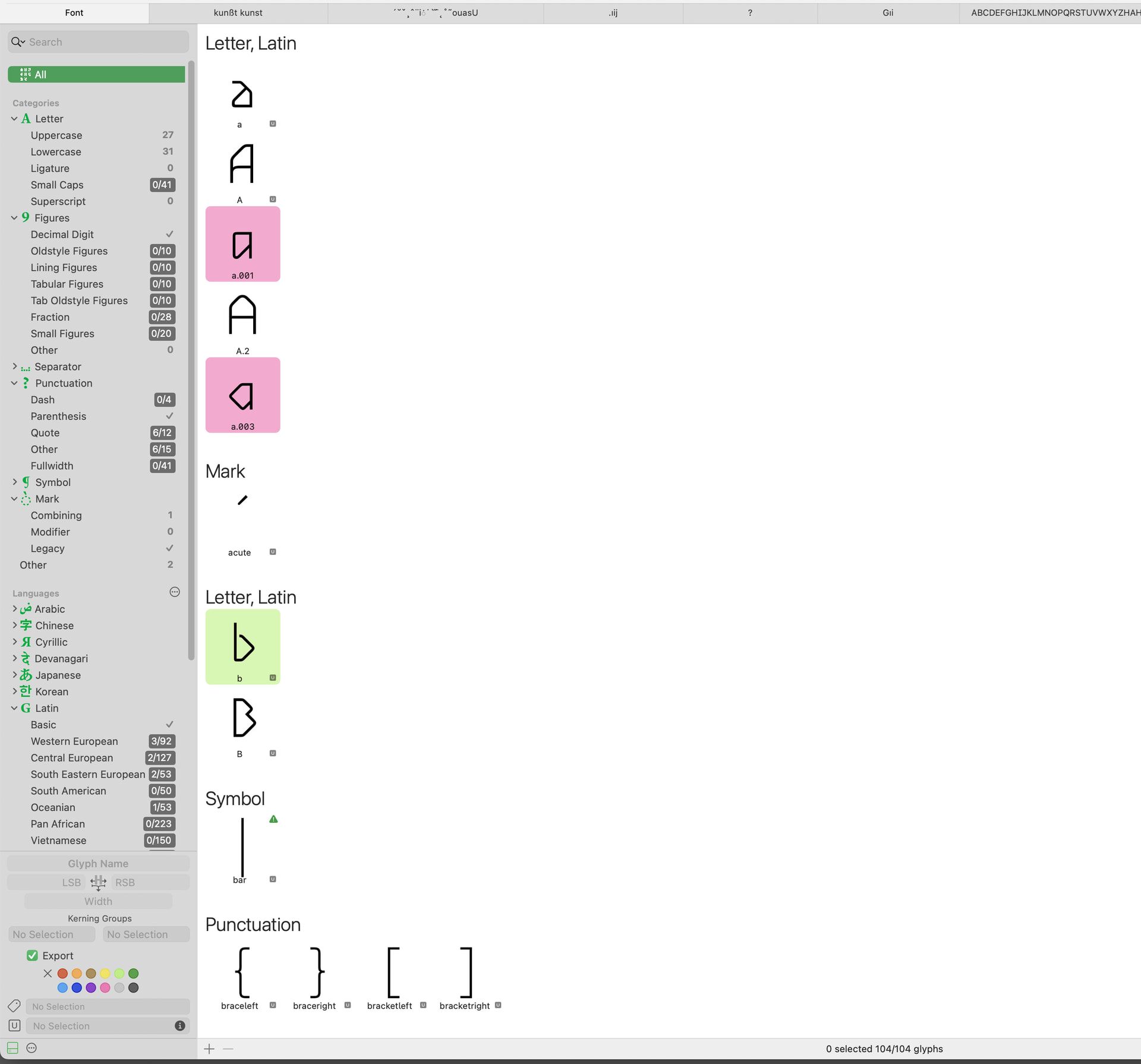
There is nothing in the search field this time!
This happens sometimes and you need to close/reopen the file.
you should be able to fix this by selecting one glyphs and run “Glyph > Update Glyph Info”.
1 Like
I did that and now it works.
I noticed the bug also restores when you just switch once from grid view to list view and back (right bottom corner).
1 Like
Thanks, Myrthe, I will try that next time.