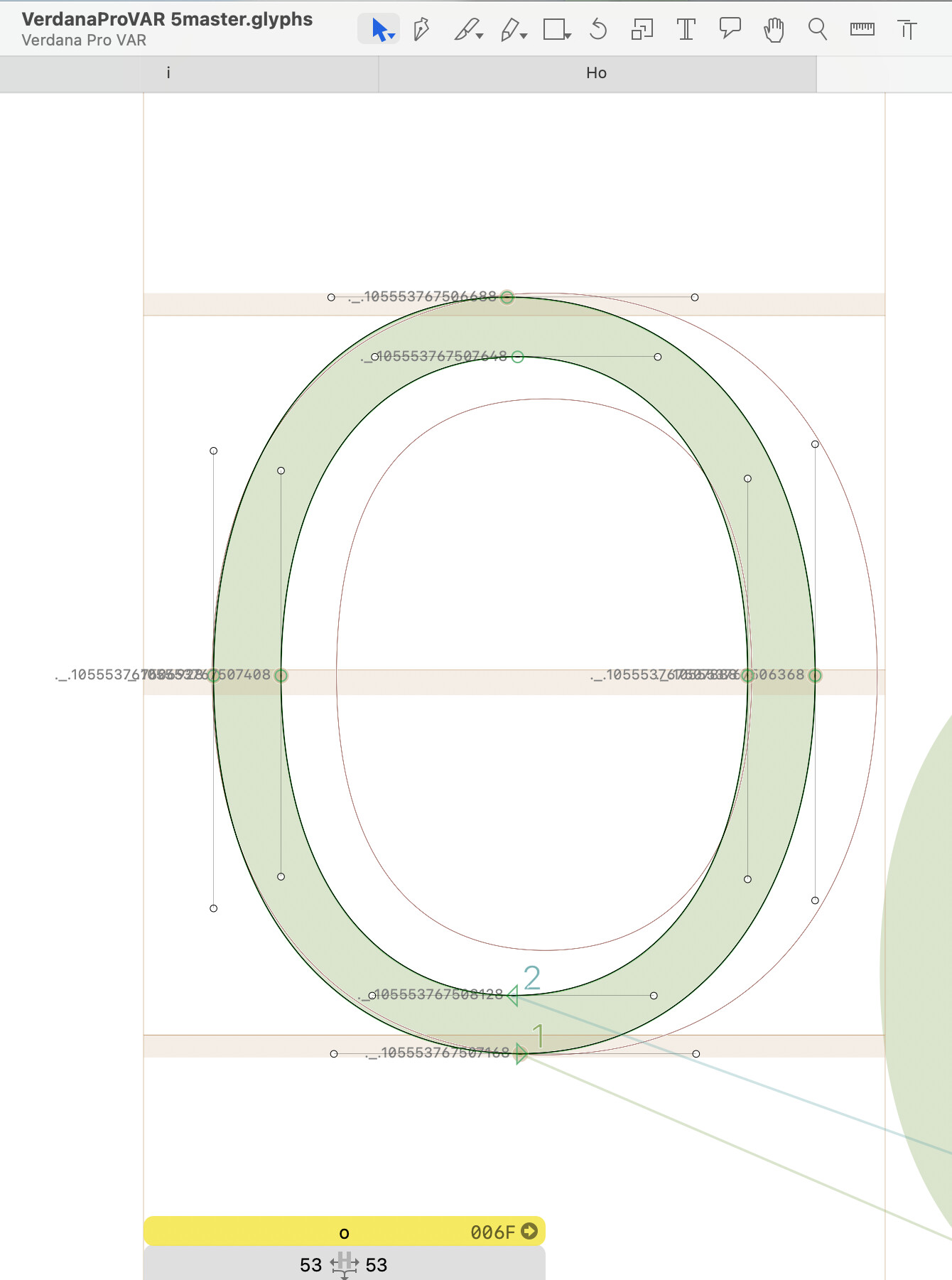
Those are node labels. They were added e.g. by a script.
Put the following code in the macro window and run it:
for path in Layer.paths:
    for node in path.nodes:
        node.name = None
Or for all layers in all glyphs:
for glyph in Font.glyphs:
    for layer in glyph.layers:
        for path in layer.paths:
            for node in path.nodes:
                node.name = None
Thank you so much! I wonder how they appeared in the first place since these were freshly exported from FontLab from data created many many many years ago  Have an awesome day!
How did you generate these files from your FontLab sources?
the option “export as” → Glyphs source. I think from the file menu.
Hi Steve, I’ve noticed the same thing when exporting from FL8 — it adds a bunch of extra node labels! I ended up writing a script similar to what Sebastian shows but I have mine set to only work on “selected glyphs” for the active layer. I found I need to run it any time I import new glyphs from FL that were exported to .glyphs source files the way you described, so I’d recommend saving it so you can run it again next time you export
thank you Aida!