I have a font that uses a lot of corner components, it’s compatible for exporting static fonts, but not for VF, so I need to decompose them manually. I go to export and get a long list of the incompatible glyphs:
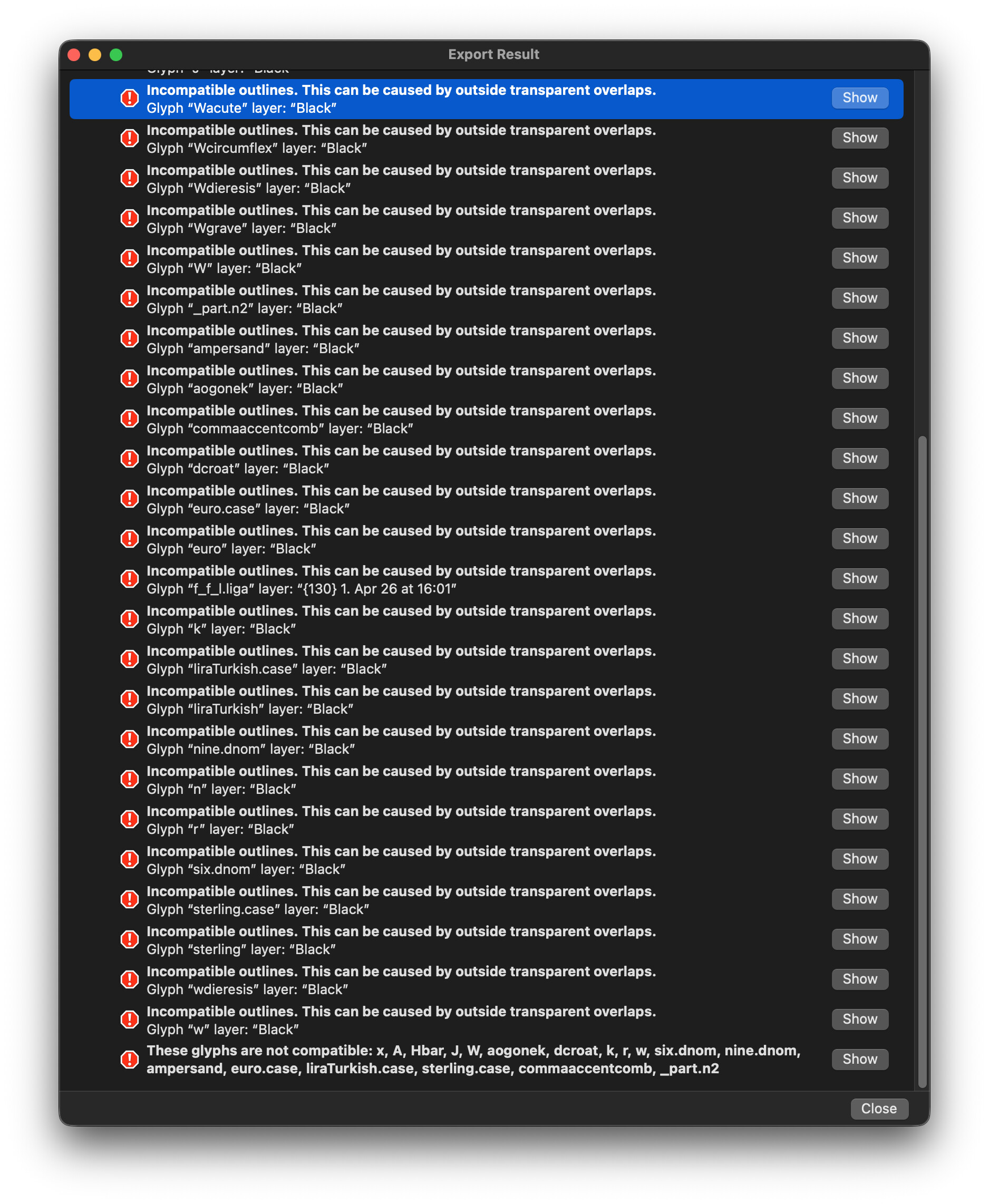
It would be good to be able to just open a single tab with all these glyphs, or better yet just output all the glyphs in a list I can copy, right now I have to manually go through every thing.