So you both have fontlab installed? Can you compress FL into a .zip and delete the app itself (not the .zip). Then run this command and restart:
/System/Library/Frameworks/CoreServices.framework/Versions/A/Frameworks/LaunchServices.framework/Versions/A/Support/lsregister -delete -seed -r
Zipped FL, trashed app, ran Terminal, restarted.
All good 
Unzipped FL. It now says it’s damaged 
Reinstalled FL
Back to same pop up problem.
1 Like
Jeremy: Yes. Aaargh! Didn’t see this coming. I also lost access to a faithful old printer.
Georg: Perhaps this is a clue: my popup is slightly different from Jeremy’s. In mine, it says: Do you want all documents with the extension “.designspace” to open with “com.GeorgSeifert.Glyphs2” or to keep using “FontGoggles”?
So perhaps FL is not really the issue?
The fact that it says “Glyphs2” baffles me, but might be a clue? Could this be a FontLab issue? I also have FontLab 9 installed, but (thanks to Jeremy and his tale of woes), I have not installed Tahoe–and won’t, until this gets sorted!
I’m trying to recreate the problem (setting up some virtual machines …).
My MacBook is an Apple M1 running macOS 26.4
My Desktop is a Mac Mini M2 running macOS 26.4
I didn’t have this problem on the previous macOS 26.3XXX (just the dodgy interface)
I found the problem and fixed it. Sorry that it took so long.
2 Likes

Brilliant Georg
Thank you, Georg!
Hi @GeorgSeifert — I have just experience a bit of a bump with this too and all of a sudden I cannot open Glyphs on Tahoe 26.4.1. I installed a cutting-edge version this morning and it was all working until now. Any ideas how can I sort it out?
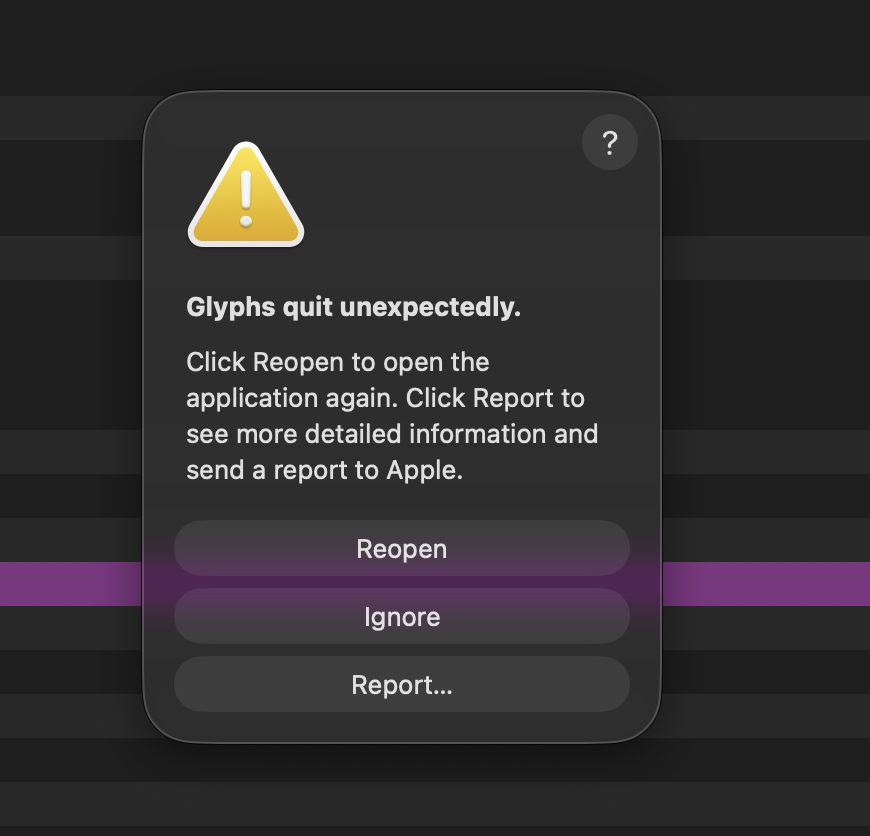
report.txt (94.1 KB)
The Plugin Manager had a new, invalid entry that slipped through. Should work now.
Fab, thanks @GeorgSeifert