I’m trying to go from this terminal
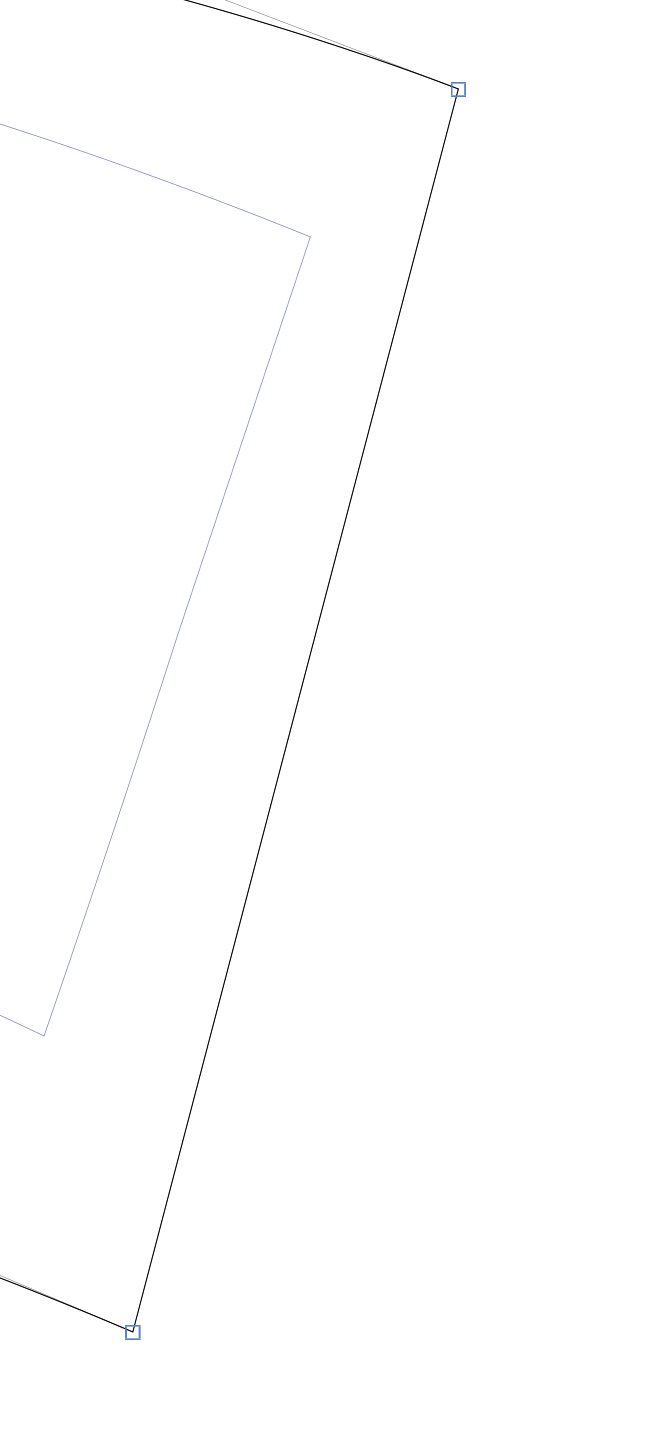
to this arrangement of nodes
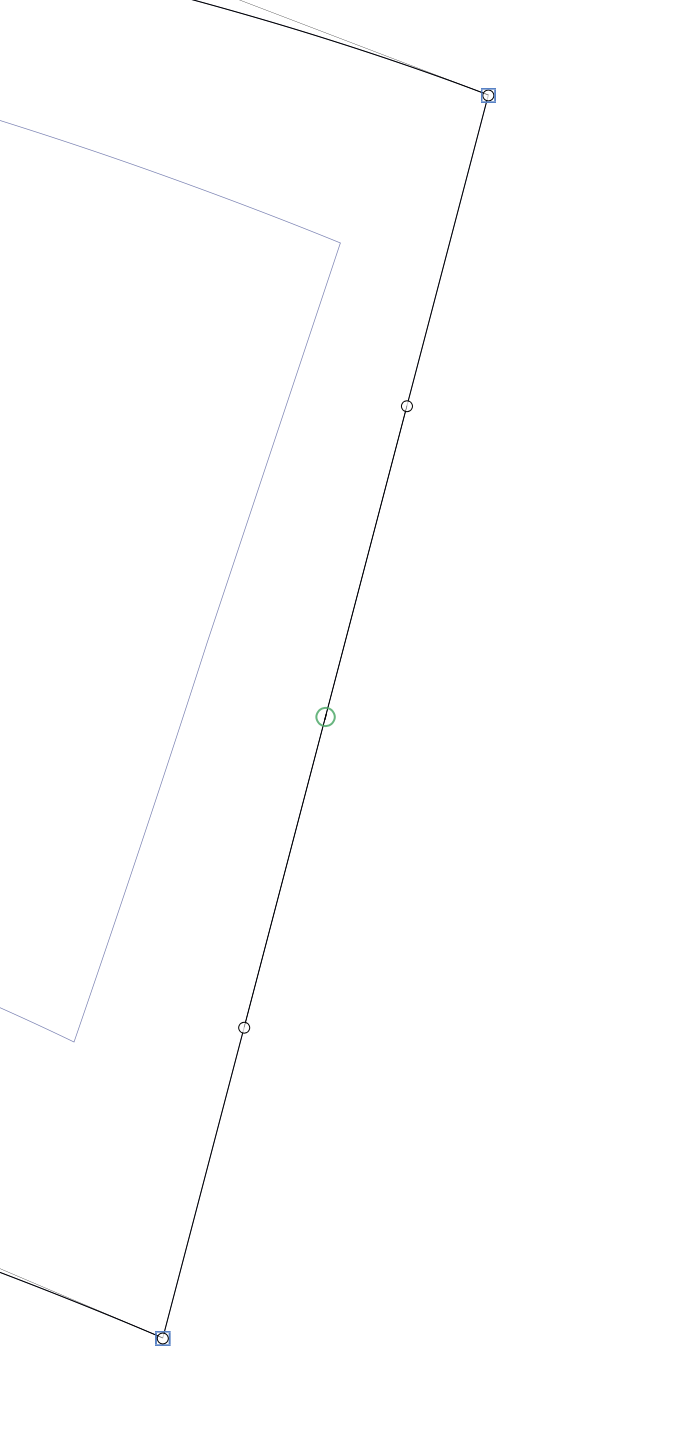
via the macro panel.
Essentially adding a zero offcurve, a quarter offcurve, a midpoint curve, a three quarter offcurve and a final zero offcurve. (if that makes sense)
I’ve tried appending the nodes but I’m not sure what order to add them in. Current code is this:
selNodes = Layer.selection
index = selNodes[0].index

def midCalc(x1, x2, y1, y2):
	return (((x1 + x2)/2), ((y1 + y2)/2))

midpoint = midCalc(selNodes[0].x, selNodes[1].x, selNodes[0].y, selNodes[1].y)
quartPoint = midCalc(selNodes[0].x, midpoint[0], selNodes[0].y, midpoint[1])
thrQuartPoint = midCalc(midpoint[0], selNodes[1].x, midpoint[1], selNodes[1].y)

off1 = GSNode(selNodes[0].position, OFFCURVE)
off2 = GSNode(quartPoint, OFFCURVE)
node = GSNode(midpoint, CURVE)
node.smooth = True
off3 = GSNode(thrQuartPoint, OFFCURVE)
off4 = GSNode(selNodes[1].position, OFFCURVE)

for newNode in [off1, off2, node, off3, off4]:
	selNodes[0].parent.nodes.insert(index + 1, newNode)
	index+=1
It adds the first two offcurve points and the mid node but misses the last two offcurve points. What am I doing wrong? I have tried adding them in different orders, the mid node first initially then various other orders. I have tried adding the mid node as a LINE then changing the type later. Can I make the whole path then append it?