Hello!
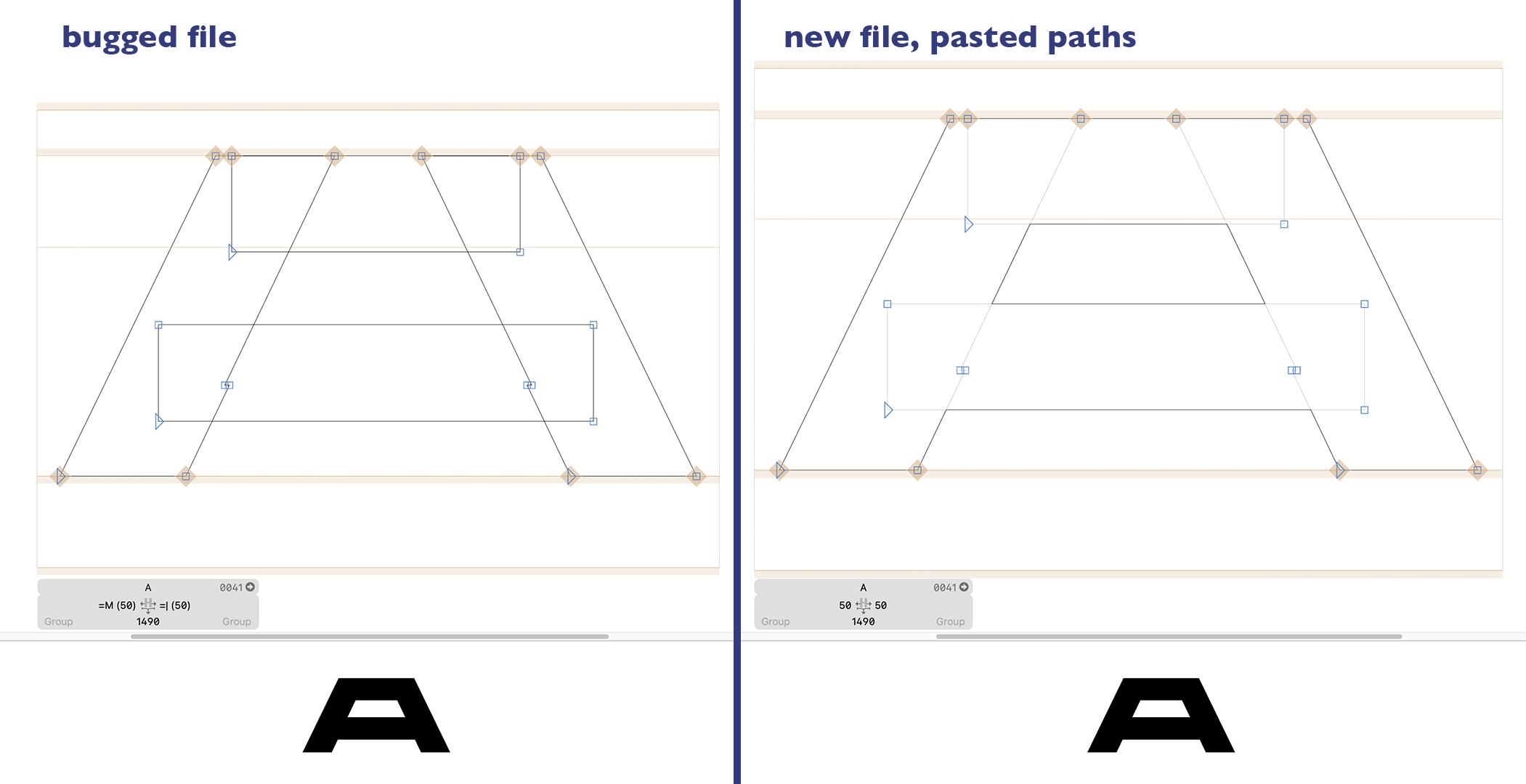
I’m experiencing some strange behavior on all the glyphs and masters from a file, as if the shaped weren’t supposed to overlap (left). However, as you can see at the bottom, the shapes are rendered properly, and when I want to overlap the shapes it works.
I tried to copy and paste a letter to a brand new file, and the issue disappeared (right). I tried to correct paths direction but nothing changed.
May the file be corrupted ? If that were to be the case, should I copy and paste all my letters and masters into a new file, and is there a fast way to do that ?
(I tried to export an .ufo for each master then reopen them in glyphs, that works but I’m losing some layers)