Hi,
I have encountered two possible issues with the PenPoint settings in Glyphs 4.1 (4105).
-
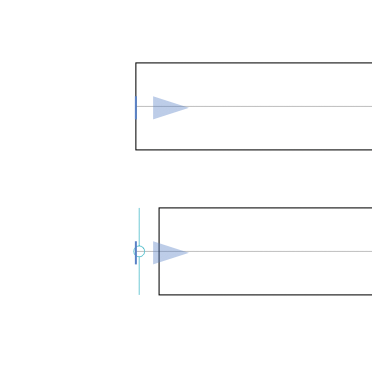
PenPoint set to “Start”
When the PenPoint is set to Start and its position coincides exactly with the start point of the path, the path becomes slightly shorter at the beginning, as shown in the attached screenshot.
This only seems to happen when the PenPoint and the path’s start point are at the same position. I expected the full path to remain visible up to its original start point.
-
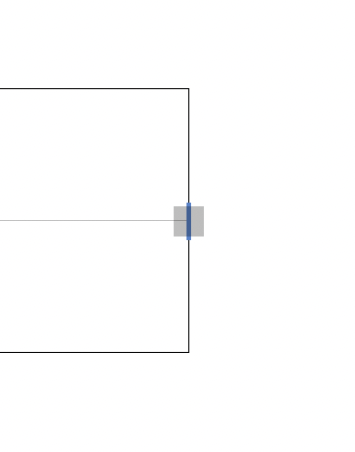
PenPoint set to “End”
When the PenPoint is set to End, it overlaps the end node and makes the node very difficult to select with the mouse.
Regarding the behavior for Start, is this intended or is it a bug?
As for End, I hope it can be made easier to select in some way.
Thank you.