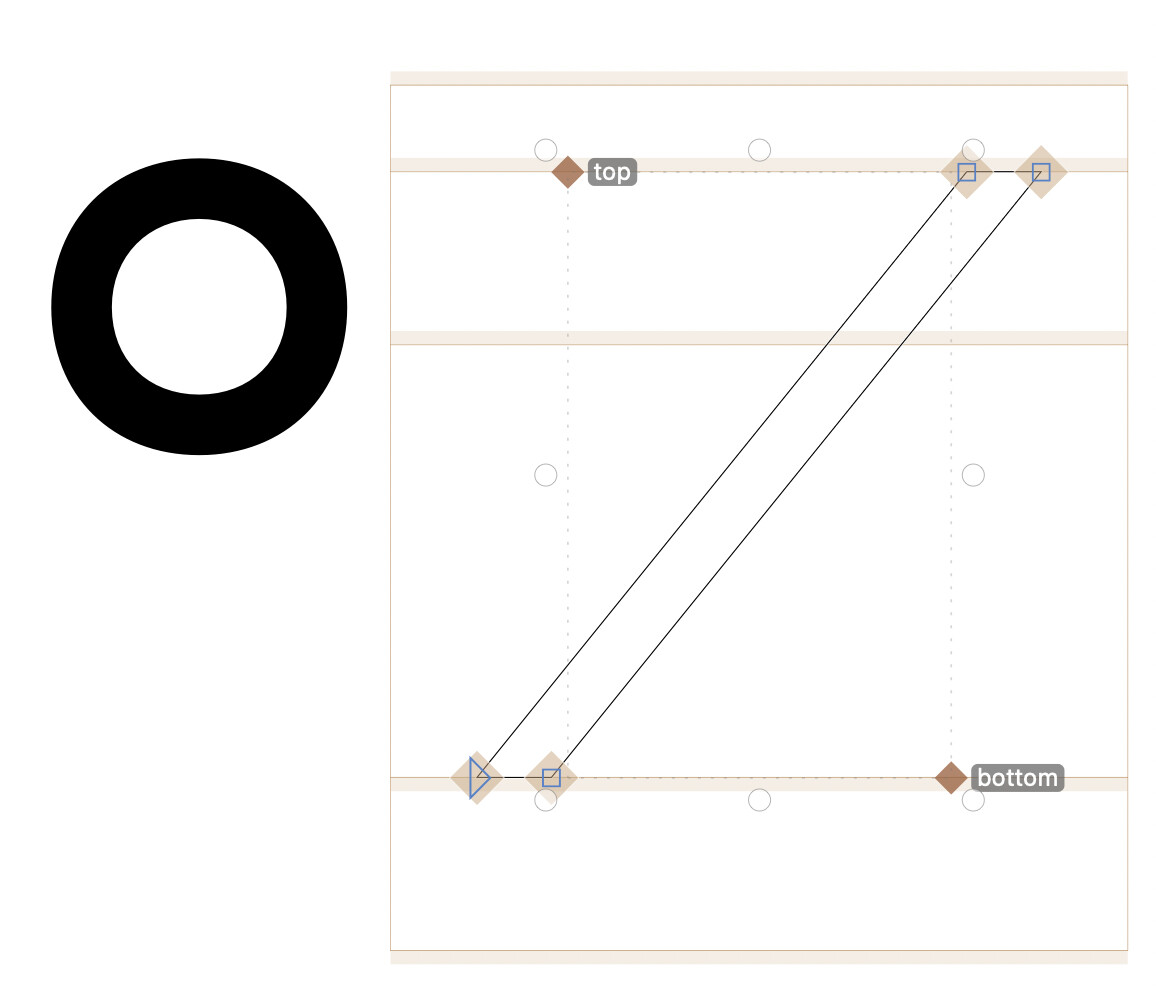
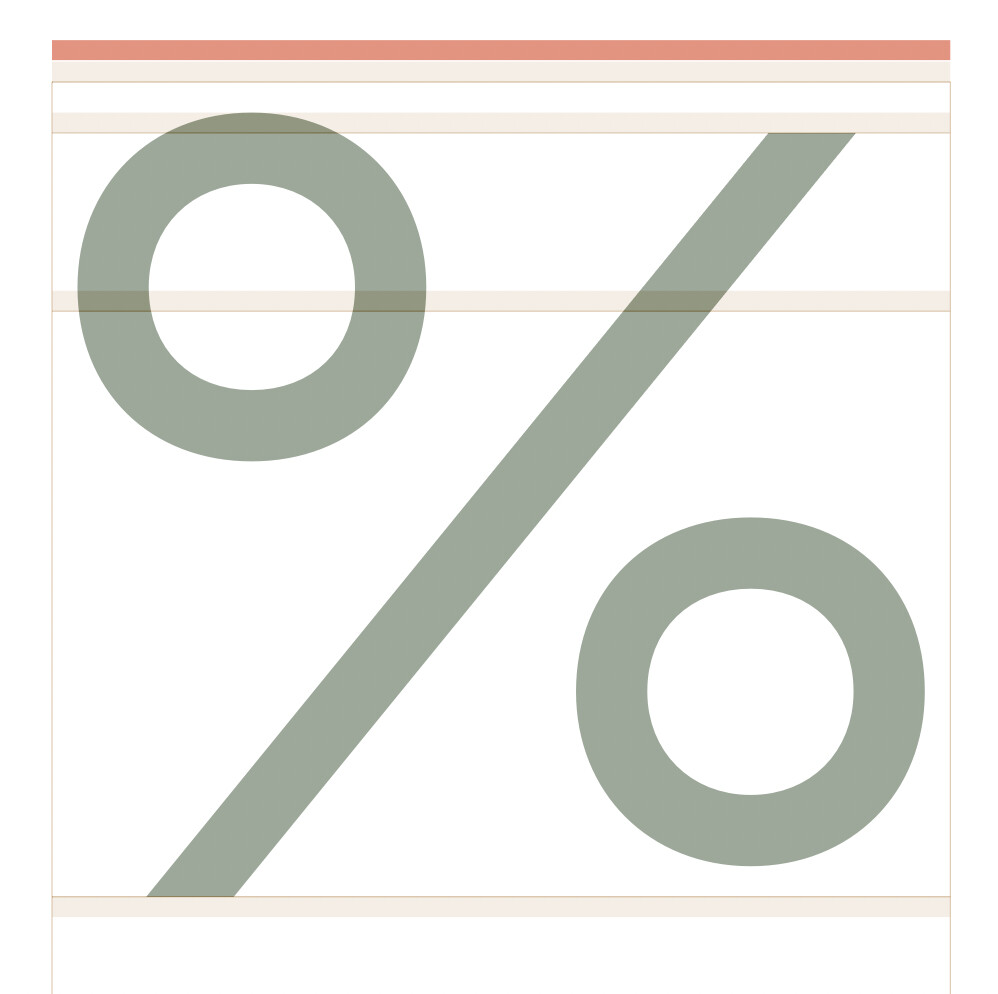
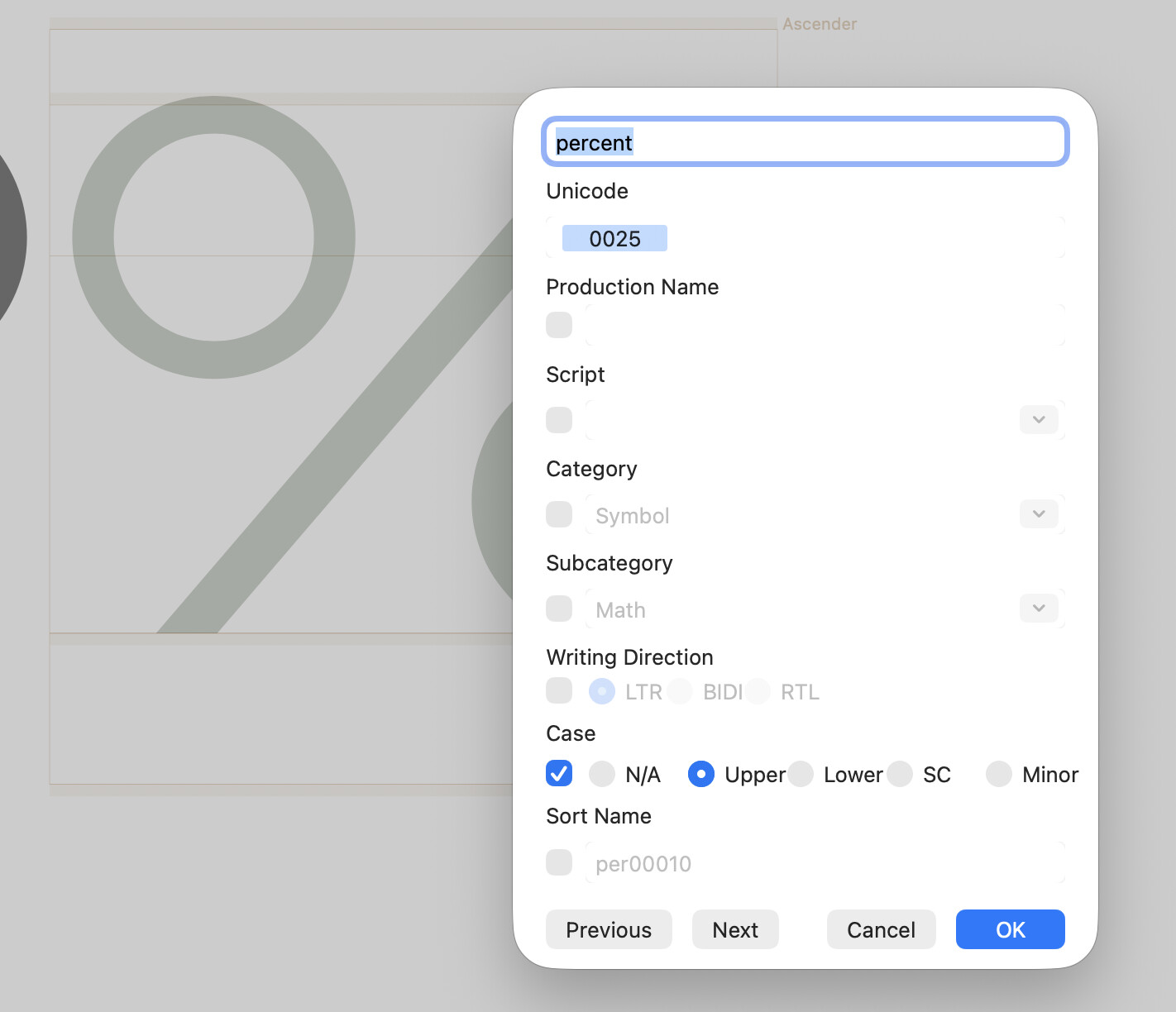
Hi, may I ask what’s the best components setup for /perthousand? I’ve been doing it in ugly ways for years, I must be missing something. Anyways, this works for /percent:
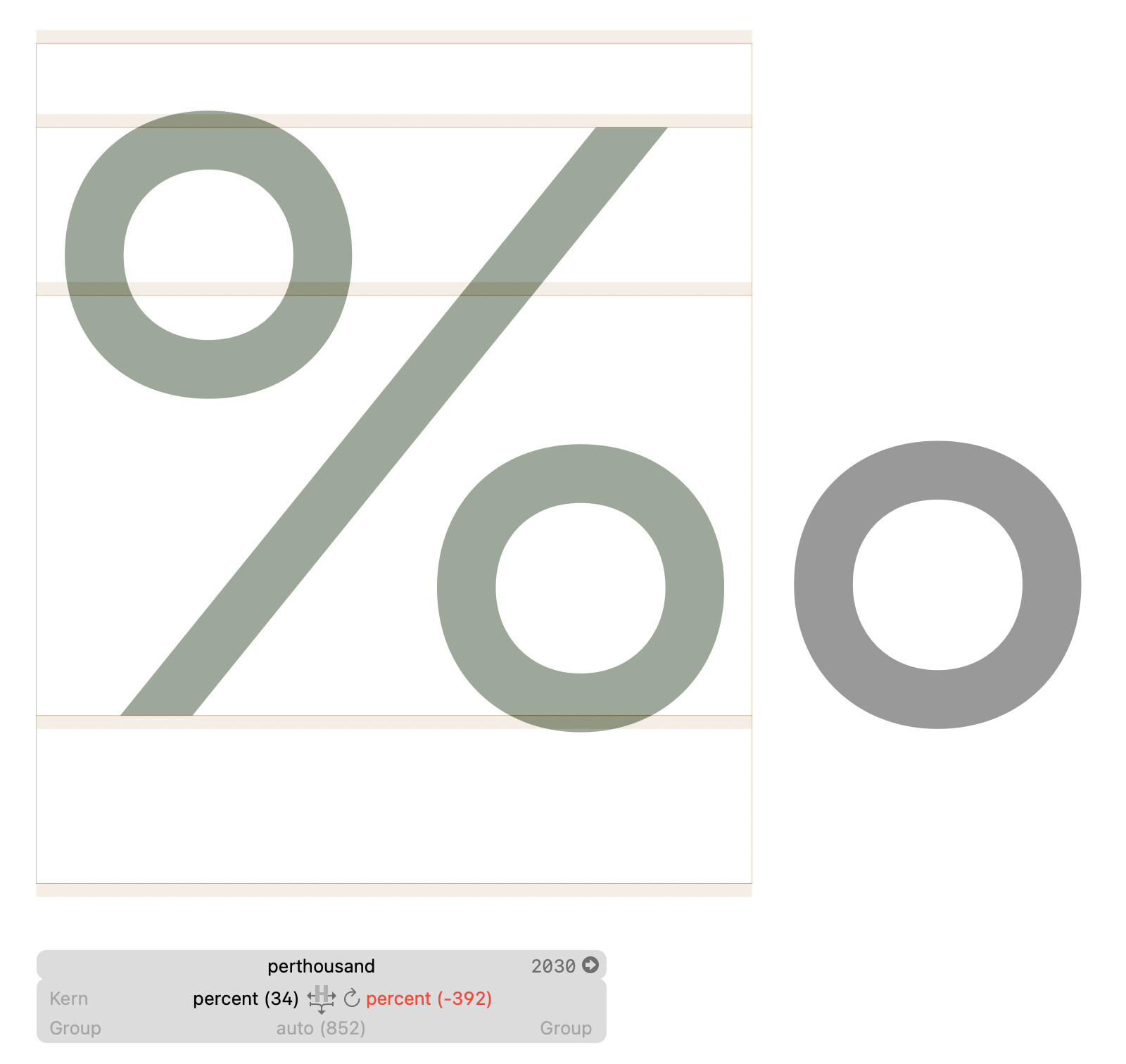
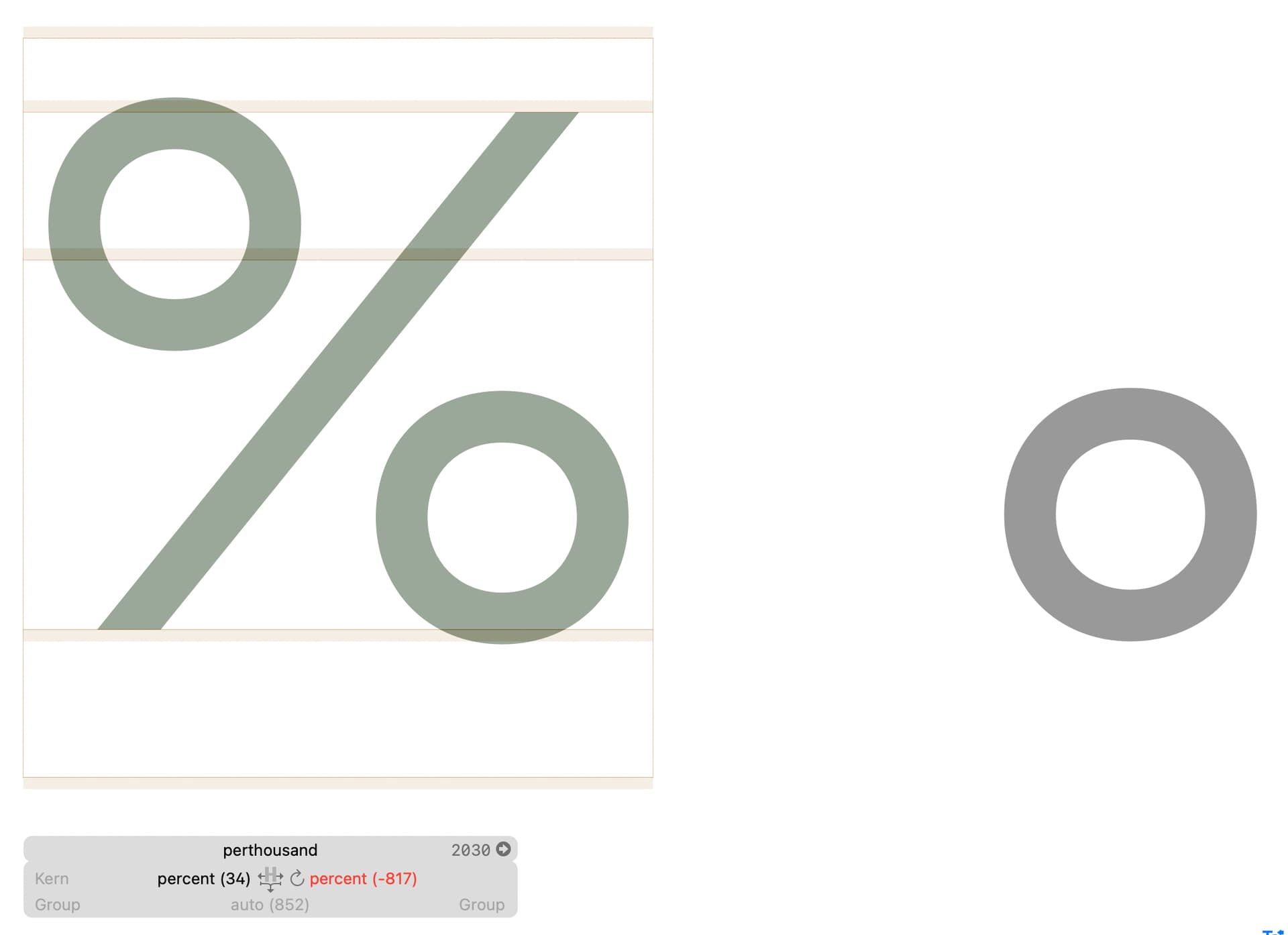
Then I think this could be a way — copy-paste the 3 components from /percent, add one more without the auto alignment and steal sidebearings from percent:
I wouldn’t use anchors at all. Do everything by spacing. The circles get a rather normal spacing and the bar gets negative side bearings that circles fit next to it. And make sure the automatic alignment is on for all pieces.
Then the per thousand has the same components that the percent, just an extra circle.
What Georg said. This does mean that you have two circle glyphs, in one you have the outline, in the other you have the first one as a component, but with automatic horizontal alignment and then move it down (or up).
Oh right, thank you — I didn’t think of that option!
It would be great to just rotate the component though. No way to set the origin to mid cap height? I wonder if any symbol needs the mid ascender