I just created an 8-bit style font where I manually positioned each square at a time…only to then see someone online quite literally “draw” a pixel font automatically. Now theirs (and tutorials I’ve seen on this site) come out super crisp and I haven’t seen this issue with the varying grey areas floating around the area that I’m “drawing”. You can see that the preview of it below appears even worse. Any help would be much appreciated, since I have no idea what I’m doing wrong here.
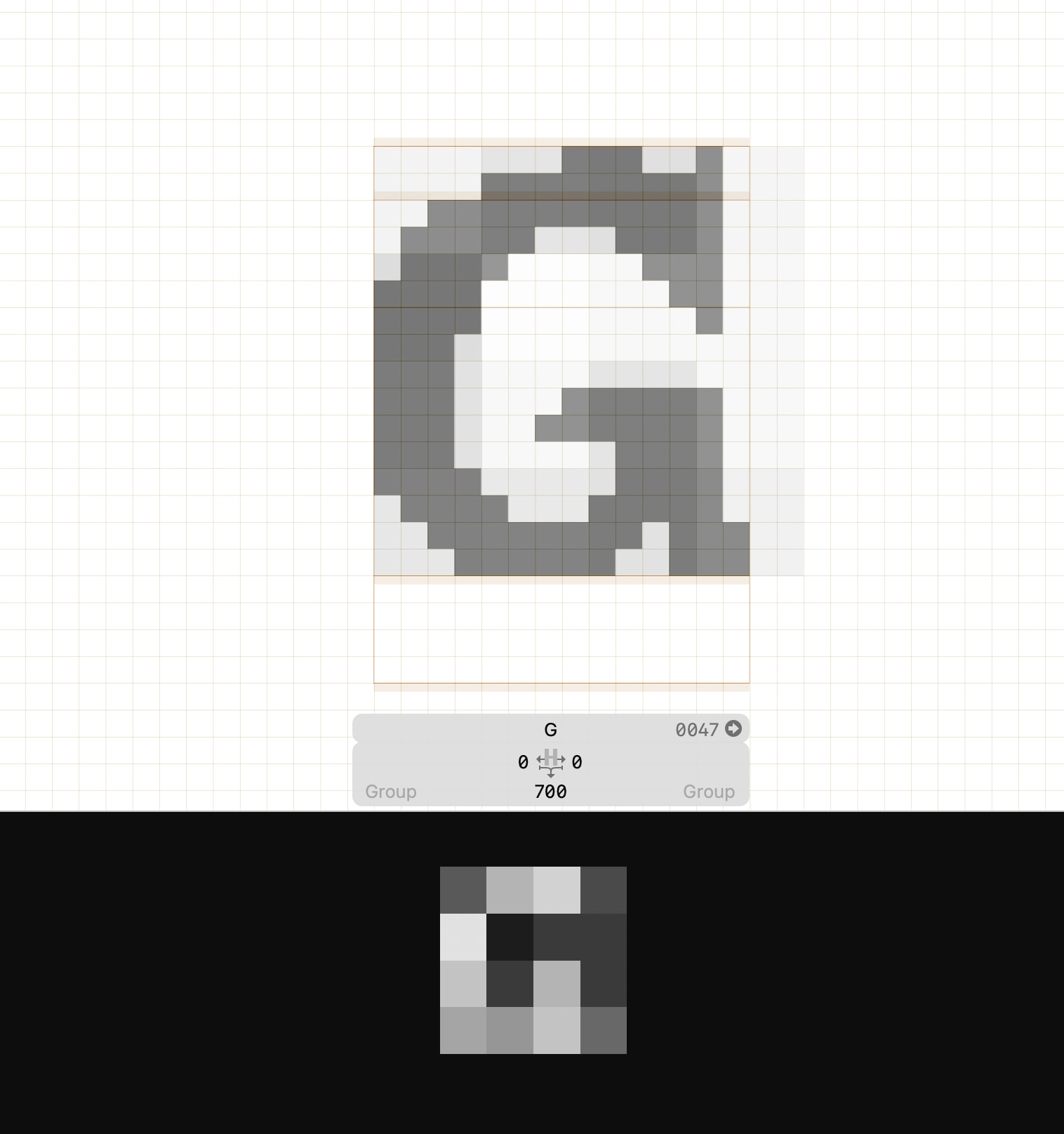
When you draw an actual pixel font, you don’t use the pixel preview on top of it. That preview mode is useful to check rendering (approximately) at a certain size.
In case you like to see how a normal outline would look pixelated, you can use that preview mode and set it to a certain pixel count in the context menu.
Oooh I’m such a dummy, haha. Thanks for the help Georg!