Dividing the font does make sense. Thanks for that insight.
My pleasure Mr. Cornfield.
https://github.com/Tarobish/Jomhuria/issues/40#issuecomment-190965601 shows that the OS/2 codepage ranges determine this. Eg for an Arabic font,
>>> font['OS/2'].ulCodePageRange1 = 64
>>> font['OS/2'].ulCodePageRange2 = 0Interesting. Is there a way to control this in Glyphsapp?
@GeorgSeifert
Not (yet). You can do that afterwards with TTX/FontTools in the Terminal or with OTMaster.
Is there a list for other scripts? I am interested in Japanese, Chinese Simplified and Chinese Traditional. With ROS is easy but when you are using ROS=0 (zero) there is not way that makeotf set that for the desire Script.
Just discover that, if I add a ROS property in custom Parameter of Font in FontInfo, and set the value to Adobe-CNS1-6, than the font will go to Traditional Chinese order of Font Menu of Adobe application. Before that, the font will go to Latin font’s order. But it only provided few item to choose for Tradition Chinese, Simplify Chinese, Japan, Korea, and general Latin
Is there a list of how to add other scripts the ROS custom parameter?
I suspect there is no list. This is hard coded in Indesign. There are only CJK ROSes defined and so it works only for this three scripts.
Thanks 
I had a similar issue. so I unchecked Latin1 from codepage. It works well with Adobe. I see my font among Hangeul lists. But, in Windows Memo app at the font setting window, it shows that it has only hangeul in the font and no latin. So i am curious about what the Cmap hack is about. Or if there is a way to control this multiscript issue. I want to make the codepage correctly and want the font to be seen on hangeul list in Indesign. Unchecking Latin if a font has latin sounds unreasonable to me.
1 Like
Yes! As Minjoo mentioned, it would be great to know how to set the CodePageRange correctly for Multiscript 
1 Like
There is no right or wrong, really. There is the spec:
I usually do not set the parameters. Glyphs will auto-set those bits once there is enough coverage in a given block.
If an app does not follow the advice, we can either try to reverse engineer the mechanism (often, it also involves the actual glyph coverage of the font, on top of the bits being set), or file a bugreport with the manufacturer. Also, keep in mind that just because the font is not ordered in a certain subcategory doesn’t mean it is not working.
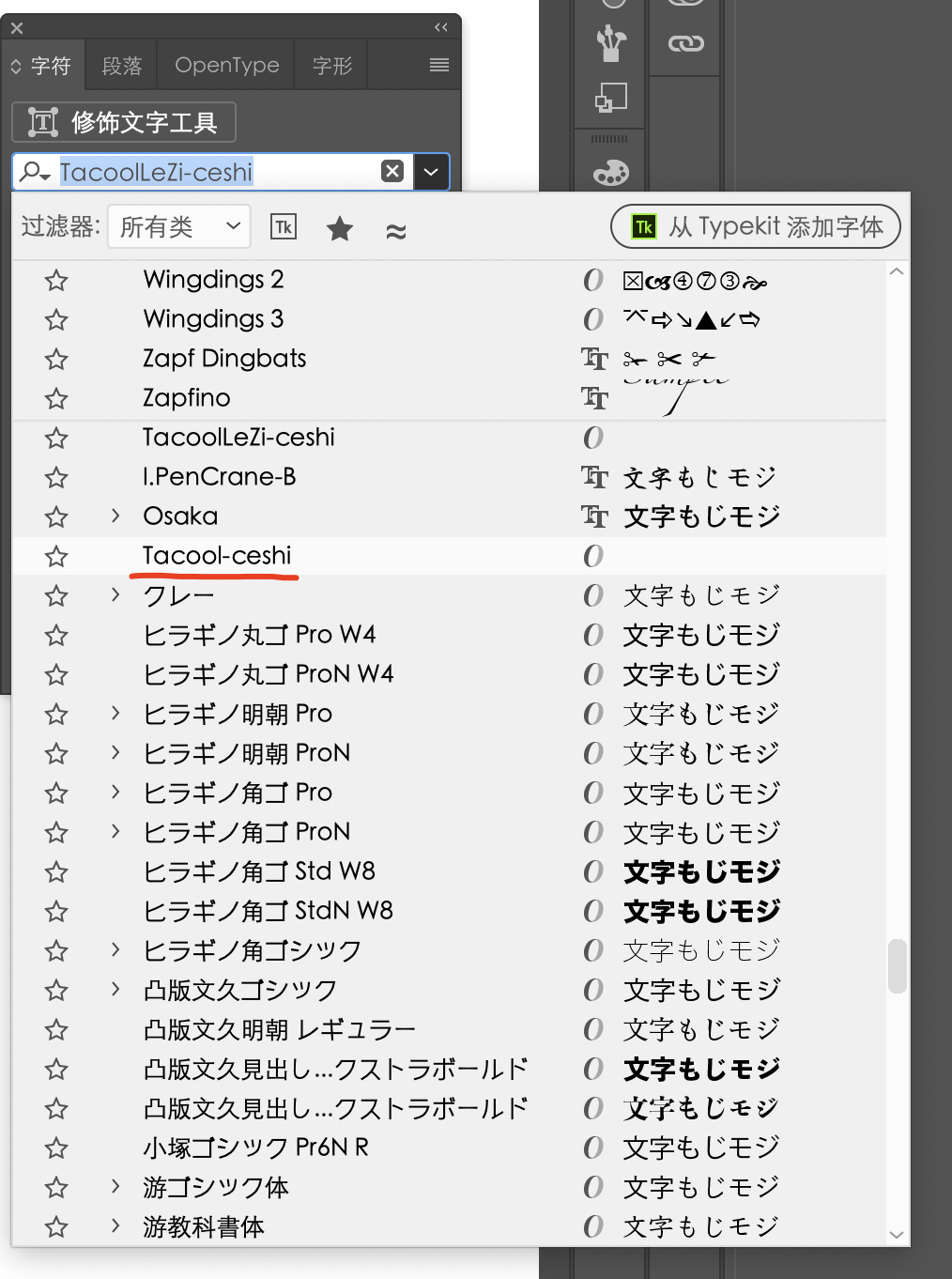
I don’t know. It is a question for the developers at Adobe. But I would try:
- having enough Chinese glyphs
- deleting the custom parameters for Unicode ranges and code page ranges. If these parameters are not there, Glyphs.app will set them automatically. Usually this works best.
If this does not work, experiment by setting Chinese in the codepageRanges parameter.
你好,我把 glyphs文件发给您,请您帮我看看。Glyphs文件9.8M,上传不了,发您邮箱好吗?请您给一下邮箱。