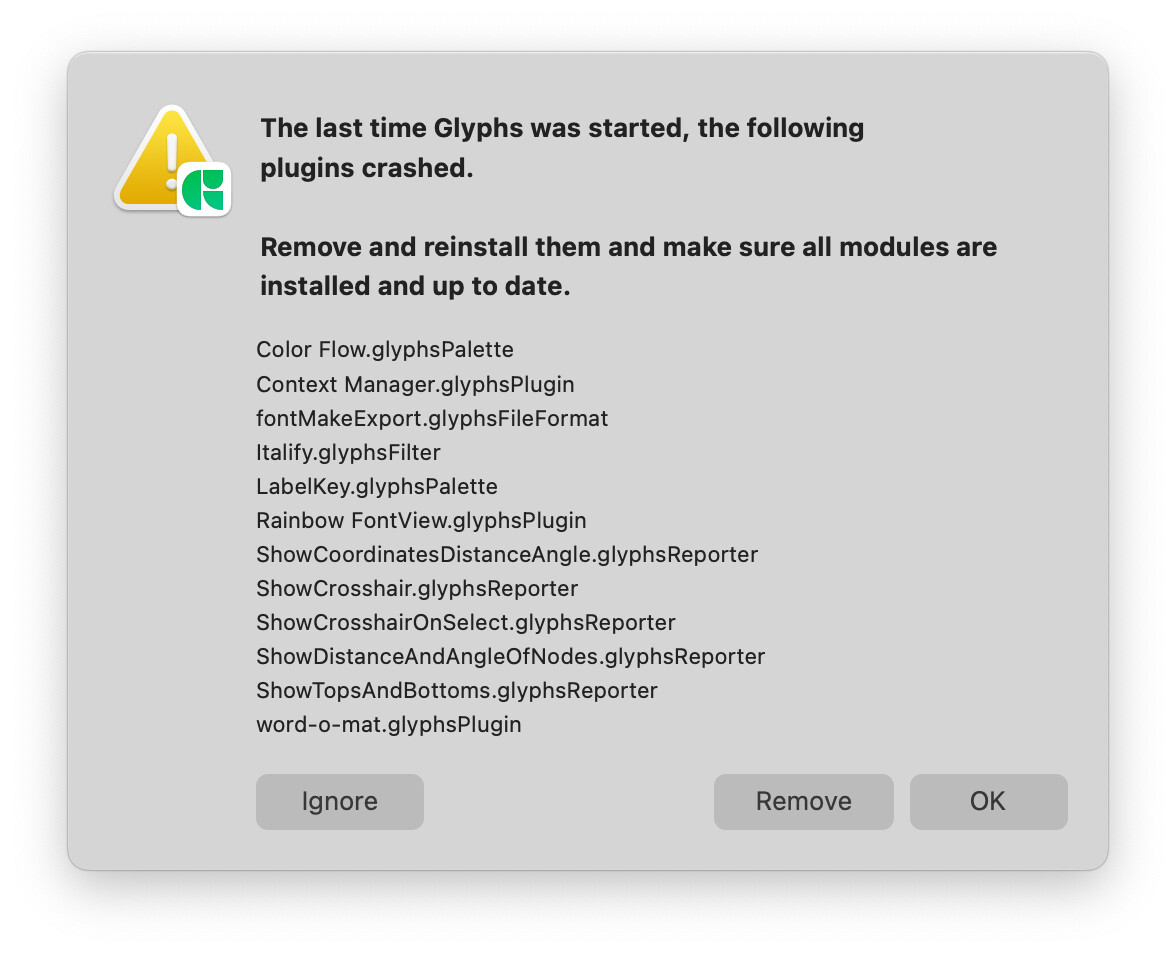
Update to what? A new Glyphs version? Or macOS?
Glyphs
Which app version (four digits in About Glyphs)? And on what macOS?
Mac OS Sequoia 15.6.1 (24G90)
Gylphs 3.4.1 (3436)
Can you check whether all your modules are up to date? Maybe re-install them. Click Ignore on that window and restart Glyphs.
I can’t say about the other plugins from this list, but Show Coordinates Distance Angle works for me on macOS Sequoia 15.6.1 in Glyphs 3.4.1 (3436).
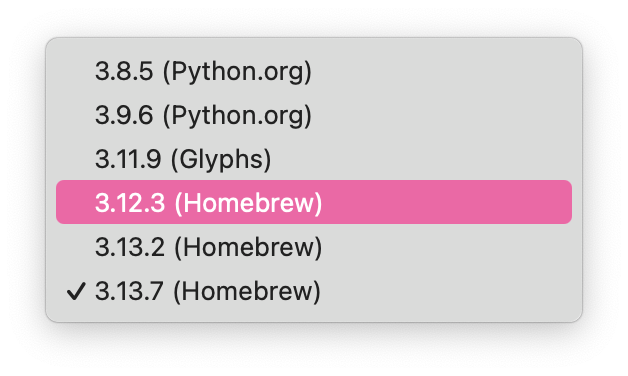
What the Python version Glyphs uses? You can check it in Glyphs → Settings → Addons → Python version.
No luck with this one
Do other scripts and plugins work? Do scripts with a UI work?
Did you restart Glyphs after switching to the “(Glyphs)” options? You need to start the app again for the newly selected Python version to be loaded.
RMX stuff works perfectly…
Yes. Tried to reboot the Mac as well.
Can you check that the Glyphs Python is selected when you restart the app?
Adding to this - I’ve had the same problem since updating to v3.4.1 today, even after reinstalling Python module, removing & reinstalling all scripts, rebooting my Mac & ensuring the Glyphs version of Python (3.11.9) is selected on launch. I’m on Sequoia 15.1.1 (whoops!)
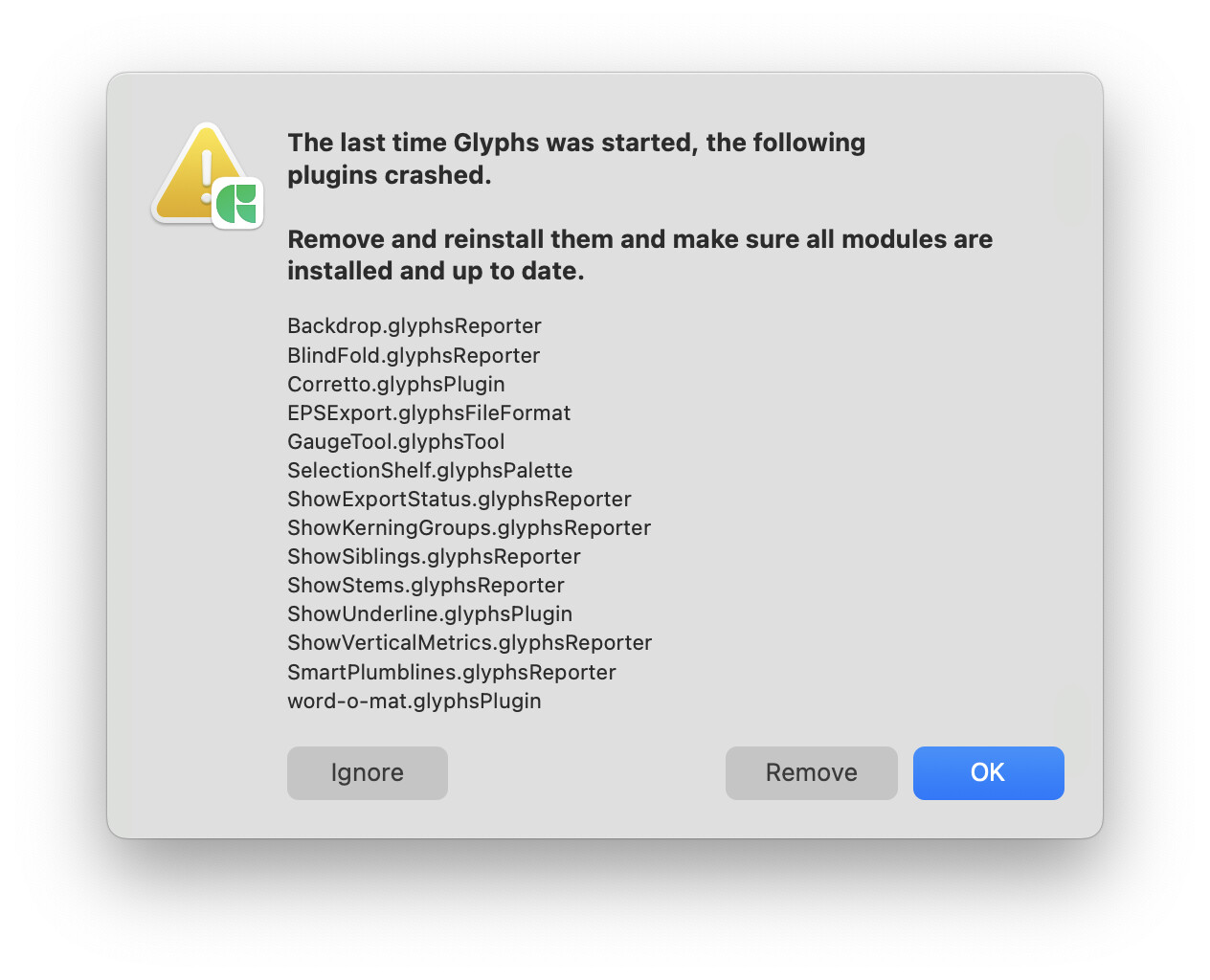
What happens if you press “Ignore” and restart?
This actually solved it for me! Thank you Georg and everyone else of replying and helping out.
Can I ask what is the difference between OK and Ignore for that window?