Me too, normally. My issue is more about long recipes. Usually I prepare the long list of recipes in some outer automation. But when there’s just 2-5 lines, I do it directly in the Add Glyphs dialog. And when the recipe line is long enough (like a composition from 3+ components), I prefer to separate each recipe by new line to visually confirm that there’s no typo mistake.
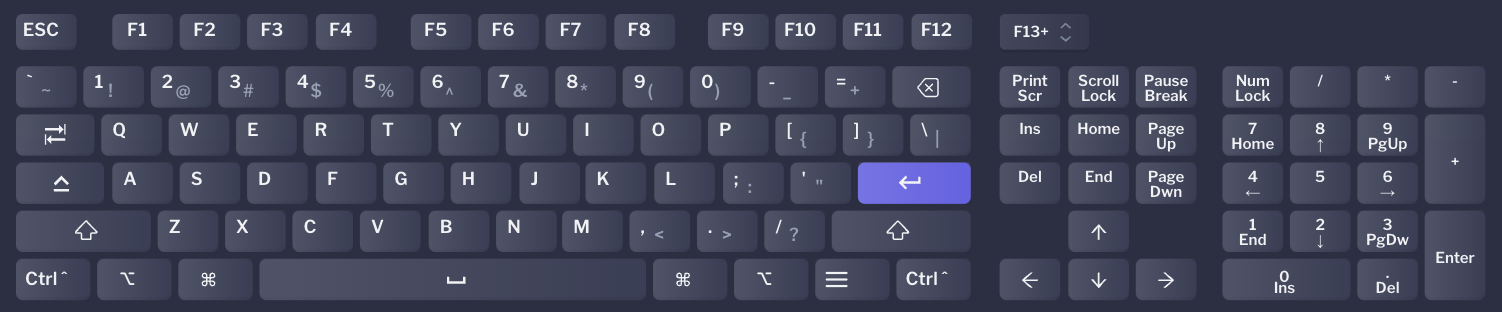
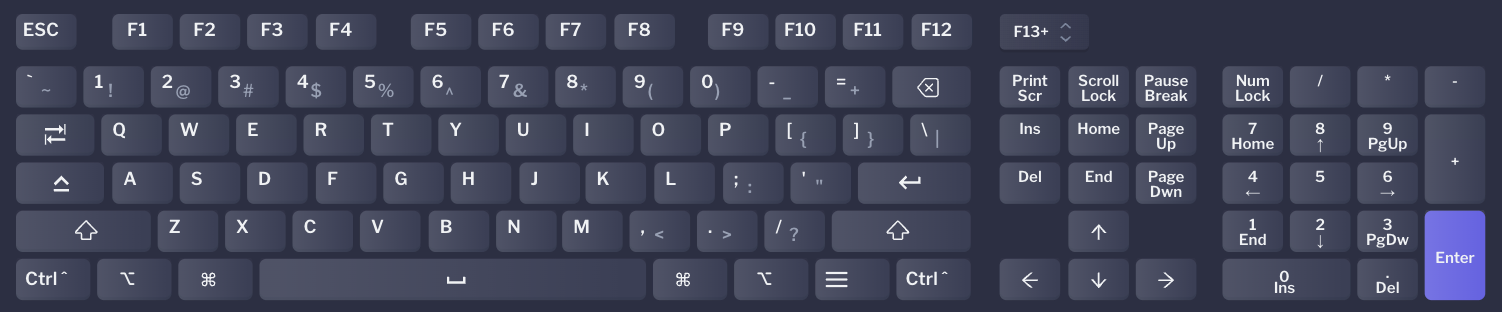
Side note. Technically, Mac keyboard layouts differentiate between Return︎ and Enter ⌤. Return is the key typically above your right Shift key, the one you press for typing a newline/paragraph. On a MacBook keyboard, fn-Return gives you Enter. On an extended keyboard, Enter is the one in the number pad. In most cases they do the same thing, though some apps differentiate between them.
This is a good clarification. Sorry, I called it incorrectly, so it would lead to some confusion. So, what I initially meant is the Return key above the right Shift key.
Georg, what the new behaviour will be after the fix? New line? I’m interesting about Return key from default short keyboards.
Woah, Rainer! I did not know that, and I can confirm:
I use an external keyboard (with only one enter key), fully customizable. I just remapped the key from the ordinary “enter” to the num pad “enter” and indeed now just pressing my “enter” key triggers the OK of the dialog.
there are several places with dialogs with text field. When the text field accepts entering newline, the “OK” shortcut is Cmd+return (e.g. the “Replace Feature” dialog in Font info) . I fixed that the text field actually accepts the return and enters a newline.
 ︎ and Enter ⌤. Return is the key typically above your right Shift key, the one you press for typing a newline/paragraph. On a MacBook keyboard, fn-Return gives you Enter. On an extended keyboard, Enter is the one in the number pad. In most cases they do the same thing, though some apps differentiate between them.