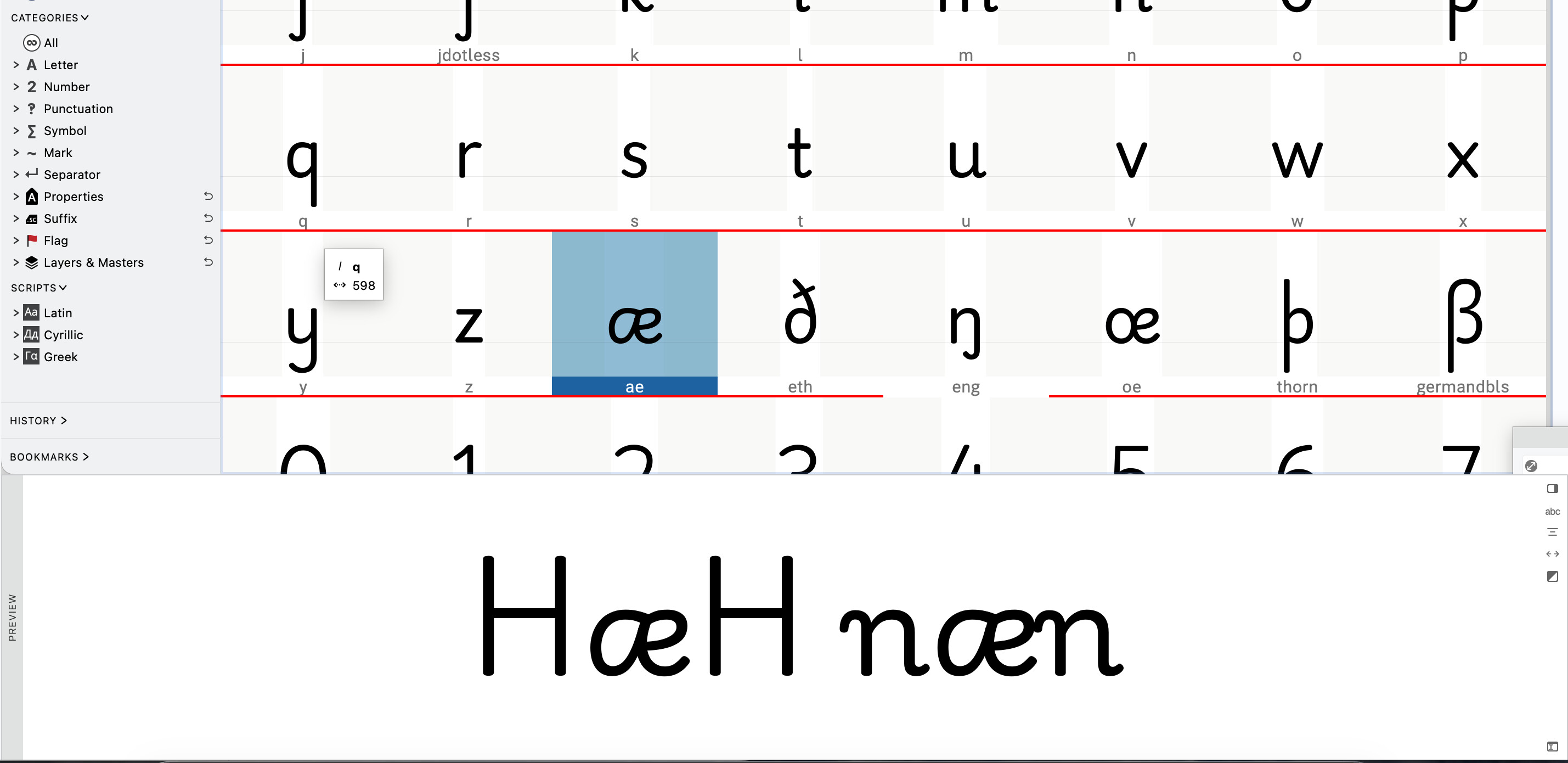
In FontLab, when I type something like n@n H@H in the preview panel, the @ character automatically shows the glyph that is currently selected in the glyph list, which makes it easy to preview the selected glyph in different text contexts.
Is there a similar feature in GlyphsApp that allows a character (like @) to represent the currently selected glyph for quick preview?