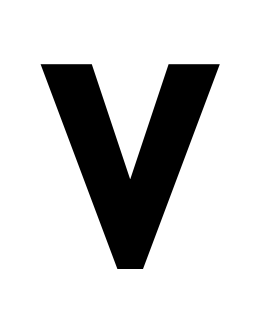
So i am doing something obviously experimental so i am prepared for the response to this query to be “no”.
I am designing on a very course grid, cap height 16, with a grid spacing of 2.
I can get reasonable results exporting to a (OTF) font-file, as long as i have Remove Overlap disabled, which i do.
The Preview however, shows the “remove overlaps” version of the glyph, which in my case is quite distorted.
In 2022 Glyphs used to show the preview without remove overlaps (i have to say that on the whole for most of my fonts which don’t do such experimental course grid things, i prefer the “remove overlaps” preview); is it possible to add a (secret) setting so that preview does not remove overlaps?
Editing and preview in Glyphs
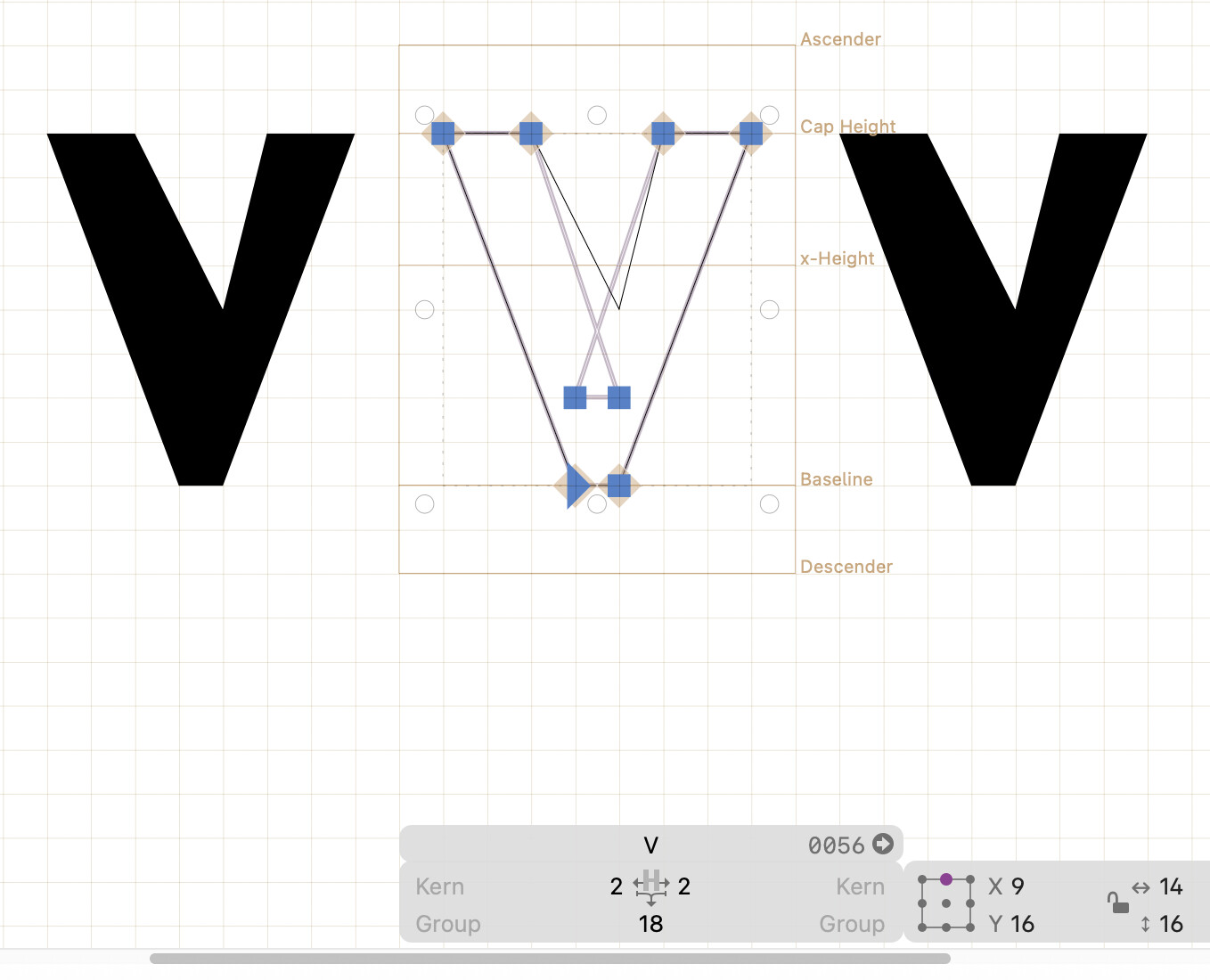
Rendered (correctly) using hb-view and the exported font-file (OTF, Remove Overlaps disabled)