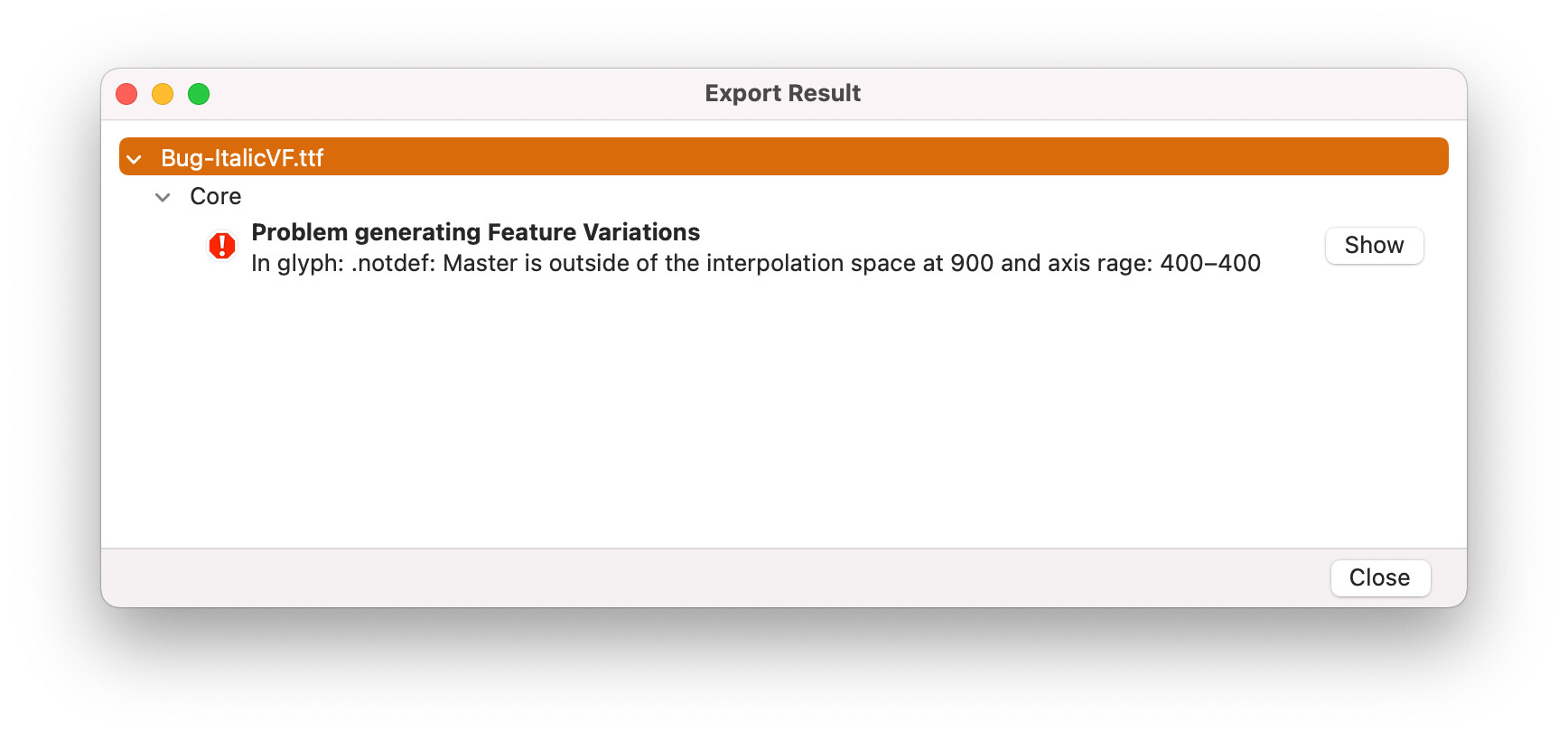
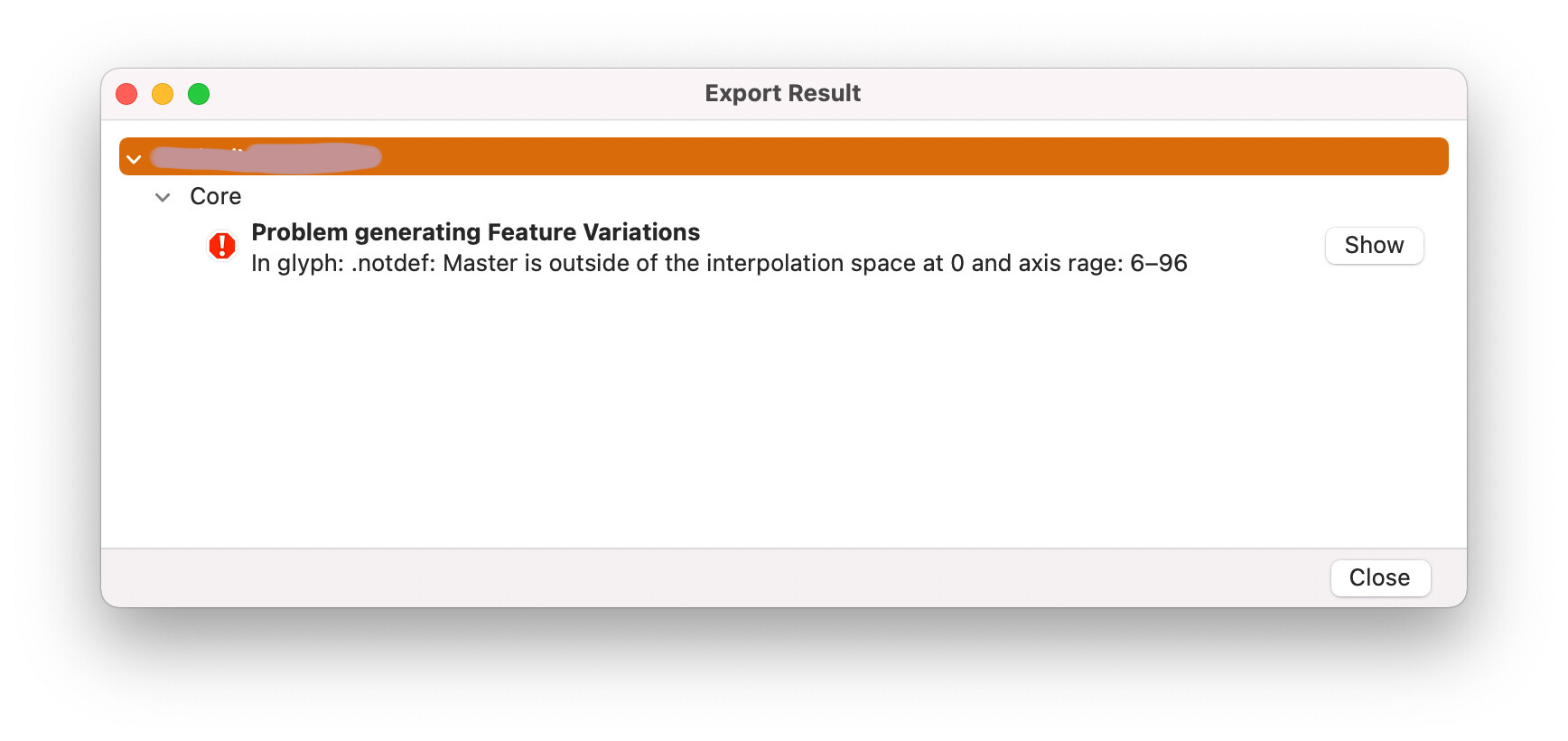
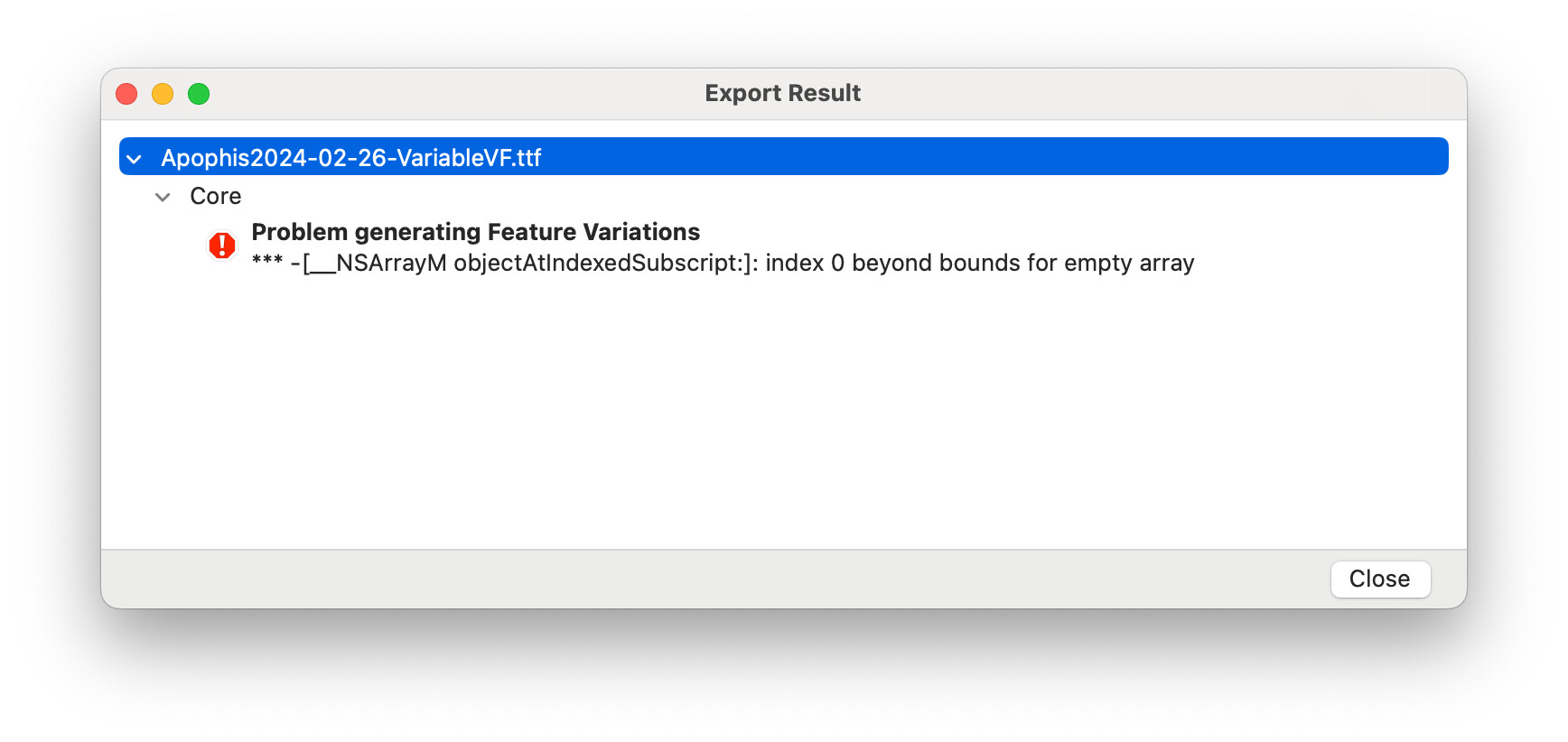
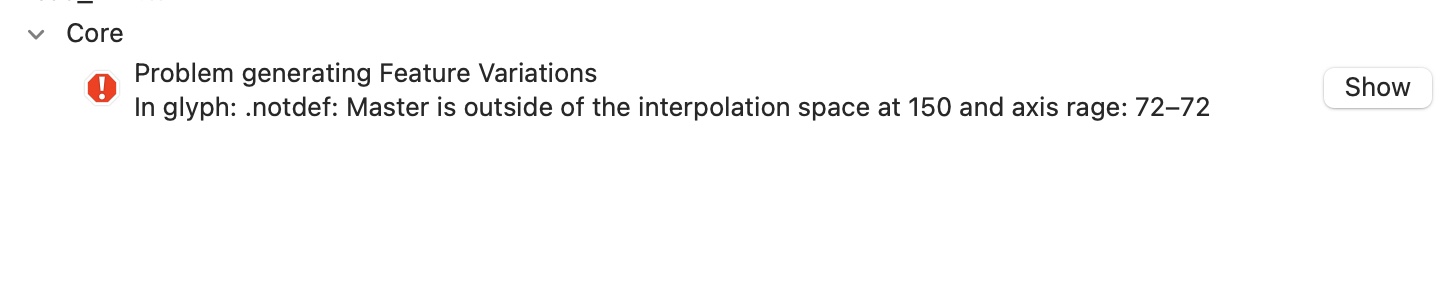
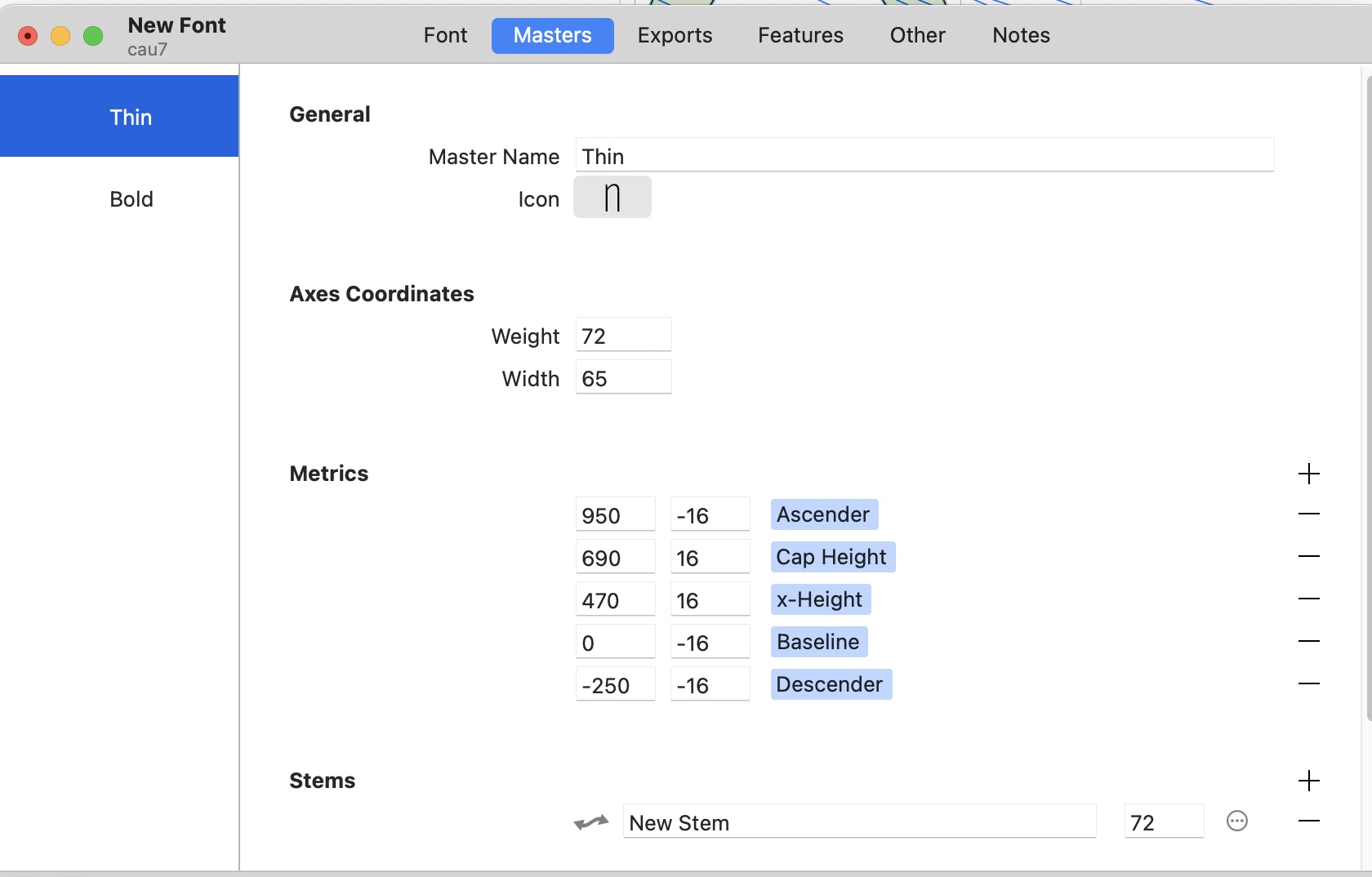
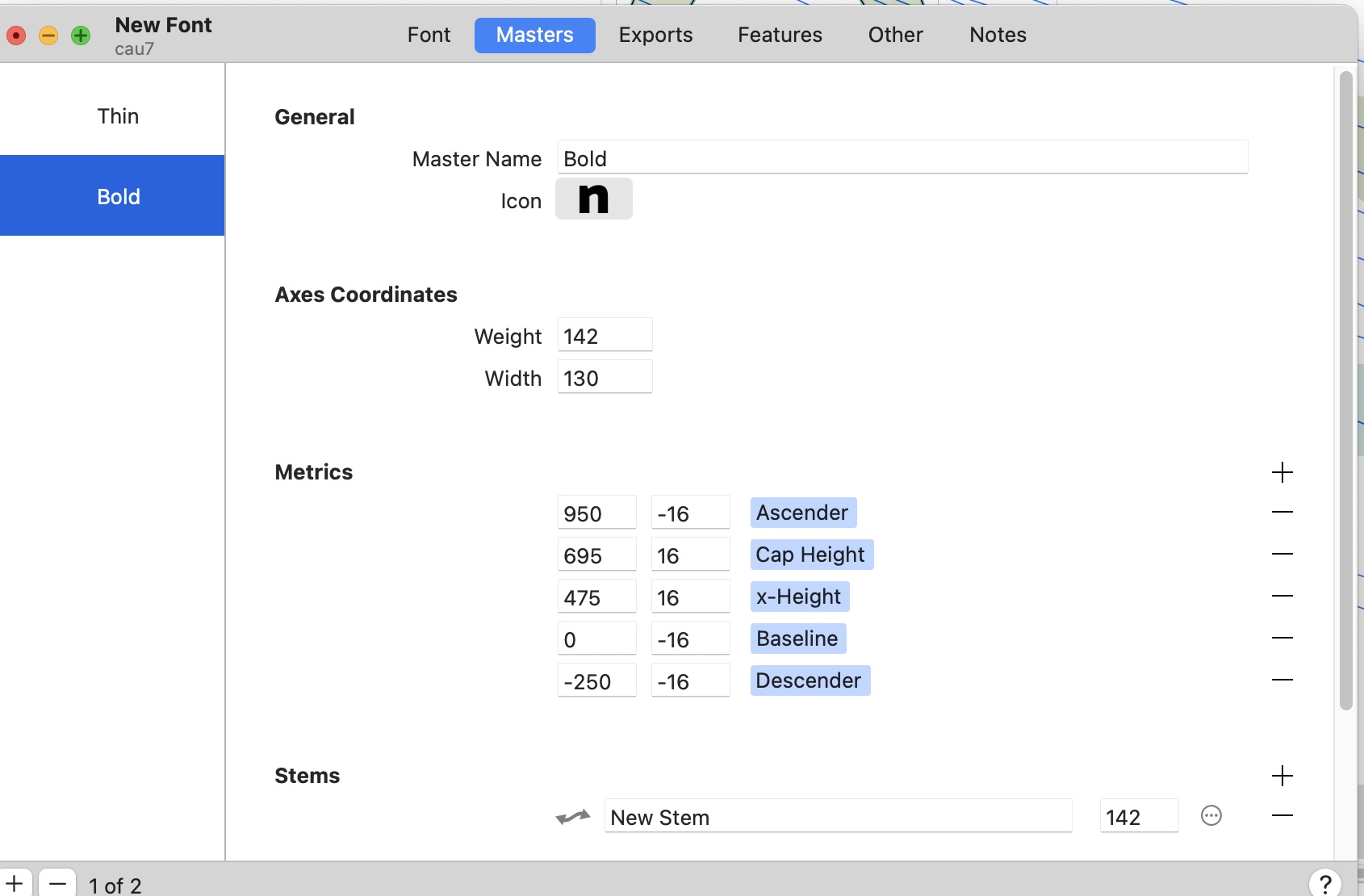
The error is gone, but if Variable Font Origin is set to “Regular”, interpolation go crazy (glyphs scale randomly, like if the designspace was not correctly set).
EDIT : In fact, no matter which master is selected as the origin, the inperlotion is broken
Hi everybody! I’m having this kind of error in a project with 2 axes: wght and opsz with wght using separate designer (stem width) and user (css-style) coordinates
You have two axes, but only three masters. None of these three masters share any axis coordinate. If you map your axis locations onto a coordinate system, you need to be able to define an area. You have currently defined a line.
Remove your “Struktura” or “Weight” axis.
Also, why do you have a “Variable font origin: Light” custom parameter set on your Light master? You need to set this parameter either in Font Info > Font, or in your variable font setting.
Thanks for the reply. I understand the comment about Variable font origin being set at the wrong place.
I don’t quite understand the other comment. The logic of the font is that you can control two axis’. One is weight, the other axis is density/height of these rounded elements (Struktura). So basicly you can have dotted vertical stem or solid stem, but at the same time you can control the weight of it. So how can I make this work within this idea?
If you have a (weight:100, struktura:100) master and a (weight:900, struktura:900) master, you also need (weight:100, struktura:900) and (weight:900, struktura:100) masters.
Basically, for each master coordinate on an axis you need corresponding masters on each other axis. Or, to put it into mathematical terms, you need a master for each coordinate of a Cartesian product of your axis range/master coordinates.