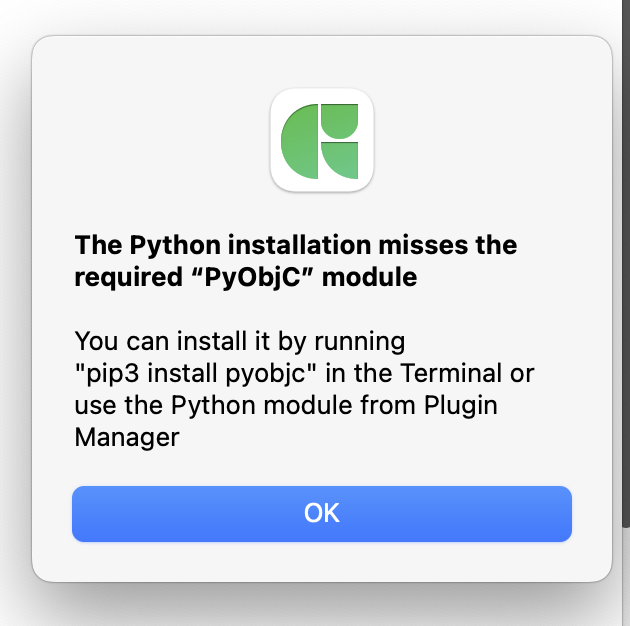
and relaunching Glyphs rebuilds the Python environment and fixes the issue, but it’s not documented anywhere.
Could you clarify the official procedure for ensuring PyObjC and other Python modules are recognized, especially on macOS Monterey? This would help avoid confusion for new users and those doing font engineering + scripting.
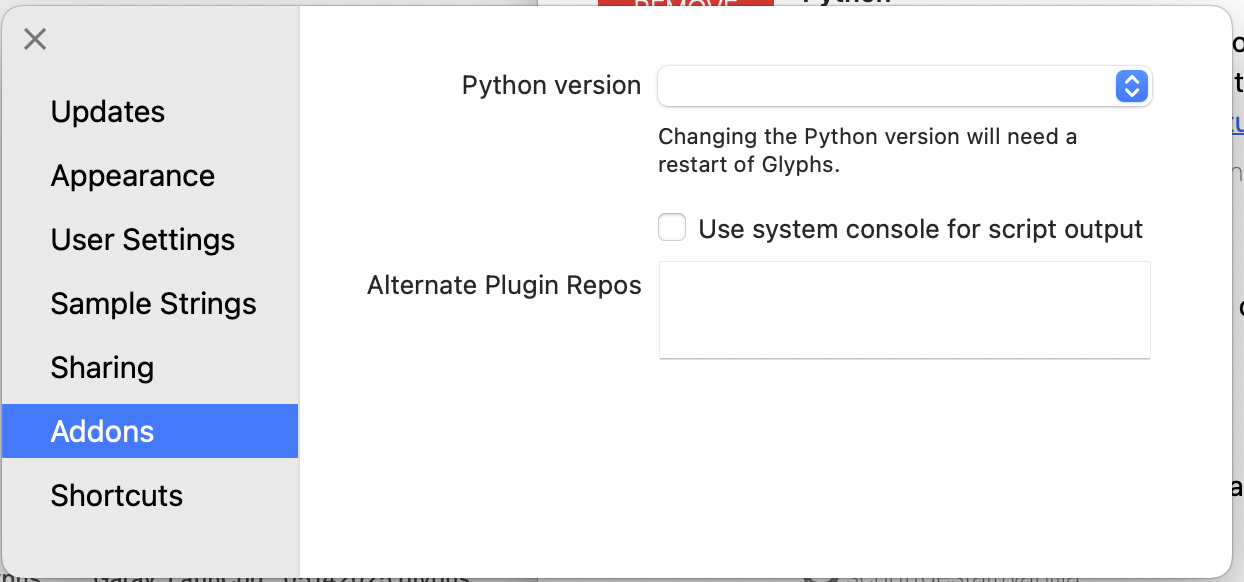
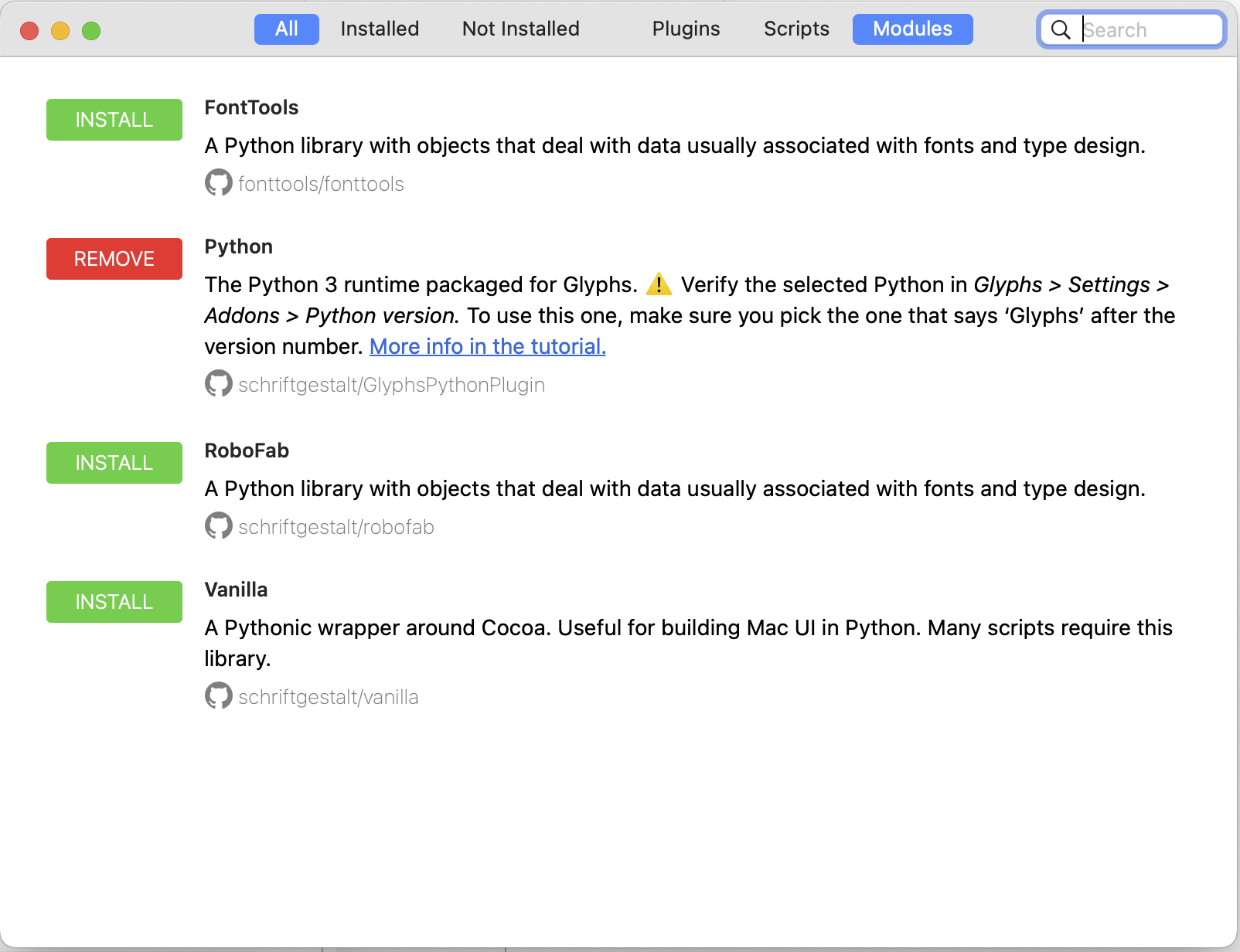
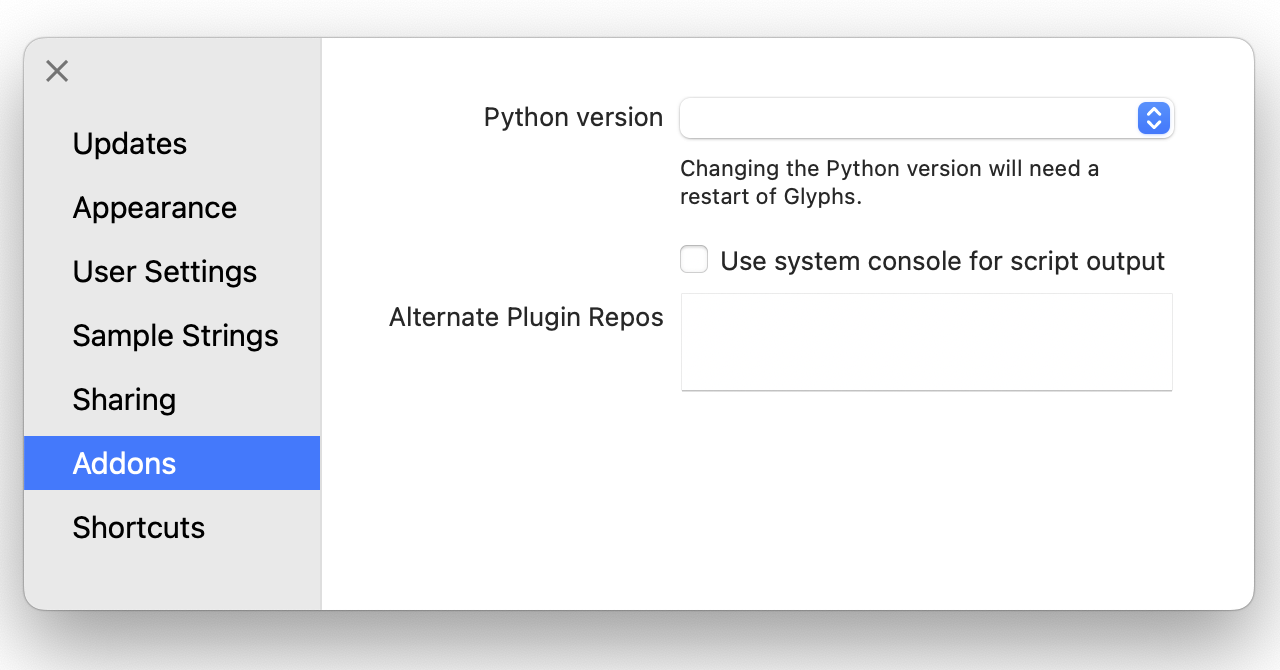
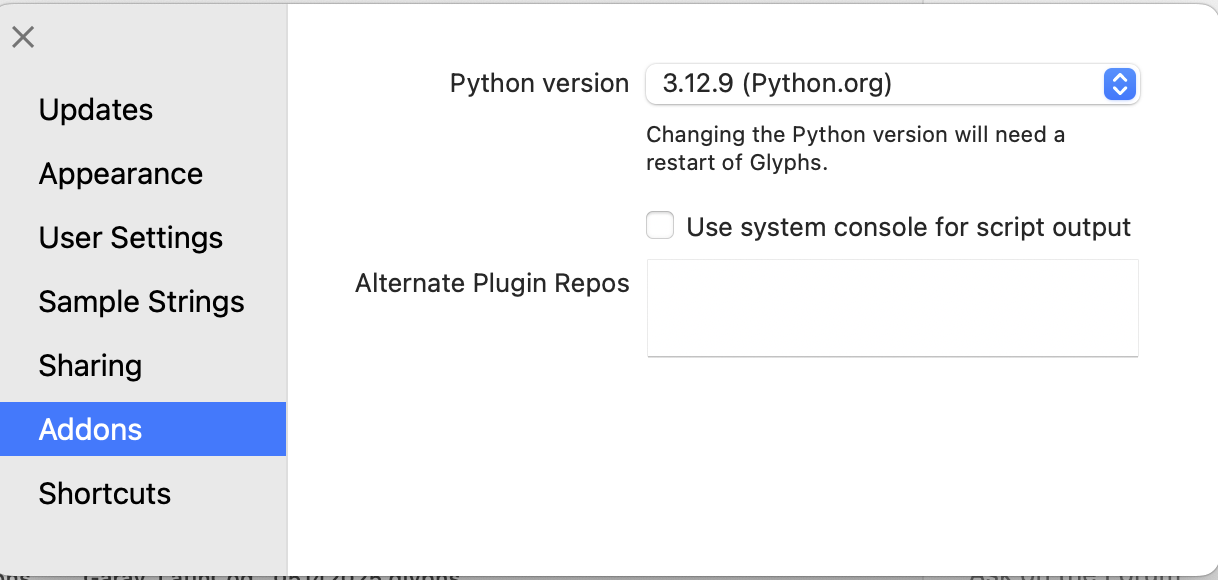
If you install python from the Plugin Manager, you don’t need to install pyobjc. But you need to check what version of python you are actually using. make sur that “3.11.9 (Glyphs)” is selected in Preferences > Addons > Python version.
Or:
You probably have more than one python version installed. So make sure that the python version that is your “system” python is selected in the Preferences.
Relaunched Glyphs and ensure Glyphs is set to Python 3.11.9
Reinstalled Reporter Toggler, and restarted Glyphs
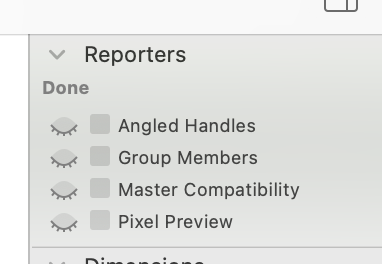
Relaunched Glyphs yet still the Reporter Toggler showing only 3 items is expected — those are the non-Python (Objective-C) reporters.
So we are now in a single, well-defined failure mode:
Glyphs cannot start its embedded Python runtime
This is not about PyObjC, versions, or multiple Pythons anymore.
I learned on macOS Monterey (Intel), this usually happens when:
Python.framework was removed (correctly), but
macOS has not yet granted Glyphs permission to load Python extensions
OR the Glyphs Python bundle is failing signature / quarantine checks
Is there a way to force macOS to trust Glyphs’ Python bundle? (I will look keep searching and troubleshooting in autodidact mode for now. Else, I have to give up on my macOS Monterey (Intel), and start thinking of getting a new MacBook : (
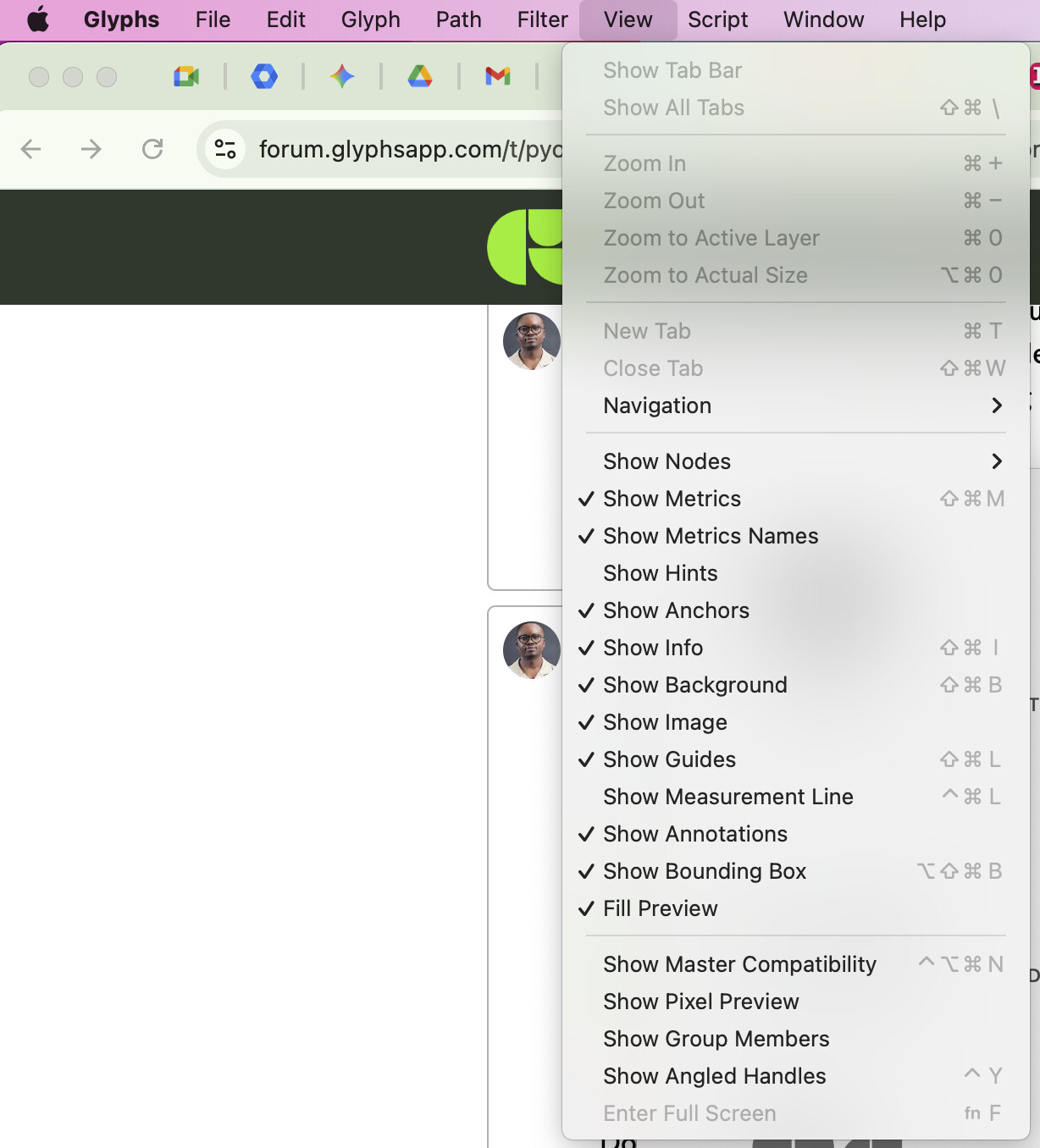
The reporter toggles only allows to en/disable the reporter that you otherwise would do in the view menu.
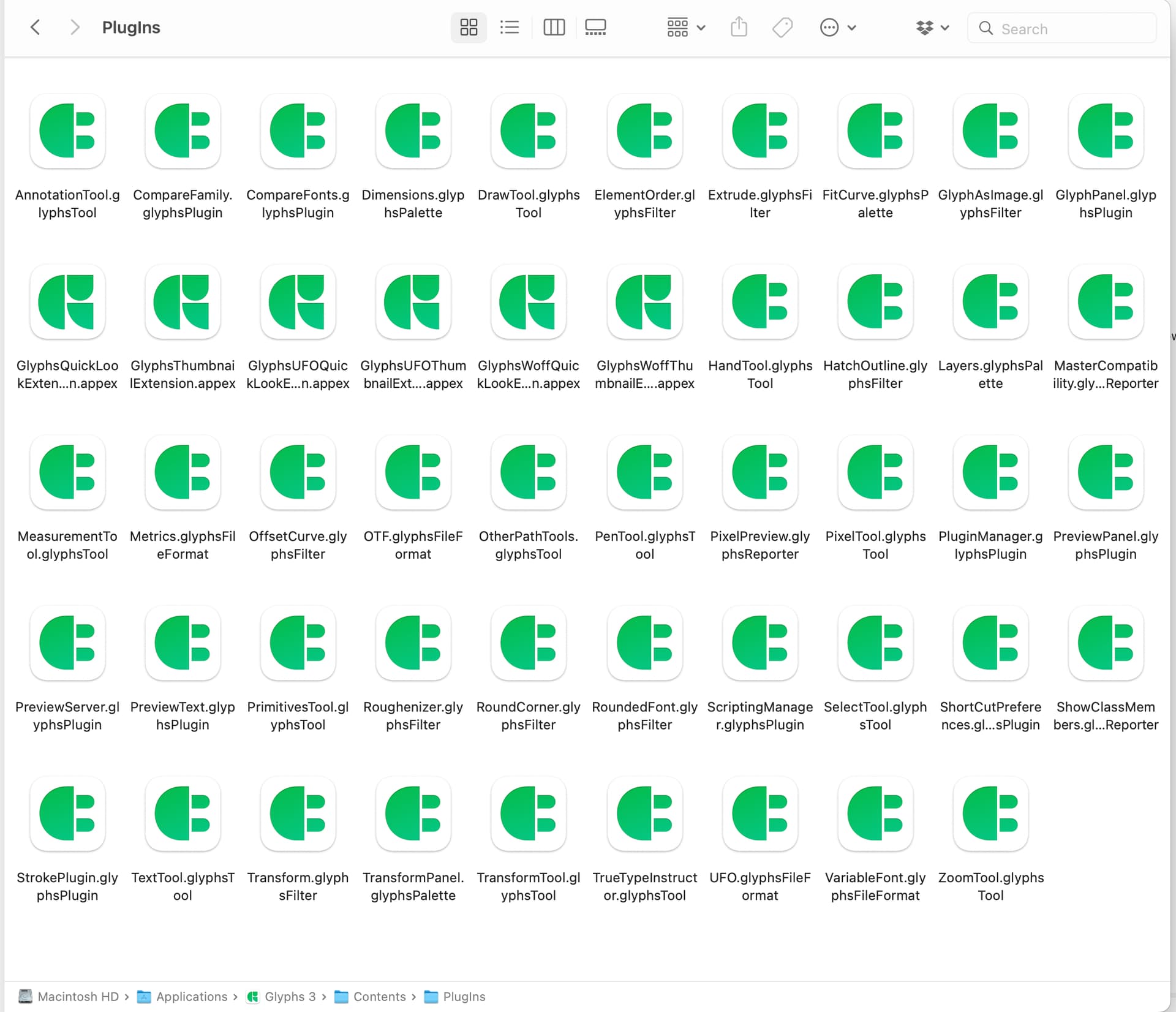
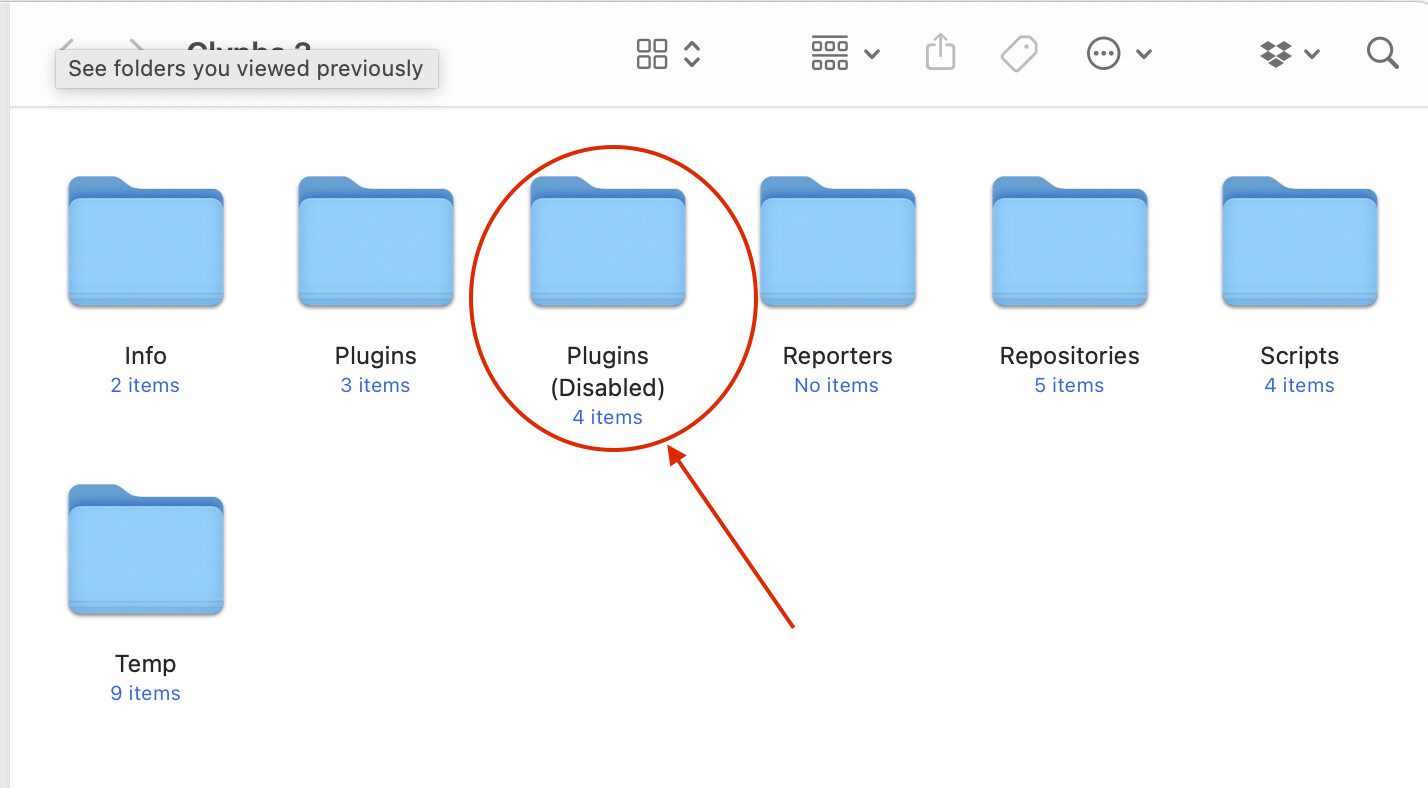
In the screenshot it said that you have 3 plugins installed. You need to install the actual reporters.
I uninstalled Glyphs completely. And did some housecleaning. And reinstalling of plugins directly in terminal.
”That SUCCESS: All systems go! message is the green light we’ve been waiting for. It means your Mac’s Python environment is now fully equipped with the “engines” (DrawBot, Vanilla, FontTools) that both RoboFont and Glyphs need to run advanced extensions like xTools4.”
I guess things will work out now. That I have my Mac’s Python environment is now fully equipped with the “engines” (DrawBot, Vanilla, FontTools). I will be using xTools4, so this seems like a successful news. I will update shortly.
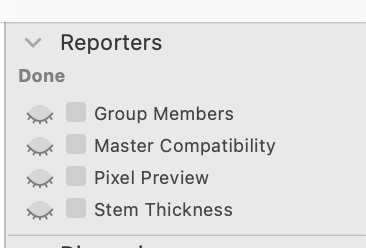
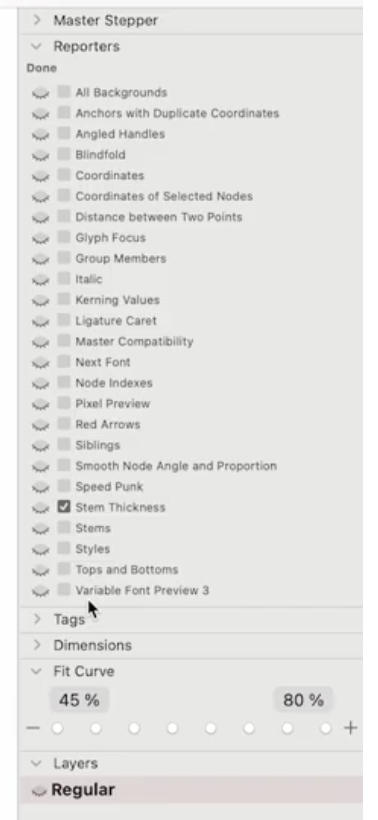
 Glyphs Python is installed correctly
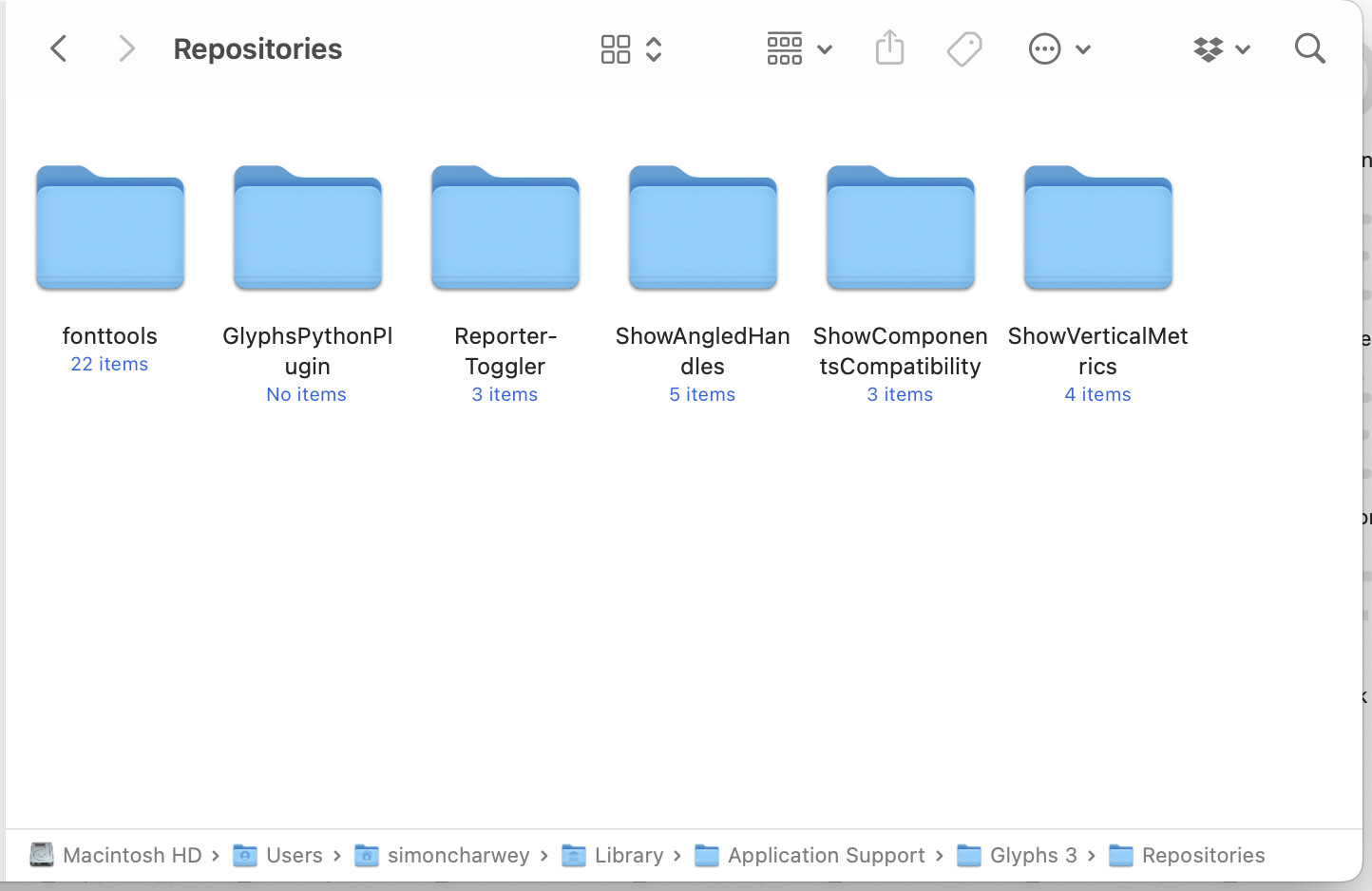
 But Python reporter plugins are not being discovered or loaded