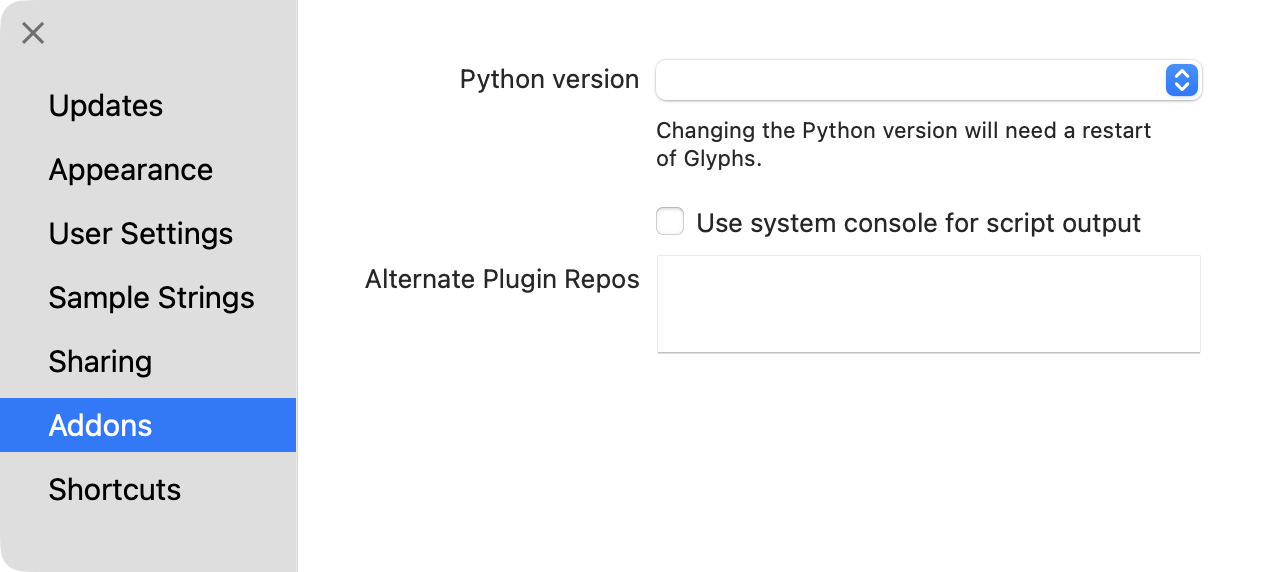
I just installed Glyphs on a new machine, macOS with Tahoe 26.0.1. Python 3.13.7 is installed. But when I run Glyphs, no version of python is shown in properties in the dropdown menu.
When I open the plugin manager to try unstalling and reinstalling the python module, the dialog just hangs and nothing happens. Essentially Glyphs just stalls and I have to force quit the app.
I’ve got Glyphs 3.4 (3434) installed currently.
How did you install python?
I installed it via homebrew.
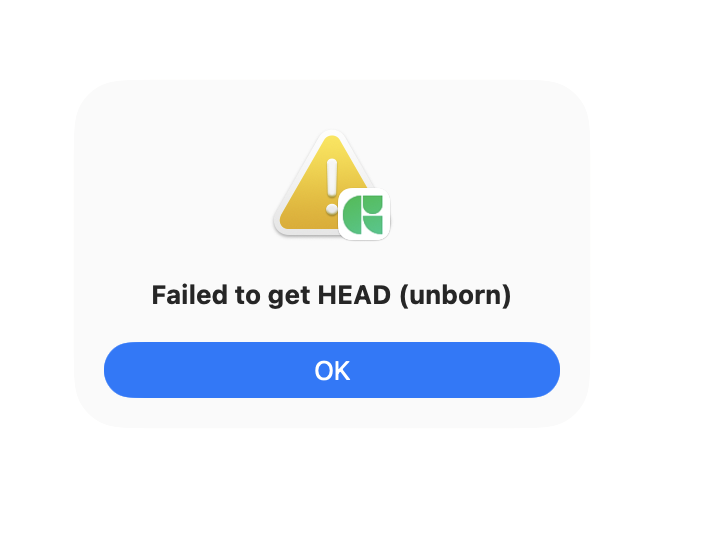
I should also note that I go to Script > Install Python Runtime, I get an error popup that says, ‘Failed to get HEAD (unborn)"‘
The download of the Glyphs python fails sometimes with slow connections.
And I just checked and it the homebrew version is not supported right now (I fixed that). Remove the Glyphs Python folder from ~/Library/Application Support/Glyphs 3/Repositories and try again or download python3.13 from python.org.
1 Like