Hi Forum!
I am getting a strange result when I try to reinterpolate two regular masters. Here’s my setup:
Thin Compressed (wght=1 wdth=1) Stem width=5em
—Regular Compressed (wght=8 wdth=1) Stem width=XXem
Bold Compressed (wght=15 wdth=1) Stem width=75em
Thin Wide (wght=1 wdth=9) Stem width=5em
—Regular Wide (wght=8 wdth=9) Stem width=XXem
Bold Wide (wght=15 wdth=9) Stem width=300em
Now, when I create only the Regular Wide master(wght=15) and re-interpolate it, the resulting stems are calculated correctly, but as soon as I have the Regular Compressed too, the re-interpolated wide characters seem to match exactly the stem width of the Regular Compressed, and not the correct interpolated value.
If instead I generate the Master from the Regular export, it nails the interpolation, so I know that the coordinates are right. Any idea why this happens?
Thanks in advance for your time!

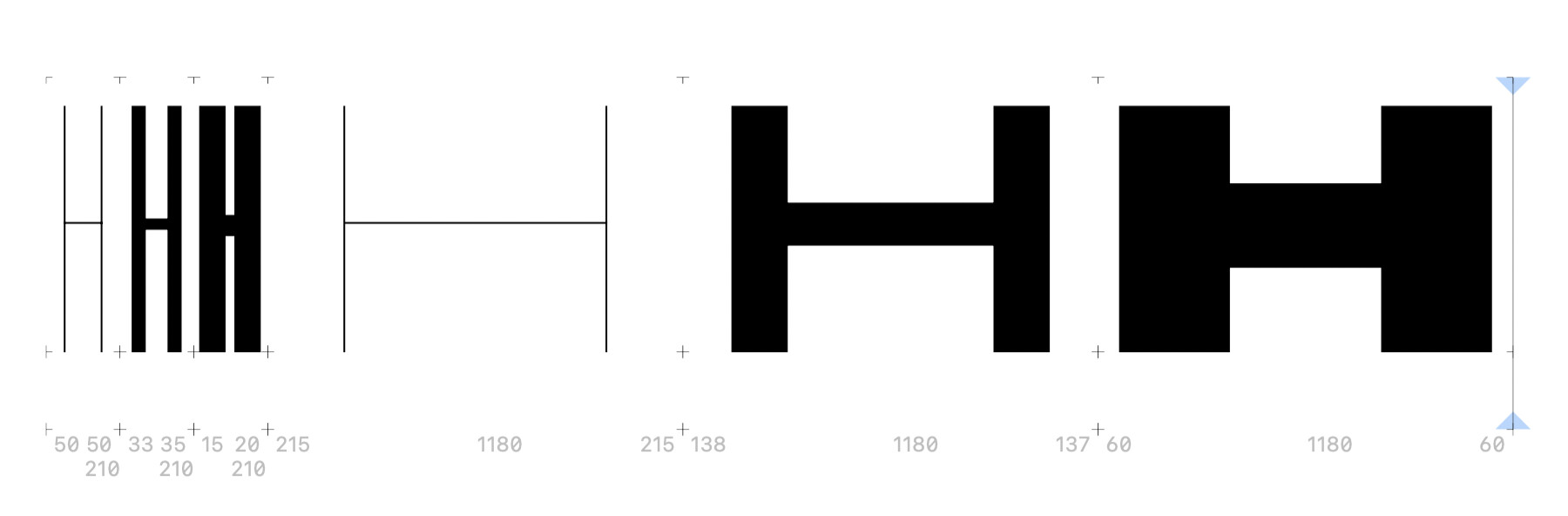
Correct one (generated from instance)
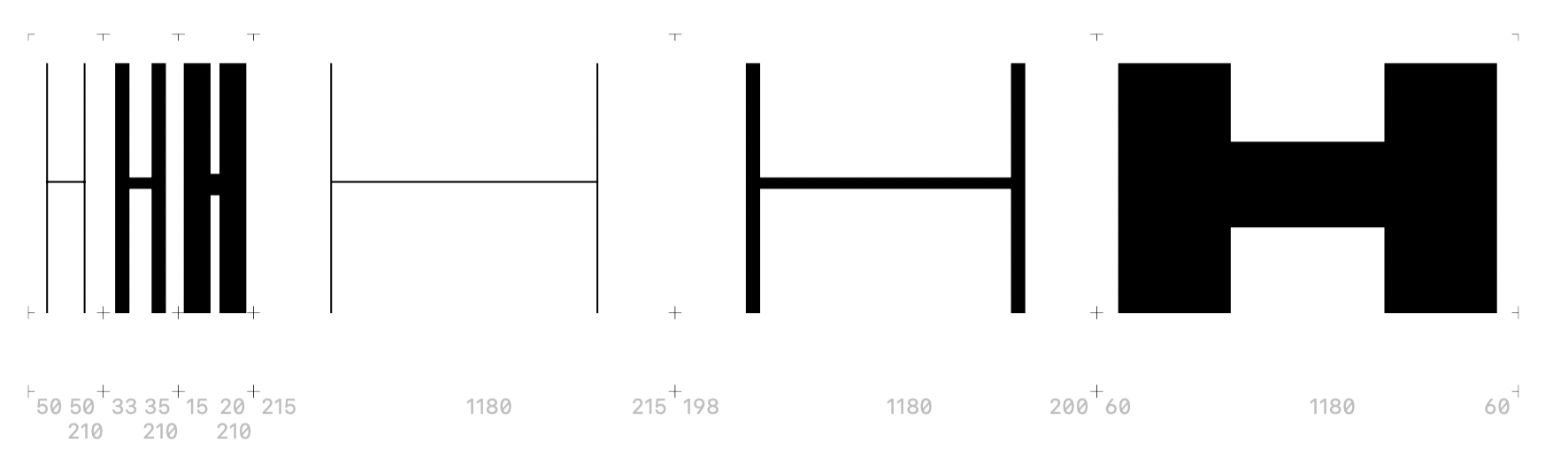
Wrong one (re-interpolated)
