Remove Overlap doesn’t export all glyphs

I’m having an issue when exporting with the Remove Overlap option enabled. For the heavier-weight instances, the exported file is missing some glyphs.


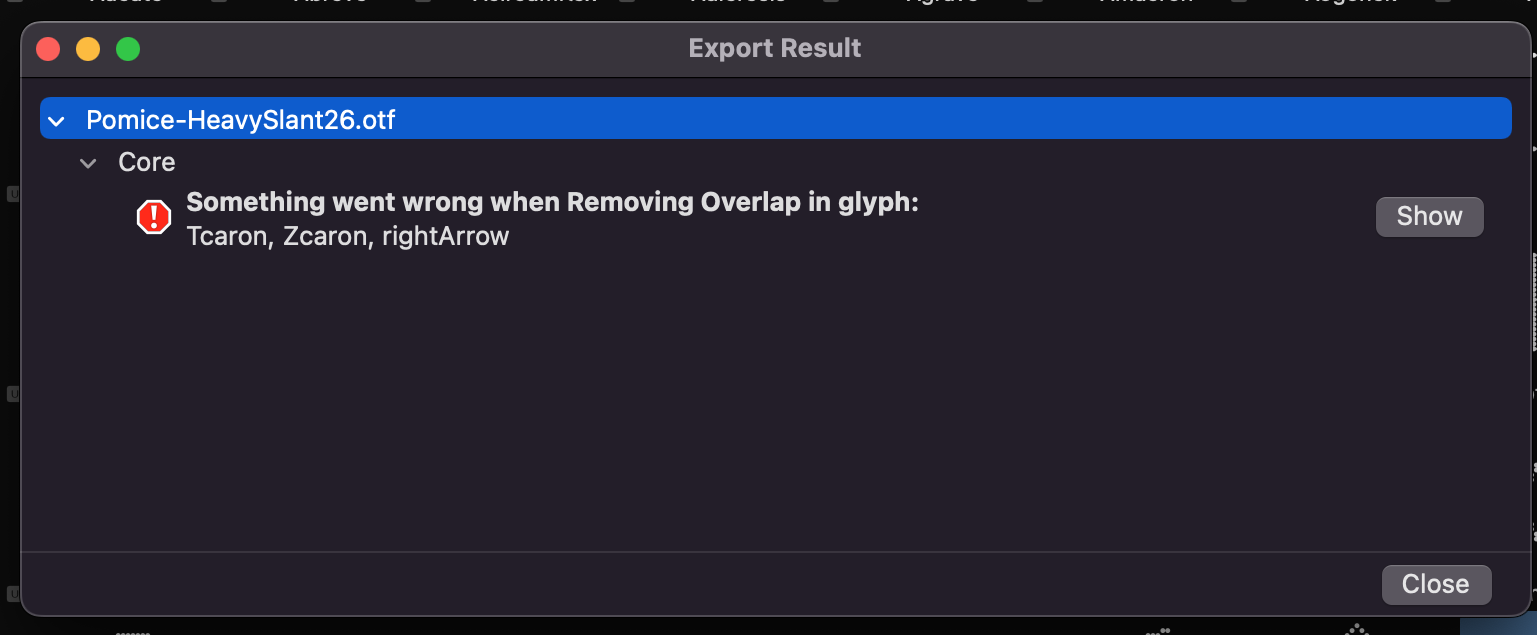
Then, only for one instance (Heavy Slant 26 ), I get this error.

I’ve checked the glyphs, and it doesn’t seem to be an issue with duplicate elements or path directions.
Does anyone know what might be causing the issue?
Thanks!

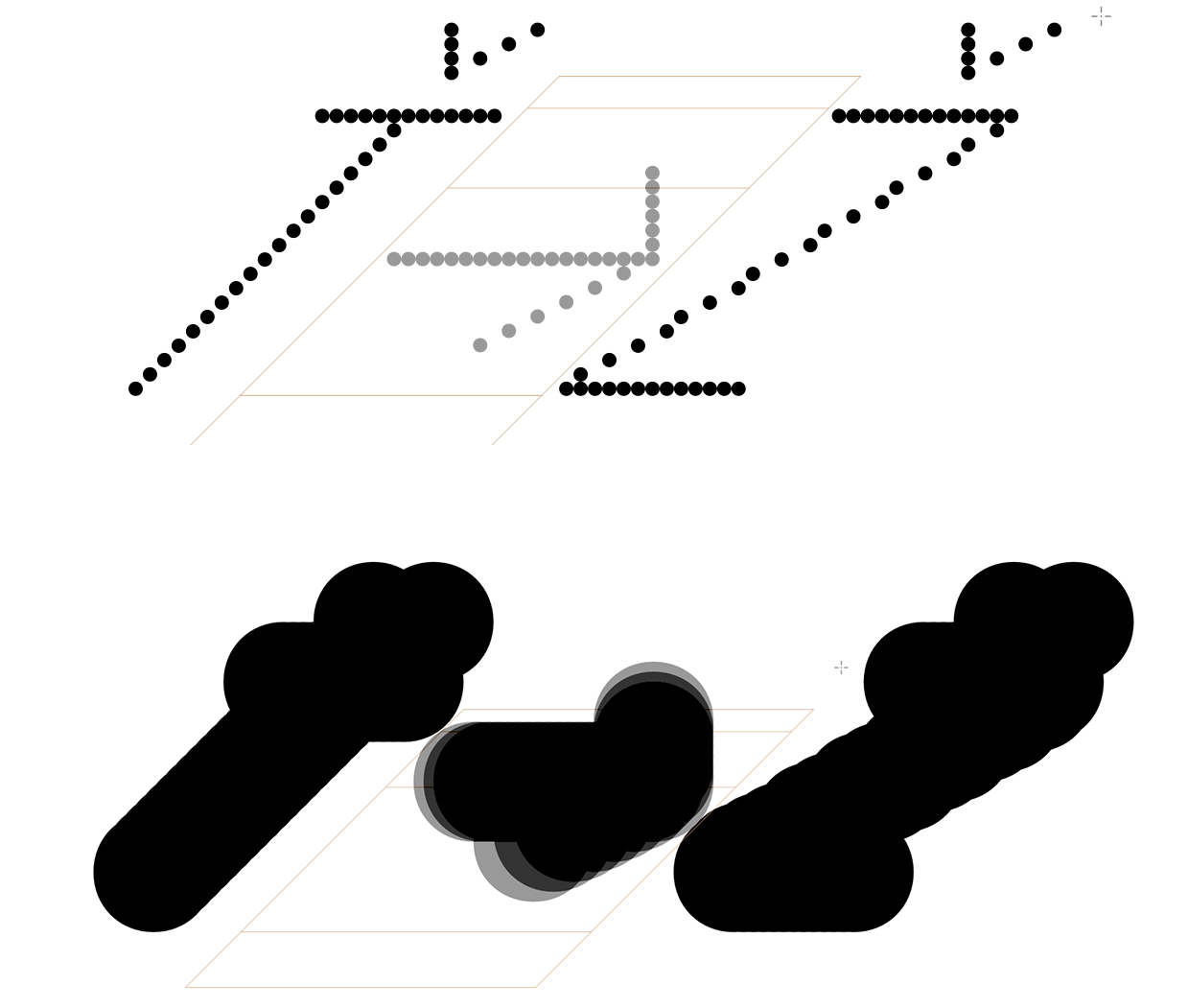
Can you show the outlines of those glyphs? Is Heavy Slant 26 a master, or an interpolation?

Sure
It’s a pixel font


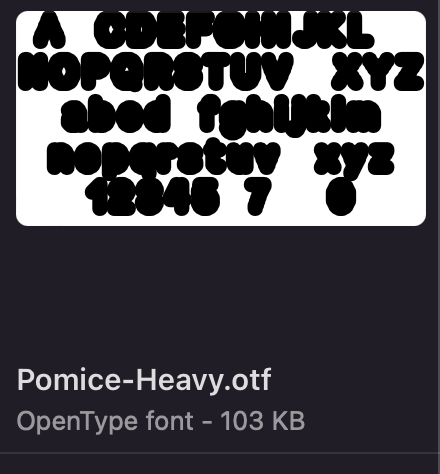
Interpolation, I have a master Heavy and Heavy slant 45.

All those overlapping shapes make it very difficult to merge together. Could you send me a sample file for testing (but I can’t promise anything).

test_overlap_sample.glyphs (2,8 MB)
Here is the sample file. Thanks for your time.

This should be fixed now.

Thanks for your time.

The export error no longer appears, but unfortunately the more complex glyphs are still missing in the exported file.

I’m trying to solve it by using ‘Generate Instances’ and ‘Remove Overlap’ on individual glyphs.

Can you send me a file that still doesn’t work?

test_overlap_sample.glyphs (2,8 MB)

Here is the sample file.

I’m using Glyphs 3.4.

If I try to export “Heavy Slant 26” with remove overlap, some glyphs like B or w become invisible

Thanks for your time.

fixed that, too

Sorry, I don’t want to waste more of your time, it’s totally fine if you don’t reply. But when I export Heavy Slant 26 with ‘Remove Overlap’ enabled, it looks the same as before. Should I update something, or just wait and it will be fixed in the next update? I’m using Glyphs 3.4. Thank you and sorry for the bother.
That fix is not in the released version.

1 Like

Perfect, thank you so much for your time.