Is there a reason for the selected round cap to not start at exactly the node coordinates?
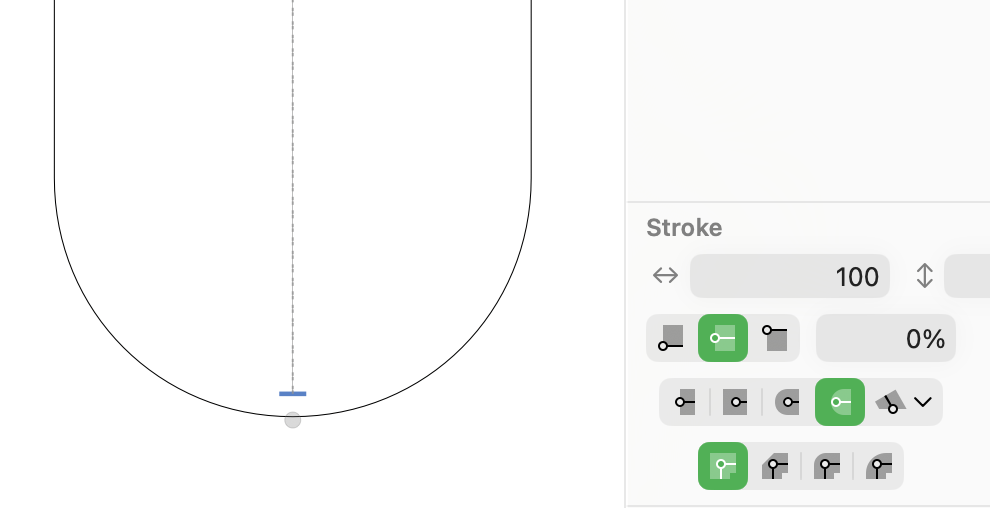
This is like this in Glyphs 3, too.
The default rounding (like in Illustrator or svg) is the option to the left. This shorter rounding is meant to add some overshoot so that you can put the node on a metrics line and it looks good next to a flat shape:
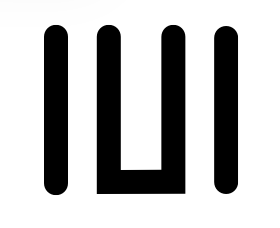
the left stem has overshoot and the right hasn’t.
this is very specific for this purpose. If that doesn’t work for you, you can use the regular rounding.
Yeap, I eventually got it that it was an optical correction, but isn’t that subjective? Some people might apply different values. On the contrary, it’s exactly what I was looking for, just if only there was an option to disable/enable that optical correction, maybe in percentage or just a checkbox. Also, if the angle changes then the overshoot becomes inconsistent, so would be great if that could stay the same? Here’s an image of inconsistency:
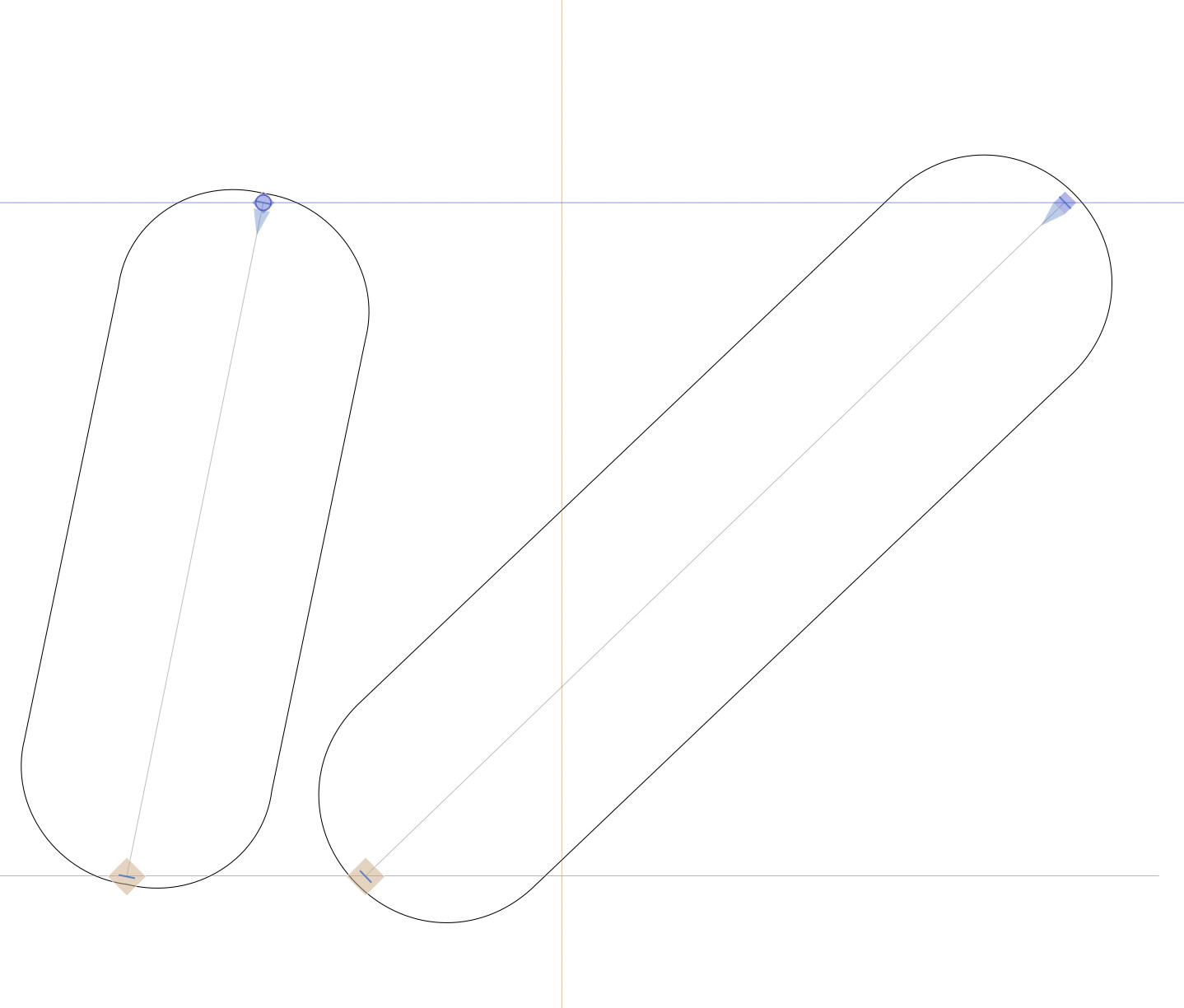
So it would be similar to your new star node where curve doesn’t need to pass the node position.
Basically, if you have time you can watch this video of mine, so just wondering if strictly geometric rounding could be possible: Instagram reel