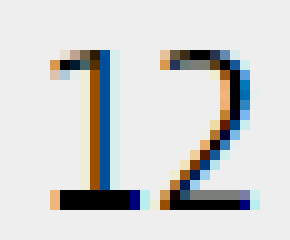
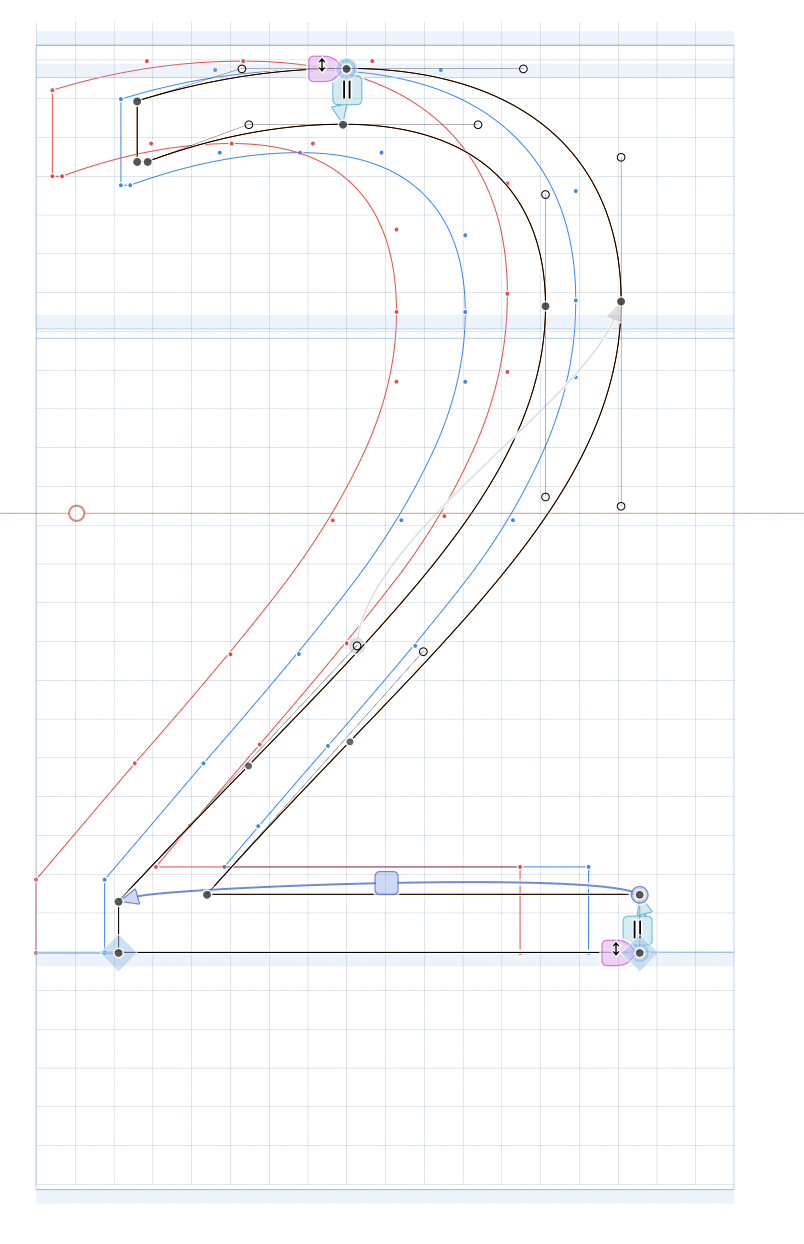
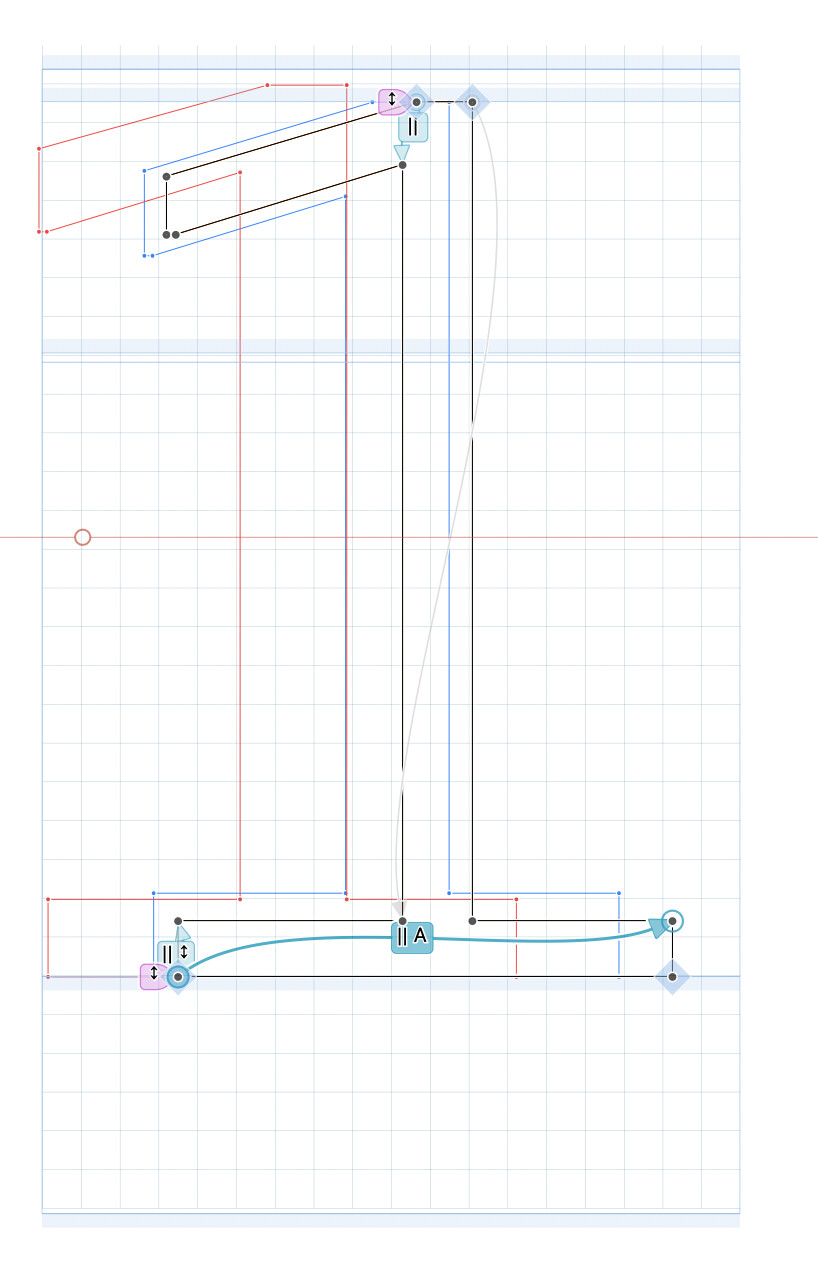
There is a setting for TT stems named “Round only in ClearType/GDI”. Sounds very useful!
As far as I have tested, though, stems with this setting are always rounded, including DirectWrite. Tested on a fairly standard Windows 10 PC, in both Firefox and Chrome.
Does anyone have more detailed information about what is going on?
These are the screenshots. I am essentially interested in the (lack of) difference between the two bottom strokes of the 1. The 2 has unrounded stems, for additional check and comparison.
That tooltip is wrong. The “A” option is doing something else. It can be used on a stem that is not aligned to a zone to either round to the top or bottom edge, whichever is closer to a pixel edge (e.g. in the middle stem of the “E”).
Thanks for the explanation. Maybe it’s not only the tooltip, but also the handbook could be a bit clearer? It says “works like the Round mode, but only for the GDI ClearType rendering intent”. Even though the details are added in the following sentences, this statement in itself is a bit confusing.
Just to clarify: Does the automatic alignment to top or bottom edge only work only in GDI, or DirectWrite as well?
The handbook says “No Stem: The target points are not snapped to the grid; only their distance to the originating node is kept.” Is this correct? My tests suggest that the target points are indeed snapped to the grid if a combination of No stem & Round is set.
Can I assume that, if a stem instruction has the starting point fixed, then Round and A leads to identical results? (I want to be sure I understand this correctly as I sometimes set rounding modes via filter on export).
What is the exact difference between No stem & No rounding, and auto & No rounding? The latter seems to be the default. What is the benefit? (IMHO there is no scenario in which the combination auto & No rounding makes sense.)