Hi there!
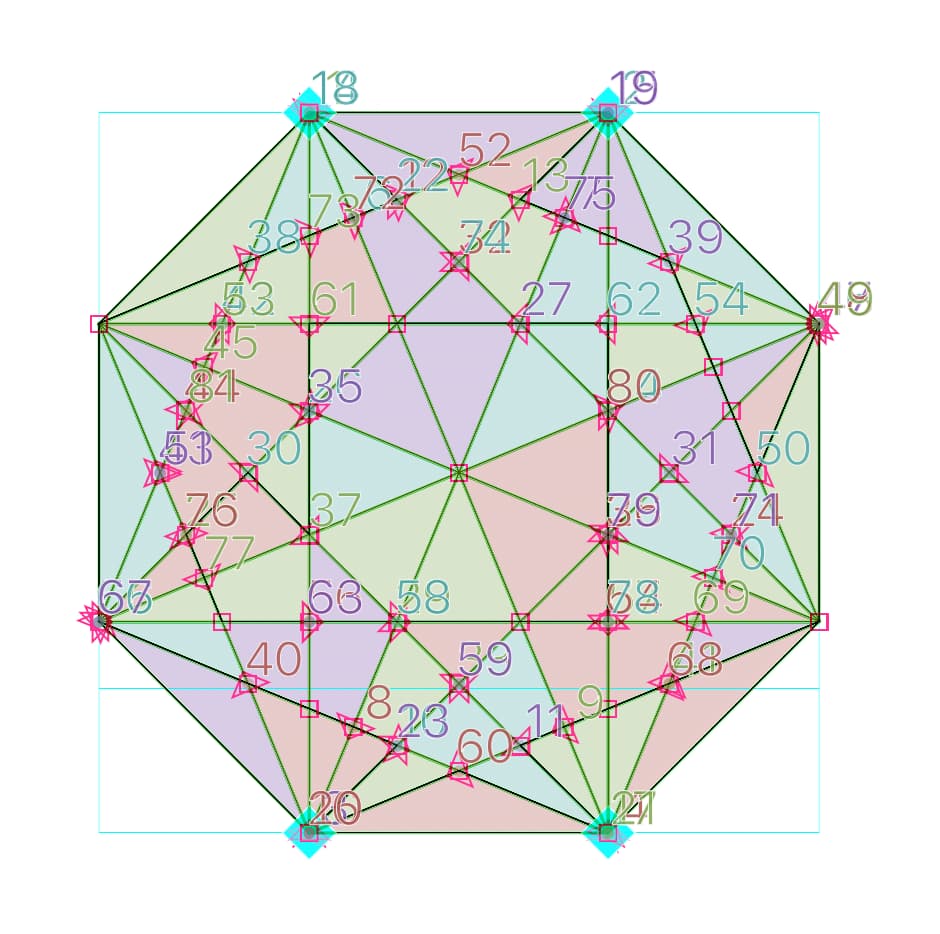
I have a glyph with many, around 80, shapes that share some paths and it is quite difficult to try to select one and the right path. Is there any feature that i’m missing or any workaround?
Maybe a selection from area instead of path?
I’ll share the glyph to let you better understand!
When I try to select, for example shape 58, it selects also one of the shared segment.
You can double-click close to the nearest shape you want. That will select the nearest shape as a whole. If you find the wrong shape selected (which can easily happen in your case), you can use Tab to switch to another shape, and cycle through all shapes.
You might enjoy the Smart Select Tool plugin, available from the Plugin Manager. Double click to select using the path area, works with Shift held down as well.