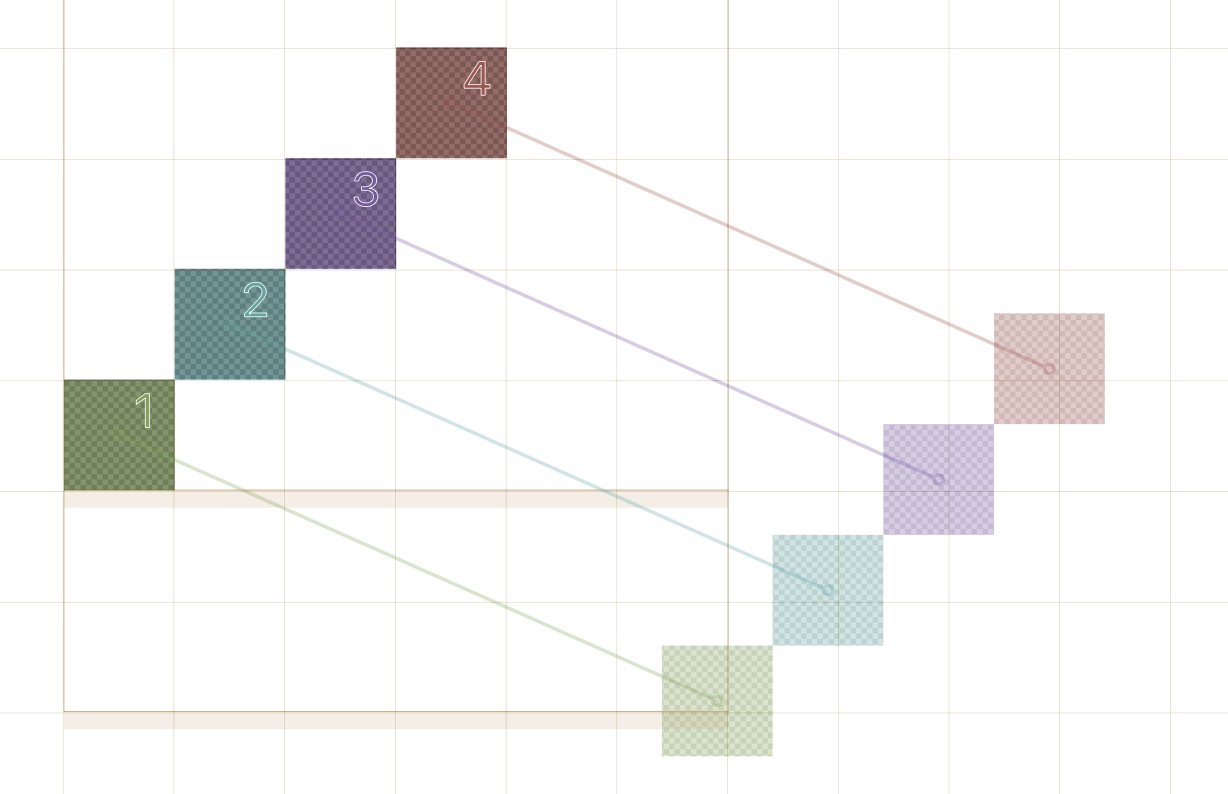
I just installed Show Component Order plugin, which I’m sure will come in very handy.
Some masters show a dashed outline. I can’t see anything wrong with the component order or path direction. Can you tell me what it means please?
Is there also a way to add numbers?
We might have to order a whole bunch of components in a point based typeface.
The colour coding is handy for up to four components.
Above this, it’s getting tricky.
@GeorgSeifert is there a simple drag and drop component ordering system so I can see and put components in their proper order? Currently, I only know how to copy and past a component to change the order but that is a bit cumbersome.